
Designs beyond visual styling
Proof designs surface styling, section layout, section order, inclusion or omission of sections, and page strategy rather than styling an otherwise fixed page.

Proof is an open-source product design skill for Claude Code and Codex. It helps turn page briefs into structured product designs with page-type, layout, content-scope, style, and theme decisions.
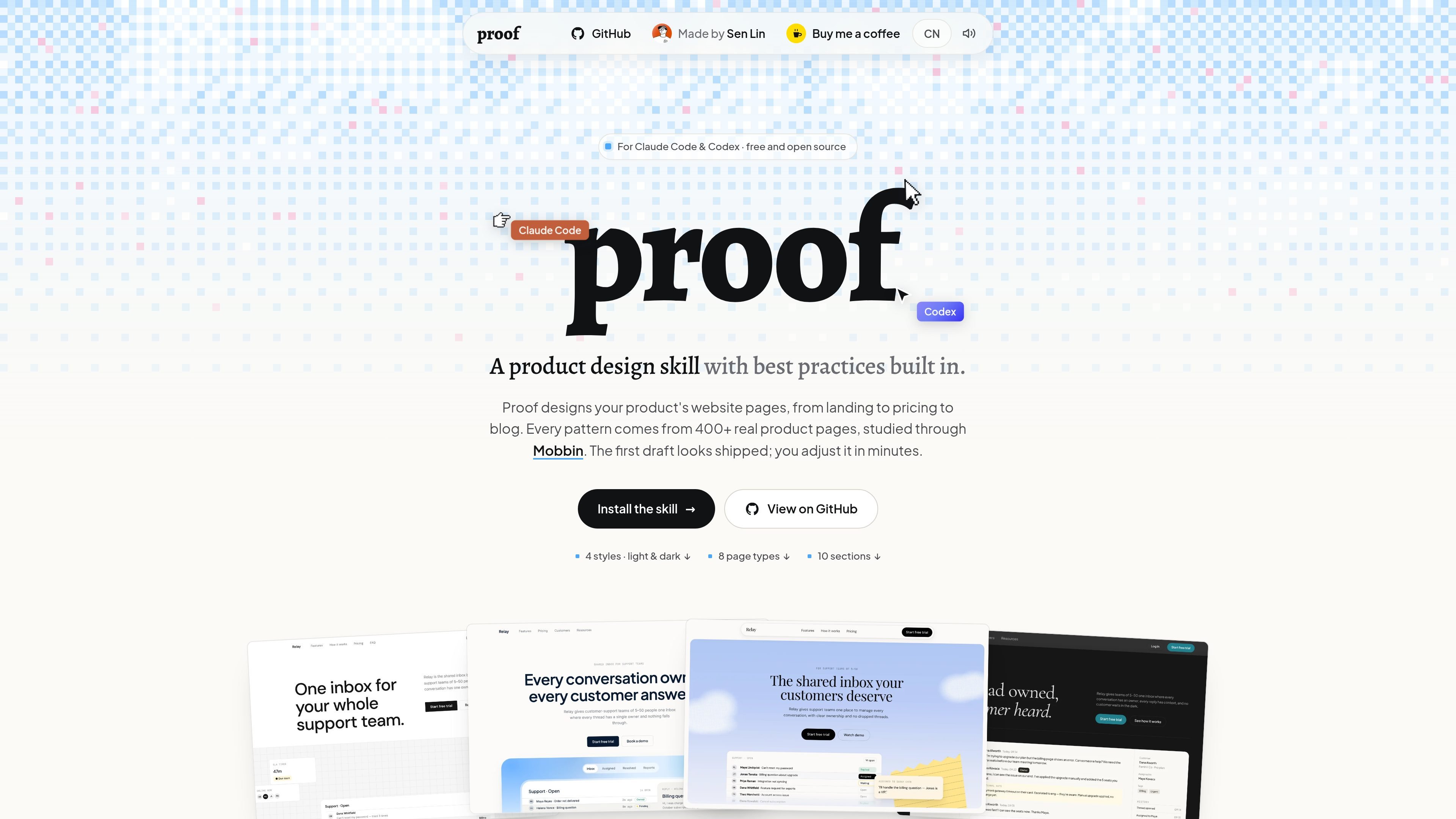
Proof is an open-source product design skill for Claude Code and Codex, turning page briefs into structured designs with layout, content, style, and theme decisions. It turns a short page brief into a structured product-page direction, making decisions about visual treatment, section layout, content hierarchy, page scope, and audience rather than focusing only on surface styling.
The documented workflow is intentionally compact: install the skill, name a page type, choose a style and theme, and ask the agent to design the page. Users can also provide deeper constraints such as sections, brand color, font, and section order, or request an individual section instead of a full page. The site presents eight page types, four visual styles, and light and dark variants.
Proof designs surface styling, section layout, section order, inclusion or omission of sections, and page strategy rather than styling an otherwise fixed page.
A brief can be matched to page patterns learned from more than 400 shipped pages, according to the product site.
Generate landing, pricing, product, about, contact, blog, downloads, and 404 pages from the documented page-type set.
Choose minimal, business, colorful, or editorial direction, each with light or dark theme options.
Set or override sections, brand color, display font, and section order; the site also documents standalone section generation.
Use the skill in Claude Code or Codex through a marketplace/plugin route, skills CLI, or manual repository installation.
Give the agent a single sentence and let Proof infer the page archetype, structure, and visual direction for an initial landing-page draft.
Use the page-type and style combinations to explore materially different directions for the same product brief, rather than changing only colors or typography.
Provide brand color, display font, section order, and inclusion or omission rules when a page must follow an existing brand or content plan.
Request a focused output such as a hero, features section, FAQ, integrations block, or contact form when a complete page is not needed.
Install the skill in Claude Code or Codex and use the resulting agent workflow for repeated page-design tasks across the documented page types.
Proof is installed as a skill for Claude Code or Codex. The site documents Claude Code marketplace installation, a skills CLI installation path, and manual repository-copy methods for Claude and Codex skills folders.
After installation, provide a page type, visual style, and theme. The documented examples include commands such as `/proof:proof landing business dark` for Claude Code and `Use the proof skill: landing page, business style, dark` for Codex.
Proof supports eight page types: landing, pricing, product, about, contact, blog, downloads, and 404. It also supports four visual styles—minimal, business, colorful, and editorial—with light and dark themes.
The site describes both a one-sentence workflow and more explicit controls. Users can provide a brief or specify sections, brand color, font, and section order; the tool can also generate individual section types such as hero, features, FAQ, integrations, and contact form.
Proof is presented as free and open source, with the source, documentation, and test set available on GitHub. The supplied pricing URL is not an active pricing page, so no paid plans or pricing amounts are established by the available evidence.

imgcook is a design-to-code tool that converts design drafts into front-end code. It supports plugin-based and developer workflows for Sketch, Photoshop, VS Code, and CLI usage.

Beautiful.ai is an AI presentation platform for individuals, teams, and enterprises. It helps users create branded slide decks with Smart Slides, collaborative editing, and export options while reducing manual formatting work.

SlideSpeak Onbrand gives AI agents live access to approved brand assets and slide layouts so decks, one-pagers, and other collateral can start on brand. It is designed for Claude Code, Codex, Cursor, and other MCP clients.

GitFig is a Figma plugin that syncs design tokens and styles with GitHub in both directions. It supports repository files, branches, commits, and pull requests from inside Figma.

Decktopus AI is a web-based AI presentation maker that generates branded slide decks from prompts, pasted text, or PDFs. It is aimed at individuals, teams, and enterprises that want to produce presentations faster while keeping layouts and branding consistent.

Chronicle is an AI presentation maker for teams that need to turn notes, docs, or existing decks into polished business presentations. It supports AI slide generation, brand controls, collaboration, and export to PPT, PDF, or a published website.