

Local transcript-based editing
Drop in a video or audio file and get a locally generated transcript with per-word timestamps and speaker labels. The transcript becomes the editing surface for the media clip.
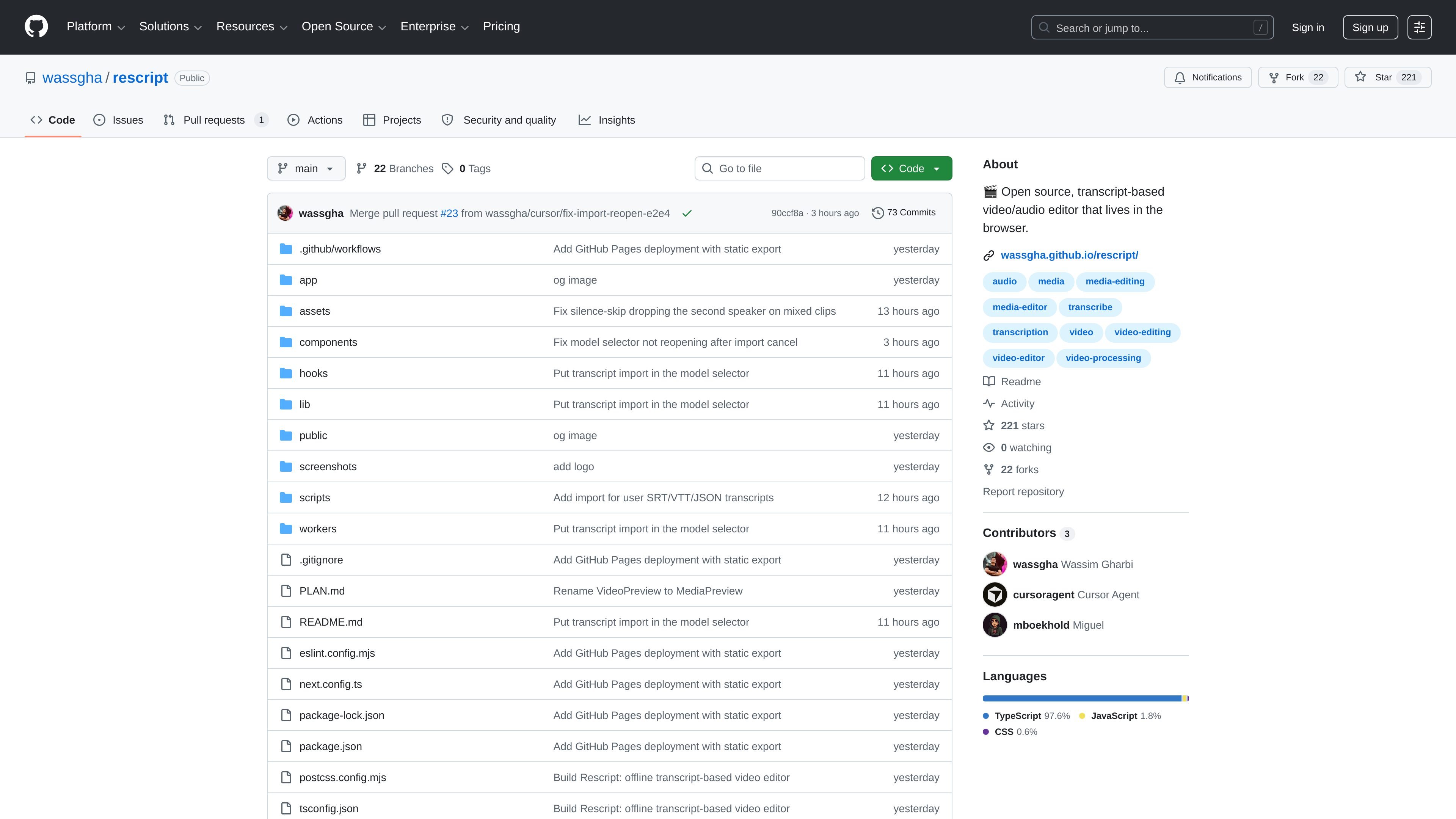
Rescript is an open-source, transcript-based video and audio editor that runs in the browser. Its workflow is centered on text: you import a media file, the app transcribes it locally with word-level timestamps and speaker labels, and you make edits by deleting words in the transcript.
The project is designed for a private, on-device workflow. The README says media processing, editing, and export all happen locally, and that after the first model download the app can work with the network fully disconnected. It is aimed at people editing video, podcasts, voice notes, interviews, or other spoken media who want text-driven trimming instead of traditional timeline-only editing.
Drop in a video or audio file and get a locally generated transcript with per-word timestamps and speaker labels. The transcript becomes the editing surface for the media clip.
Select words in the transcript and delete them to remove the corresponding section from the media. The cut follows the text, which makes precise edits easier to reason about than timeline-only trimming.
Skip Whisper and start from an existing caption file. The README says SRT, VTT, and JSON transcripts are supported for import.
Cut common speech fillers such as “um” and “uh” in one action. The README describes this as a one-click filler removal workflow.
See the waveform, word labels, cut regions, playhead, and zoom controls on the timeline. This helps users review edits against the underlying media structure.
Preview edits before export and render the kept sections in the browser. The README says playback skips cuts in real time and export is frame-accurate for MP4 or M4A.
Use the app to clean up recorded conversations by deleting repeated words, false starts, and filler words directly in the transcript before export.
Upload a clip, let the app generate a local transcript with speaker labels, and trim the talking points you do not want to keep without working in a traditional timeline first.
Start from an SRT, VTT, or JSON caption file when you already have a transcript and want to make text-based edits without rerunning transcription.
Use the browser app for private material when you want the media and transcript to stay on your device rather than being uploaded to a server.
Review and refine cuts with waveform, playhead, and real-time preview before exporting a frame-accurate MP4 or M4A file.
It is built as a browser-based editor that works fully offline after the initial model download. The README says the app uses local transcription and on-device media processing, with no server, no auth, and no uploads.
The README says you can drop in a video or audio file, transcribe it locally, and also import your own transcript in SRT, VTT, or JSON format instead of running Whisper.
Rescript exports the final edit in the browser using ffmpeg.wasm. The README specifically mentions frame-accurate MP4 export for video and M4A export for audio.
A Chromium-based browser is recommended. The app requires SharedArrayBuffer support with COOP/COEP headers and uses WebGPU when available, falling back to WASM otherwise.
The repo is MIT licensed and the README describes it as open source. It is built for a local, client-side workflow rather than a multi-user hosted service.

CAMB.AI Streams dubs live audio in multiple languages in real time for broadcasts on platforms like YouTube, Twitch, and X. It plugs into existing live workflows using common streaming protocols and avoids a post-production step.

CAKIE is a Mac app for recording your screen and voice for an AI agent. It adds a transcript and screenshot highlights, then lets you copy a prompt and paste or attach the context in another AI app.

SpeakoFlow is a free, open-source desktop voice-to-text app for Windows, macOS, and Linux. It supports dictation into any app, voice-driven writing with Flow, cleanup, translation, and a screen-aware assistant.

Zella is a screen recorder and on-device AI video editor for Mac and iPhone. It helps creators record screens or cameras, automatically clean up footage, add captions, reframe clips, and export videos without uploading the core project to the cloud.

QuickQuill is a macOS dictation and transcription app that runs locally on the device. It helps users record meetings, transcribe audio, generate summaries, and export notes without using a cloud service.

Zen Whisper is a local-first dictation and transcription app for Apple Silicon Macs running macOS 14 or later. It lets users dictate into most Mac text fields, transcribe media or supported public links, and work across 110 spoken language options.