
Semantic search
Search screenshot libraries with natural-language queries and vector embeddings, so you can find an image by describing what it contains instead of relying on filenames or tags.
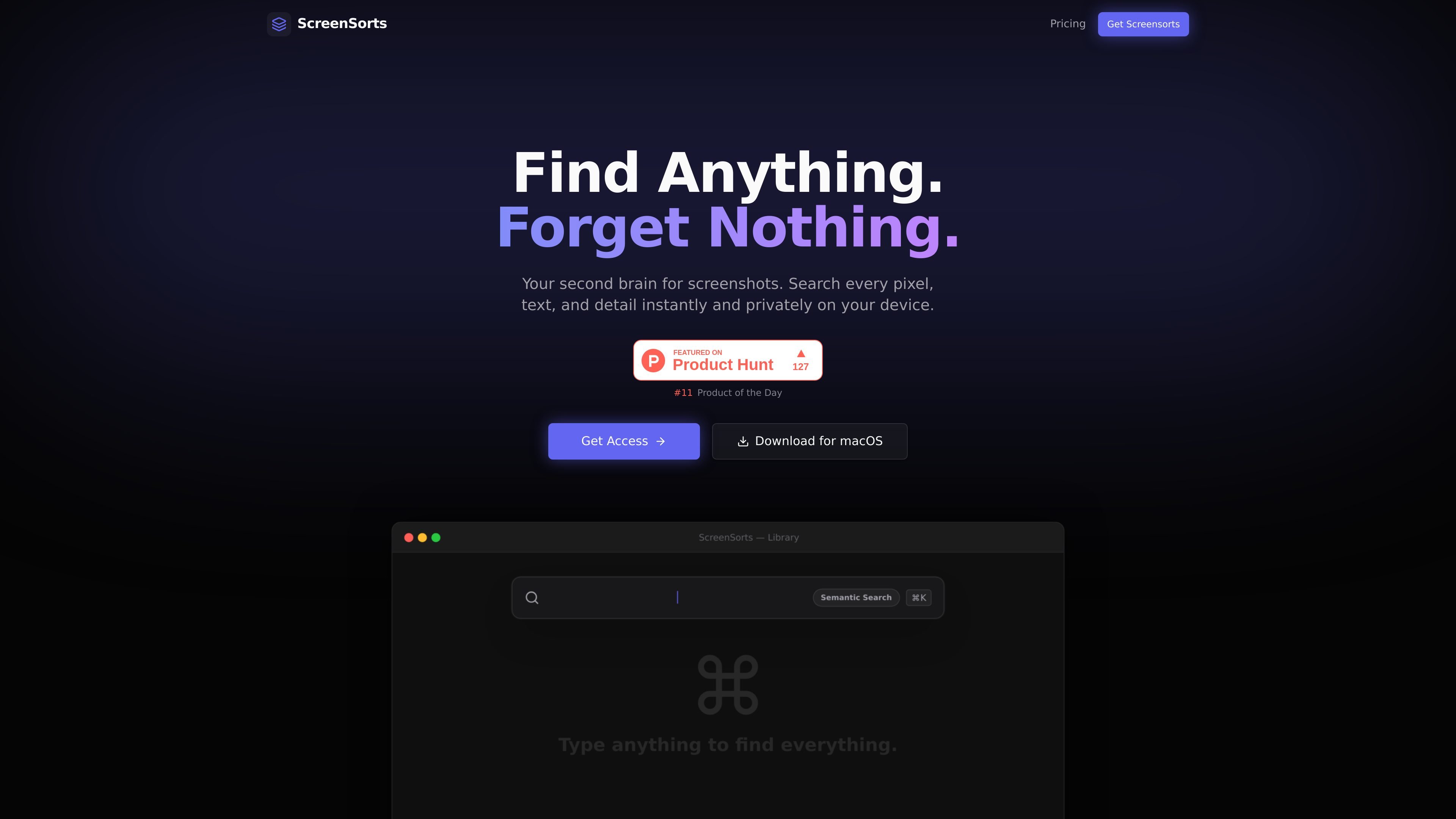
ScreenSorts is a macOS screenshot library and search app designed to make saved screenshots easy to find, reuse, and organize. The site positions it as a private workspace for people who collect many screenshots and later need to retrieve a specific receipt, snippet, design reference, error message, or web link.
The product focuses on local processing rather than cloud services. It combines semantic search, OCR, URL detection, automatic tagging, duplicate detection, and compression so screenshots can function more like an indexed knowledge base than a pile of files in Finder.
Search screenshot libraries with natural-language queries and vector embeddings, so you can find an image by describing what it contains instead of relying on filenames or tags.
Extract text from screenshots and paste the detected text directly into other apps, which is useful for terminal errors, codes, receipts, and similar captured content.
Automatically detect URLs inside screenshots and turn them into clickable links for later access to web pages, files, or design references.
Tag screenshots automatically using on-device vision models, keeping the searchable index local rather than sending data to a cloud service.
Compress screenshots with multiple quality levels and use duplicate detection to reduce storage use and clean up near-identical images.
Keep screenshots in a macOS-native workflow with menu bar access, Quick Look preview, smart collections, and paste-as-file behavior.
Keep receipts, design references, code snippets, and other saved screenshots searchable without depending on filenames or folder structure.
Find terminal errors or log snippets captured in screenshots, then paste the recognized text into an editor or terminal without retyping it.
Turn screenshot collections into a clickable archive by opening detected URLs from within the app.
Reduce clutter in large screenshot folders by compressing images and removing near-duplicates.
Work from the menu bar and Quick Look when you need fast access without opening Finder and manually browsing folders.
ScreenSorts is built for macOS. The site presents it as a native app with menu bar access, Quick Look preview, and deep system integration.
ScreenSorts searches screenshots by natural-language queries, text inside images, detected URLs, app context, and visual similarity. The site also says it can detect OCR text and auto-generate tags locally.
The site says ScreenSorts works entirely offline and runs on the Apple Neural Engine, with no server or API calls and a local SQLite database.
The pricing page shows two paid options: a yearly subscription billed at $29.99 per year and a lifetime license for $69.99. The purchase pages note secure checkout via Dodo Payments.
The pricing information mentions one license covering 3 devices. The site does not provide additional team or collaboration details in the collected sources.

Goldfish is an AI memory app for macOS that helps you reply, write, summarize, and continue using the context already on your Mac. It stores memory locally and writes in your tone.

Dcyde is a decision log for product teams that captures what was decided, the reasoning behind it, and the source in one shared place. It supports pinning decisions from Slack, Figma, or inside Dcyde and keeps the record searchable over time.

Lasso is an ecommerce product data platform for enriching catalog records, processing supplier files, generating product content, and monitoring competitors. It combines a web app with a REST API, SDK, and MCP server for teams and developers.

Biji는 혁신적인 도구와 기능을 통해 생산성을 향상시키기 위해 설계된 다목적 플랫폼입니다.

Struere is an AI-native platform for turning spreadsheet data into structured operational software with dashboards, alerts, and automations. It is aimed at teams that want to replace manual spreadsheet workflows without building custom tools from scratch.

garden-md is an open-source Node.js CLI that turns meeting transcripts into a local company wiki. It links entities across transcripts, keeps the original text intact, and renders the result as a browsable wiki.