
Native Windows capture
Grab a region or use hardware capture across multiple monitors, with a global hotkey and quick-capture-to-clipboard flow.
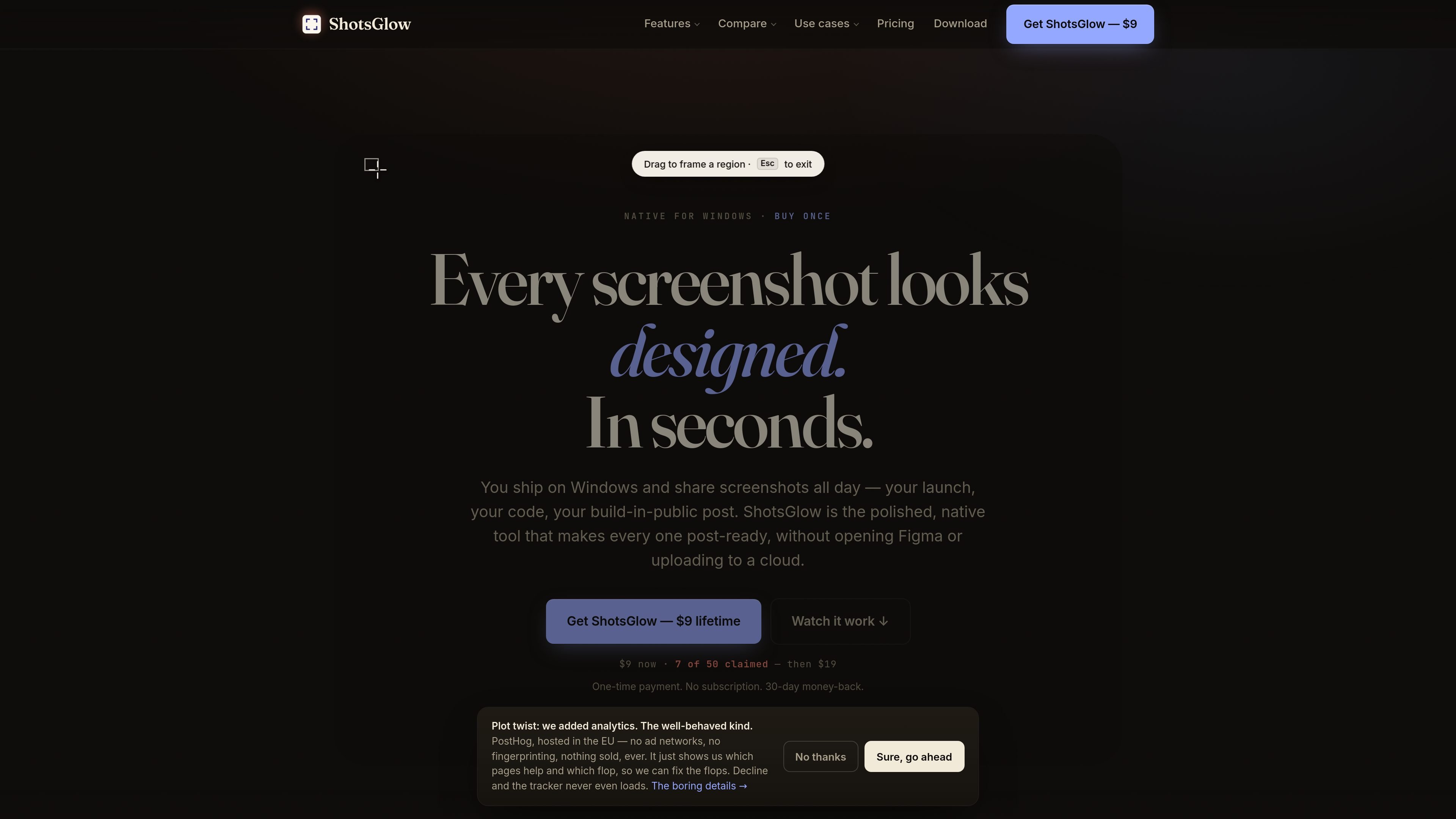
ShotsGlow is a native screenshot app for Windows 10 and 11. It is built to help people capture a screen, polish the image inside the same app, and export it in formats that are ready to share or publish.
The product combines capture, annotation, designed backdrops, blur/redaction, and on-device AI background removal in a single workflow. The site positions it as an alternative to stitching together separate tools for capture, design, masking, and sizing, especially for people who ship screenshots on Windows and want to stay on-device.
Grab a region or use hardware capture across multiple monitors, with a global hotkey and quick-capture-to-clipboard flow.
Turn a plain capture into a more polished image with 150+ gradient backdrops, shadows, rounded frames, and layout polish.
Use curved arrows, shapes, text, and emoji to mark up screenshots without jumping to another editor.
Blur or redact tokens, credentials, and other sensitive content while preserving the rest of the capture.
Remove the background from a subject on-device with AI, without uploading the image to a cloud service.
Export to 30 preset sizes, including social formats and the 7 App Store / Mac screenshot sizes.
Create share-ready screenshots for launch posts, build-in-public updates, or social media without moving into a separate design app.
Prepare App Store or social images by resizing a screenshot into one of the built-in export presets instead of manually recreating sizes.
Hide API keys, tokens, names, or other private details with blur and redaction before sharing a capture publicly.
Cut out a subject or object from a screenshot or capture and place it against a designed backdrop on the same machine.
Use the app as a Windows-native replacement for a capture-and-polish workflow that would otherwise require multiple tools.
No. ShotsGlow is sold as a one-time purchase with a lifetime license and lifetime updates; the site says there is no recurring fee.
Install the Windows 10/11 64-bit app, buy a license if needed, then paste the key into ShotsGlow to activate it. The download page says there is no account to create and activation works with your license key.
Yes. The download page says one license works on up to two of your own computers, and you can move it between them from inside the app.
Capture, editing, and on-device AI background removal all run locally on your machine. The site says screenshots are not uploaded and the app works offline after activation.
Screen recording is not included yet. The comparison pages note that ShotsGlow focuses on screenshot capture and editing, while recording is still a gap.

Pixelcut is an AI photo editor for creating and editing product images, social content, and video assets. It offers free and paid plans, plus mobile app and browser access for individual users and teams.

Goldfish is an AI memory app for macOS that helps you reply, write, summarize, and continue using the context already on your Mac. It stores memory locally and writes in your tone.

ArtDeck is a visual reference board app for iPhone, iPad, and Mac that lets artists collect mixed reference material on one canvas and study it with ToolBox lenses. It works offline, supports optional iCloud sync, and is sold as a one-time purchase with no account required.

Biji는 혁신적인 도구와 기능을 통해 생산성을 향상시키기 위해 설계된 다목적 플랫폼입니다.

Malyatko is a baby tracker for logging feeding, sleep, growth, teething, and milestones in one app. It works on iPhone, Apple Watch, and widgets, with no sign-up, offline use, and family sharing through iCloud.

Redline is a budgeting tool for Claude Code that paces sessions to stay within time, token, cost, or plan-percentage limits. It uses Claude Code’s native hooks and statusline to help sessions finish with a usable result instead of stopping abruptly.