
Skill auditing
Creates an inventory of skills and flags duplicates, broken symlinks, and other clutter across user, project, codex, and plugin-installed skills.

Skills Janitor is a GitHub-hosted set of slash commands for auditing, tracking, and managing Claude Code and OpenAI Codex skills. It helps users find duplicates, broken links, and unused skills, then clean them up with self-contained commands.
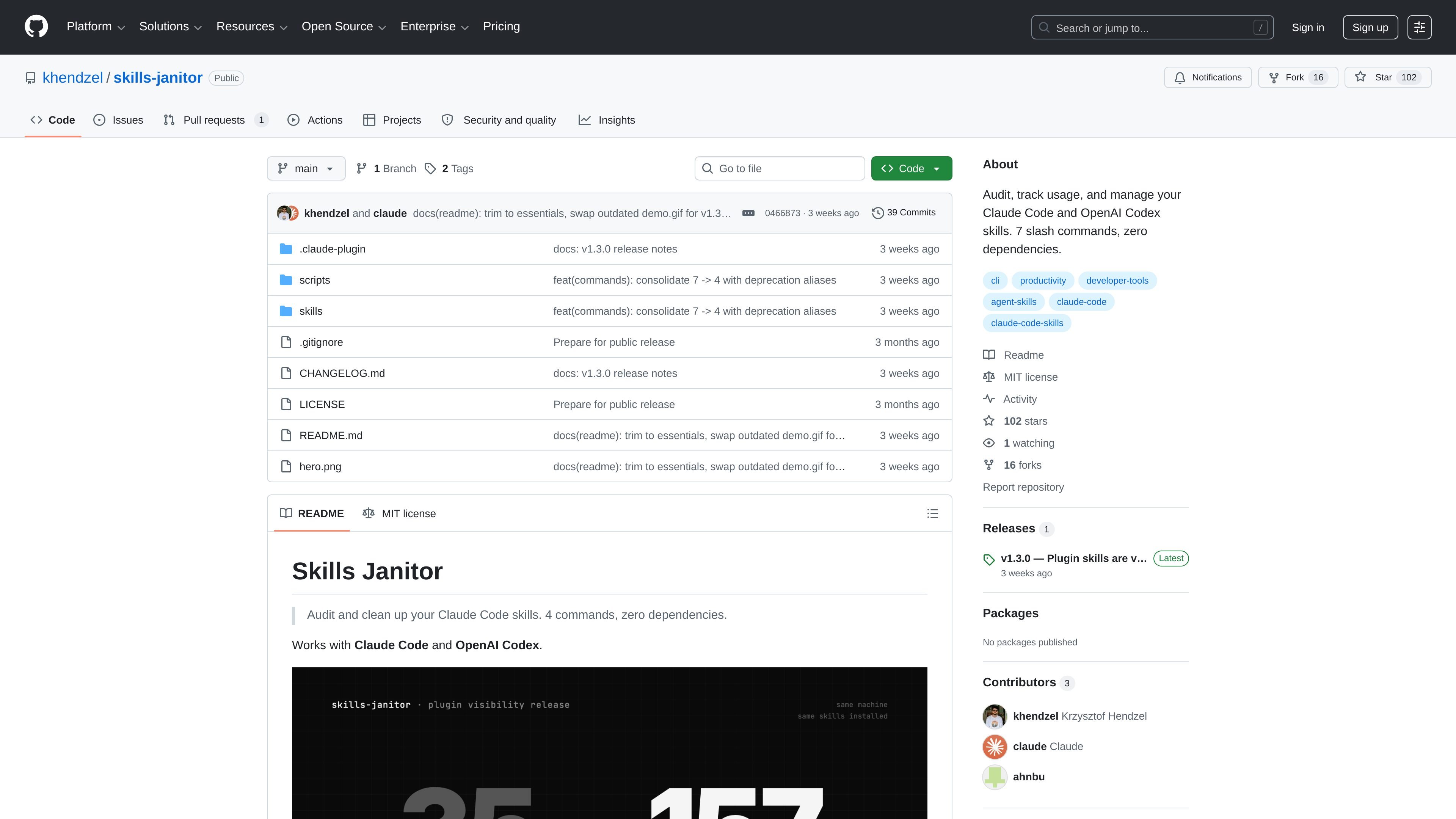
Skills Janitor is a GitHub repository that packages slash commands for auditing, tracking, and managing Claude Code and OpenAI Codex skills. Its documented purpose is to help users inspect where skills live, identify duplicates or broken symlinks, and clean up unused items that add noise to the working context.
The project is organized around self-contained skill folders and scripts, with installation paths for both Claude Code plugin workflows and direct cloning. The README also says it has zero dependencies, with Bash, Python 3, and curl as the stated runtime requirements.
Creates an inventory of skills and flags duplicates, broken symlinks, and other clutter across user, project, codex, and plugin-installed skills.
Runs automatic cleanup actions, including pruning broken symlinks and empty directories when requested with the fix command.
Surfaces token and usage waste in a combined view so you can sort skills by cost or clutter instead of manually checking each one.
Lets you search GitHub for skills or validate a URL before installing, which fits the discover-then-install workflow.
Supports both Claude Code and OpenAI Codex, with each command packaged as a self-contained `SKILL.md` plus a sibling script.
Tracks the v1.2 to v1.3 command renames and keeps the older commands available as deprecated aliases for a transition period.
Run a health check to inventory skills, spot duplicates, and surface broken symlinks before they create confusion in your workspace.
Use the fix workflow to prune broken links and empty directories after you have identified clutter that should be removed.
Compare token and usage waste across skills to decide which ones should stay active and which ones should be consolidated.
Search GitHub for a skill or verify a URL first when you want to install something new with less guesswork.
Migrate from older command names by following the documented v1.2 to v1.3 renames while keeping deprecated aliases working during the transition.
It is a set of slash commands for Claude Code and OpenAI Codex that audits skills, reports duplicates and broken links, helps fix issues, and can search for new skills before installation.
The README says it works with Claude Code and OpenAI Codex, and the installation examples show both `/plugin marketplace add khendzel/skills-janitor` and cloning into a Claude skills directory.
The current release notes in the README describe seven slash commands. The same page also notes that the five v1.2 commands continue as deprecated aliases until v1.4.
No. The repository describes it as having zero dependencies and lists Bash, Python 3, and curl as requirements.
The README points to `CHANGELOG.md` for full release notes and says the v1.2-to-v1.3 command renames remain available as deprecated aliases until v1.4.

Struere is an AI-native platform for turning spreadsheet data into structured operational software with dashboards, alerts, and automations. It is aimed at teams that want to replace manual spreadsheet workflows without building custom tools from scratch.

Falconer is an AI-powered company brain that keeps internal documentation accurate, searchable, and up to date by syncing with tools like GitHub, Slack, and Linear. It helps engineering and cross-functional teams centralize knowledge and answer questions from a shared source of truth.

PromptScout tracks how ChatGPT, Gemini, Google AI Overviews, and Perplexity mention your brand or competitors, then pairs those results with source analysis and website audits. It helps teams decide what to fix in content, positioning, or site readiness next.

Goldfish is an AI memory app for macOS that helps you reply, write, summarize, and continue using the context already on your Mac. It stores memory locally and writes in your tone.

Lasso is an ecommerce product data platform for enriching catalog records, processing supplier files, generating product content, and monitoring competitors. It combines a web app with a REST API, SDK, and MCP server for teams and developers.

SaveMRR is a Stripe retention tool for SaaS teams that scans billing data for churn and MRR leaks, then automates recovery through dunning, cancel-save offers, win-back emails, and onboarding nudges. It is built for founders and bootstrapped teams using Stripe.