
Windows desktop overlay
Sorphel runs locally on Windows as a native desktop overlay and is described as not joining meetings as a bot.

Sorphel is a Windows-based real-time AI interview copilot for coding and job interviews. It captures interview audio and on-screen questions, then provides live answers and prompts during the call.
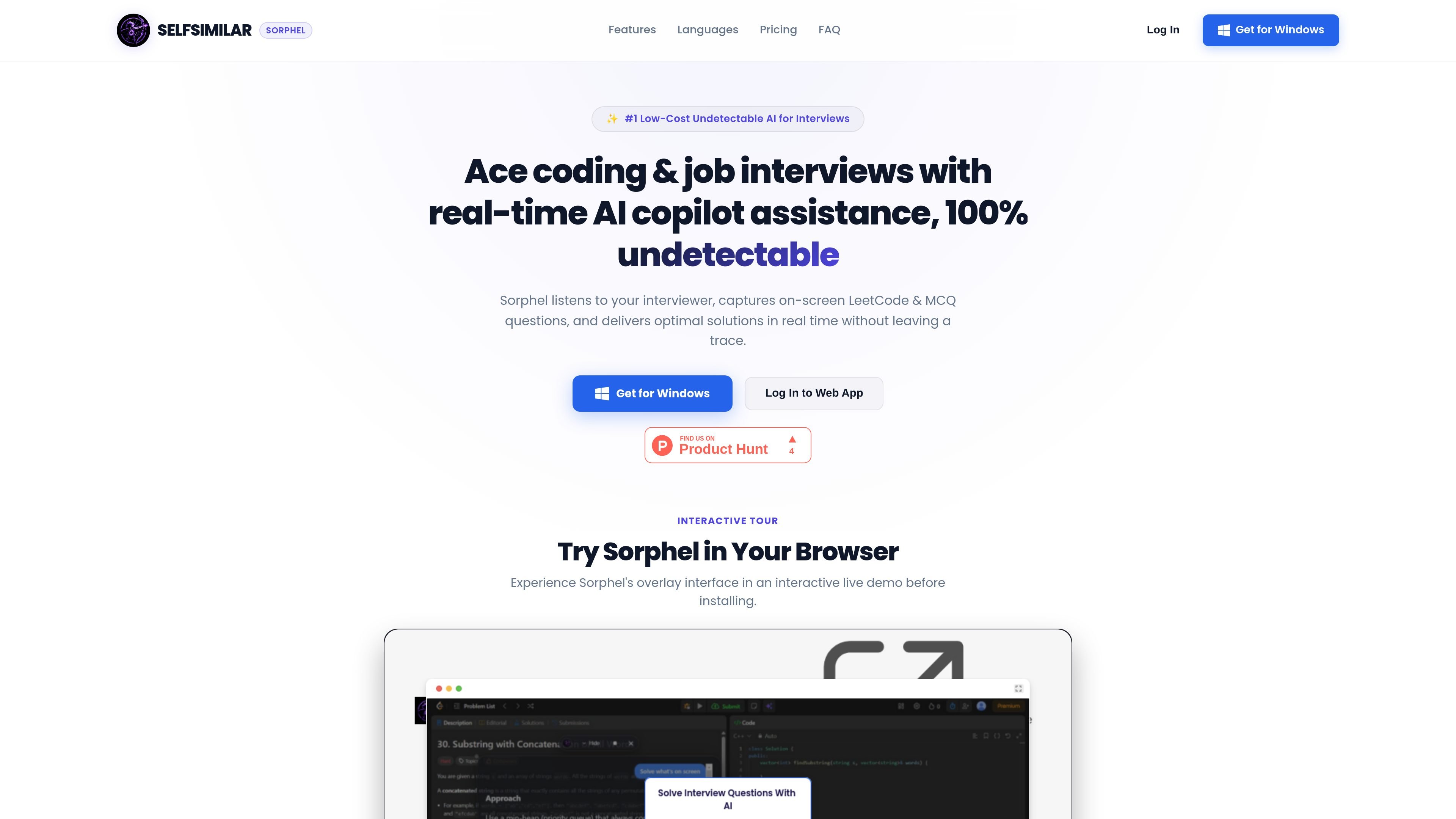
Sorphel is a Windows desktop AI copilot for live job interviews, with a focus on coding screens, multiple-choice questions, and spoken interview responses. The homepage describes it as an undetectable overlay that works in real time while you are on a call.
According to the site, Sorphel listens to interviewer audio, captures on-screen questions, and surfaces answers or prompts without appearing as a meeting bot. It is also presented as a multilingual transcription tool with fast response times and separate subscription passes for usage quotas.
Sorphel runs locally on Windows as a native desktop overlay and is described as not joining meetings as a bot.
The site says the overlay is hidden from Zoom, Teams, Google Meet screen shares, OBS recordings, and proctoring tools.
Users can capture on-screen LeetCode or multiple-choice questions with Alt+S or Ctrl+H, then trigger AI help with Ctrl+Enter.
Sorphel listens to interviewer audio and offers live speaking prompts, meeting recaps, and instant AI assist during calls.
The homepage claims support for 100+ languages and mentions instant real-time translation for languages such as English, Spanish, Hindi, Mandarin, French, and German.
The pricing section shows subscription passes with different transcription minute and LLM token quotas, plus options for priority models and support.
Use Sorphel during live technical interviews when you need help solving on-screen LeetCode-style problems or multiple-choice questions without leaving the call.
Use the speaking-prompt and transcription flow during behavioral interviews or discovery calls where quick, live response suggestions are helpful.
Use the multi-language transcription and translation features in interviews or conversations that involve speakers using different languages.
Use the Windows overlay when you want interview help that does not appear as a meeting participant and is described as invisible to screen shares and recordings.
Use the subscription pass model when you need a defined monthly allowance for transcription minutes and LLM tokens rather than unlimited usage.
Sorphel is a real-time AI interview copilot that runs as a Windows desktop overlay. It listens to interview audio, captures on-screen coding or multiple-choice questions, and shows answers during the call.
The site says Sorphel is built for Windows and offers a desktop app. The login page also refers to a Sorphel meeting assistant that unlocks after authentication.
Sorphel’s homepage says it can capture on-screen LeetCode or MCQ questions with Alt+S or Ctrl+H, and trigger AI assist with Ctrl+Enter.
The homepage says pricing is handled through subscription passes that increase monthly transcription minutes and LLM token quota, with payment handled securely by Razorpay.
The site positions Sorphel for software engineers, job candidates, students, and professionals preparing for technical, coding, and behavioral interviews.

ByteAsk is a terminal-first AI coding agent for C and C++ that edits repositories and verifies changes with the real compiler, debugger, sanitizers, and tests before showing a diff. It offers a free tier plus paid plans, with editor connectors and zero-retention handling described in the source.

Flunkey is a voice-first productivity layer for Windows that converts speech into text, AI-assisted outputs, and remembered context. It is built for users who want to capture ideas and actions without leaving the app they are working in.

MeetStream is a meeting bot API for Zoom, Google Meet, Microsoft Teams, and Webex. It helps developers record, stream, and analyze meetings programmatically, with usage-based pricing and a $5 free credit to start.

CreateOS Sandbox is an isolated compute environment for running code and agent workloads inside Firecracker micro-VMs. It is designed for workflows that need machine-level isolation, private networking between sandboxes, and programmatic control through SDK, CLI, or MCP.

GitBot is a local browser-based workspace for creating reusable coding bots powered by Claude Code, Codex, or OpenCode. It helps developers run those agents across repository folders with persistent threads and configurable permissions.

hob is an independent workspace for coding agents that keeps agent sessions, terminals, history, and follow-up work organized around the tools and providers you already use. It is aimed at developers who want local control over routing, history, and workspace structure rather than a bundled model stack.