

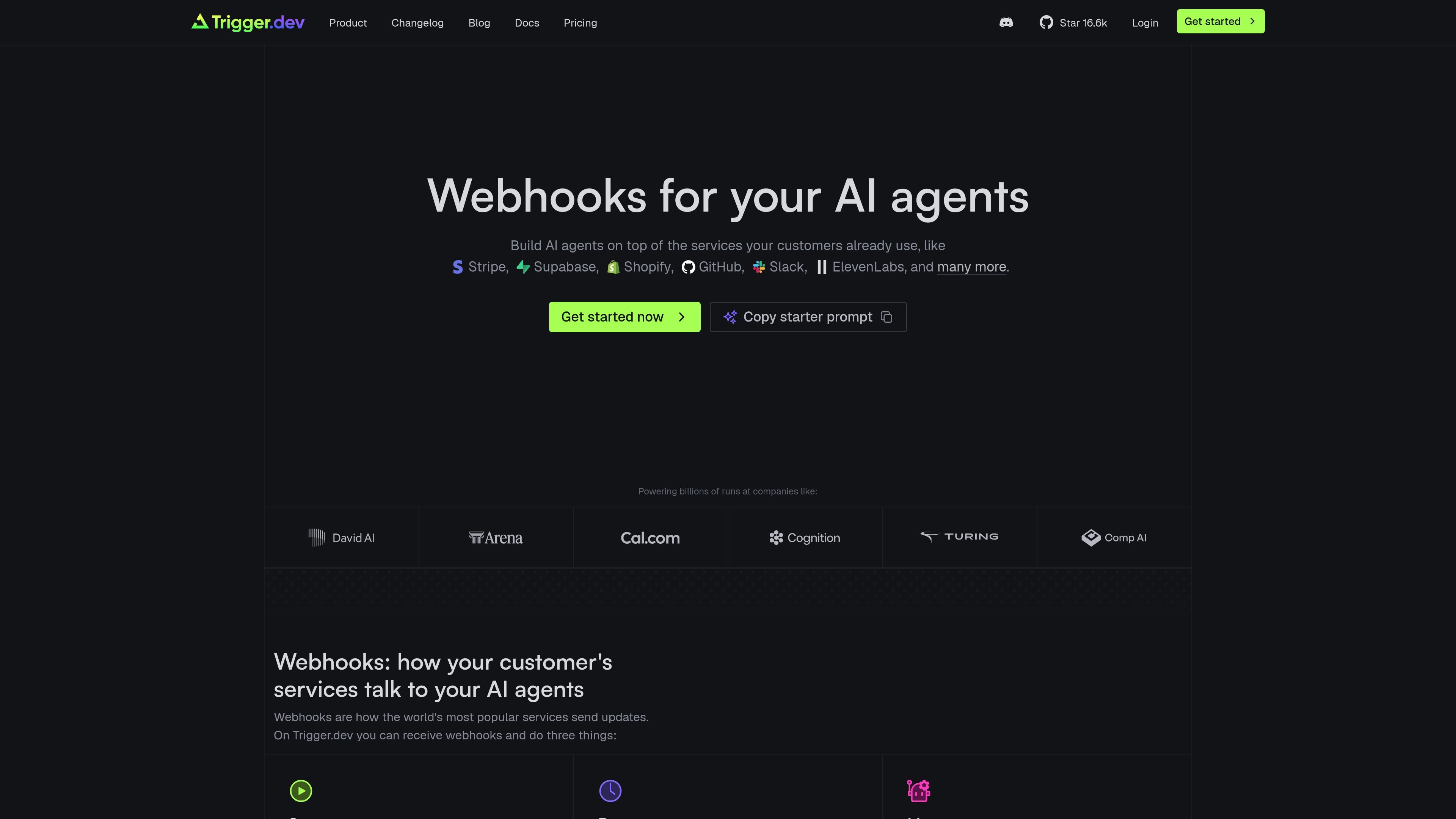
Code-defined endpoints
Declare hosted webhook endpoints in TypeScript and connect them to services that send event updates.
Trigger.dev provides hosted webhook endpoints declared in TypeScript. It receives events from customer-facing services, verifies and records each request, deduplicates deliveries, and routes accepted events into durable task and agent workflows.
A webhook can start a new run, wake a waiting run after an approval or external event, or add an event to an agent conversation. Developers can connect providers such as Slack, Linear, Stripe, GitHub, Shopify, Supabase, and services using Svix or Standard Webhooks, with setup managed through the Trigger.dev Webhooks page and endpoint configuration.
Declare hosted webhook endpoints in TypeScript and connect them to services that send event updates.
Requests are verified using provider signing schemes. The product page documents Svix and Standard Webhooks support, while native Slack and Linear packages handle provider-specific verification and acknowledgment behavior.
Incoming deliveries are deduplicated and recorded before they are routed, helping prevent repeated provider retries from starting duplicate work.
A webhook can start a new task or agent run, resume a run paused for an approval or external event, or send an event into an agent conversation.
Filter events and route one webhook to multiple subscribers; the product page shows one GitHub webhook starting up to 25 tasks or agents.
Use built-in Slack and Linear packages for agent interactions, including messages, mentions, approvals, streamed replies, plans, and provider-specific acknowledgments.
Start an agent when a pull request opens, then have separate subscribers review the diff, label the pull request, scan for security issues, or deploy a preview.
Receive a Slack request, look up payments, ask for approval, wait for the decision, then update the subscription and confirm the refund in the same thread.
Use payment and commerce events to run billing workflows such as refunds, failed-payment handling, plan changes, or fraud review with a human approval step where needed.
Wake an agent from an external event such as a PagerDuty alert, Sentry issue, Linear assignment, or a completed voice call so it can investigate, update records, or prepare a response.
Route customer conversations and lifecycle events from services such as Intercom, WhatsApp, or Clerk into agents that triage support, assist onboarding, or hand work to a human when appropriate.
Declare a webhook endpoint in your TypeScript project, deploy the project or run `trigger dev`, then register the endpoint URL with the provider. Add the provider-issued signing secret, or generate one where supported, so Trigger.dev can verify deliveries. The Webhooks page and endpoint page provide setup prompts and endpoint details.
Trigger.dev webhook endpoints can start a new task or agent run, resume a paused run, or deliver an event to an agent conversation. Subscribers can filter events, and a single webhook can route an event to multiple subscribers.
The product page shows native packages for Slack and Linear, plus verification support for Svix and Standard Webhooks. It also lists integrations and examples involving services such as Stripe, GitHub, Shopify, Supabase, and Slack; availability and setup requirements depend on the provider.
Trigger.dev Cloud plans include a Free tier with $5 in monthly compute credits and 20 concurrent runs. Paid plans are available, and usage also includes compute and run-invocation charges; the pricing page should be consulted for current plan details.

ByteAsk is a terminal-first AI coding agent for C and C++ that edits repositories and verifies changes with the real compiler, debugger, sanitizers, and tests before showing a diff. It offers a free tier plus paid plans, with editor connectors and zero-retention handling described in the source.

Epherem is a static security scanner for web apps built with AI coding tools such as Lovable, Bolt, v0, Replit, Cursor, and Claude Code. It checks source files and dependencies for common security mistakes, then provides categorized findings and suggested fixes without running the app.

CreateOS Sandbox is an isolated compute environment for running code and agent workloads inside Firecracker micro-VMs. It is designed for workflows that need machine-level isolation, private networking between sandboxes, and programmatic control through SDK, CLI, or MCP.

GitBot is a local browser-based workspace for creating reusable coding bots powered by Claude Code, Codex, or OpenCode. It helps developers run those agents across repository folders with persistent threads and configurable permissions.

hob is an independent workspace for coding agents that keeps agent sessions, terminals, history, and follow-up work organized around the tools and providers you already use. It is aimed at developers who want local control over routing, history, and workspace structure rather than a bundled model stack.

Ably Chat is a chat API platform for building custom realtime chat applications. It supports room-based messaging, typing indicators, presence, reactions, and message updates, with usage-based pricing options for different deployment stages.