

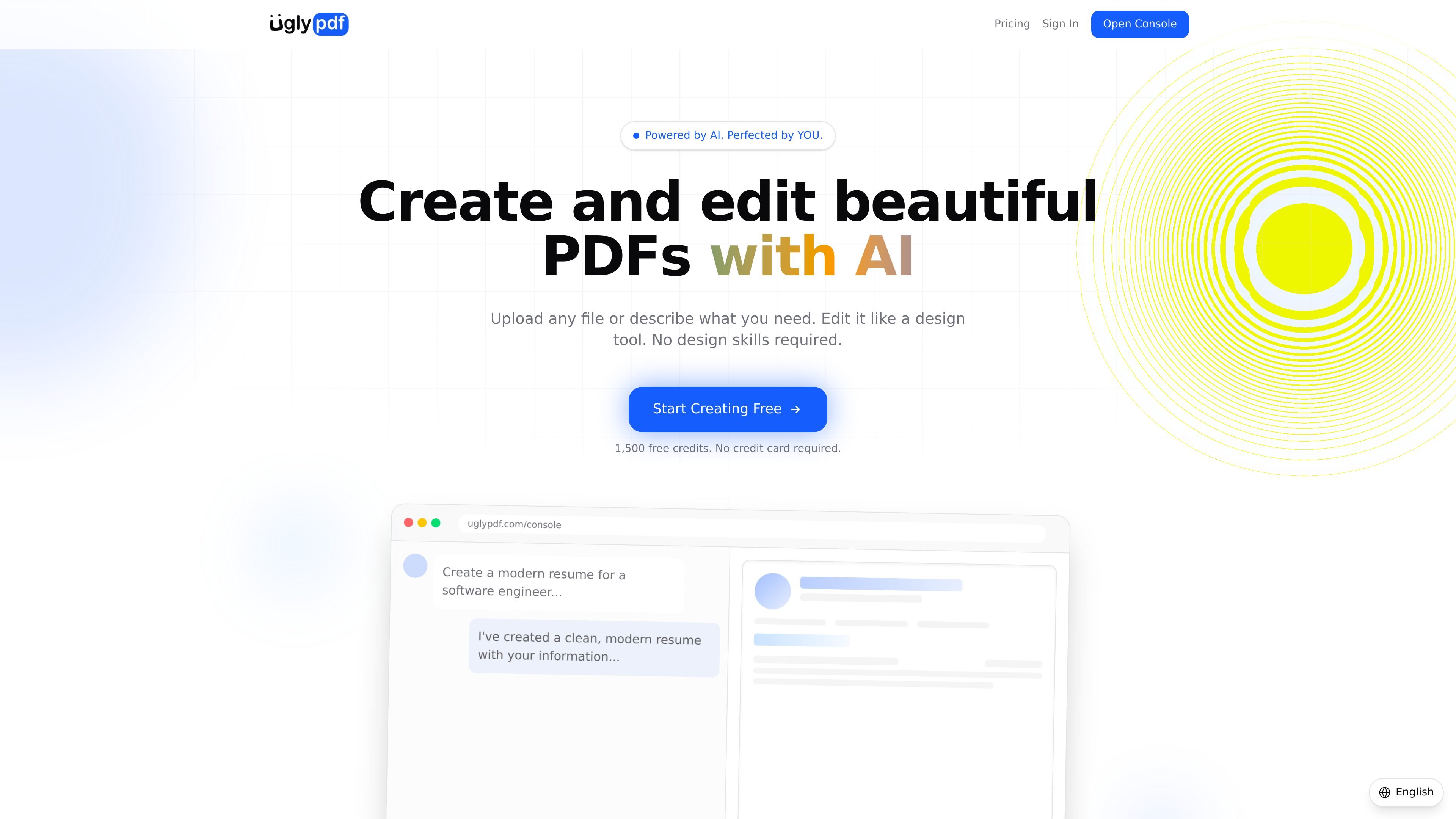
Prompt-based creation and file import
Create a new document by describing what you need in plain language, or upload a PDF, photo, screenshot, or scanned page and convert it into an editable document.
UglyPDF is an AI PDF creator for making and editing documents through chat, file upload, and direct visual editing. It is designed to turn a prompt or an existing file into a polished document without requiring design software.
The product supports common document types such as resumes, invoices, reports, proposals, certificates, contracts, letters, and schedules. Users can start from scratch, convert uploaded files into editable layouts, revise the result by hand, or ask the AI to restyle the document before exporting it.
Create a new document by describing what you need in plain language, or upload a PDF, photo, screenshot, or scanned page and convert it into an editable document.
Adjust document content and layout by hand in the editor, including direct text editing, dragging elements, changing colors, resizing sections, and undoing changes.
Refine the design by typing change requests such as making the layout more modern or adding a logo, with AI updates applied in real time.
Export finished documents as PDF, JPG, or PNG, with a paid plan also noting watermark-free downloads.
The site says the editor supports custom fonts, colors, spacing, and full edit history, which helps when documents need repeated revision.
The pricing page lists simple usage tiers, including a free plan and a Pro plan with higher monthly credits and priority support.
Write a resume or CV from scratch, then adjust layout, spacing, and styling until the document matches the role or presentation you want.
Create billing documents from a prompt or an existing file, especially when you need a clean layout rather than a plain template.
Draft project proposals or business reports, then refine sections and visual hierarchy with direct edits or chat prompts.
Convert scanned pages, screenshots, or photos into editable documents before fixing text, layout, or formatting.
Produce formal documents such as certificates, contracts, letters, and schedules that need a polished, shareable PDF output.
UglyPDF is an AI-powered PDF creator that turns a prompt or an uploaded file into an editable document. You can then refine the result through chat or the visual editor before downloading it.
You can create invoices, resumes, reports, proposals, certificates, contracts, letters, schedules, flyers, and similar documents. The site also shows example prompts for professional resumes, business proposals, invoices, and certificates.
Yes. UglyPDF has a free tier with 1,500 credits, and the pricing page says no credit card is required to get started.
Yes. After generation you can edit text directly, reorder elements, change fonts, colors, and spacing, or ask the AI to revise the document through chat.
The pricing page shows a Business plan marked as coming soon, described as adding team features, higher limits, and more.

PDFTools is a browser-based suite of free and premium PDF utilities for editing, conversion, and document handling. It helps users work on PDFs locally in the browser without uploading files to a server.

Jenni is an AI research and academic writing assistant for students, researchers, and academics. It helps users draft papers, manage citations, review claims, and export documents from one workspace.

PDF 문서를 빠르고 효율적으로 요약하는 AI 기반 도구로, 명확한 통찰력을 제공하고 사용자가 콘텐츠와 상호작용할 수 있도록 합니다.

Paperpal 是一款面向学术写作的 AI 工具,提供文献阅读、语言润色、引用、查重、AI 检测和投稿前检查。它适合需要在英文论文和学术材料上进行写作、修改与合规自检的学生、研究人员和教师。

nolainocr is an AI OCR tool that extracts structured data from PDF invoices, receipts, forms, contracts, and bank statements. It helps teams move document data into Excel, Google Sheets, JSON, or CSV without manual entry.

Artifacts by Samepage is a connected writing surface for product teams that turns signals and existing work context into drafts such as PRDs, release notes, feature requests, bug tickets, and status updates. It includes built-in AI editing and can publish work into tools like Jira, GitHub, Confluence, Slack, and Linear.