
AI mechanical CAD
Generate mechanical CAD models from text or voice prompts, with export formats including STEP, IGES, and STL.

Vibe Engineering by iOrchestra is a browser-based AI hardware design platform for generating mechanical CAD, PCB layouts, schematics, simulations, and manufacturing-ready exports. It supports text or voice prompts, collaboration, and a paid trial-based subscription model.
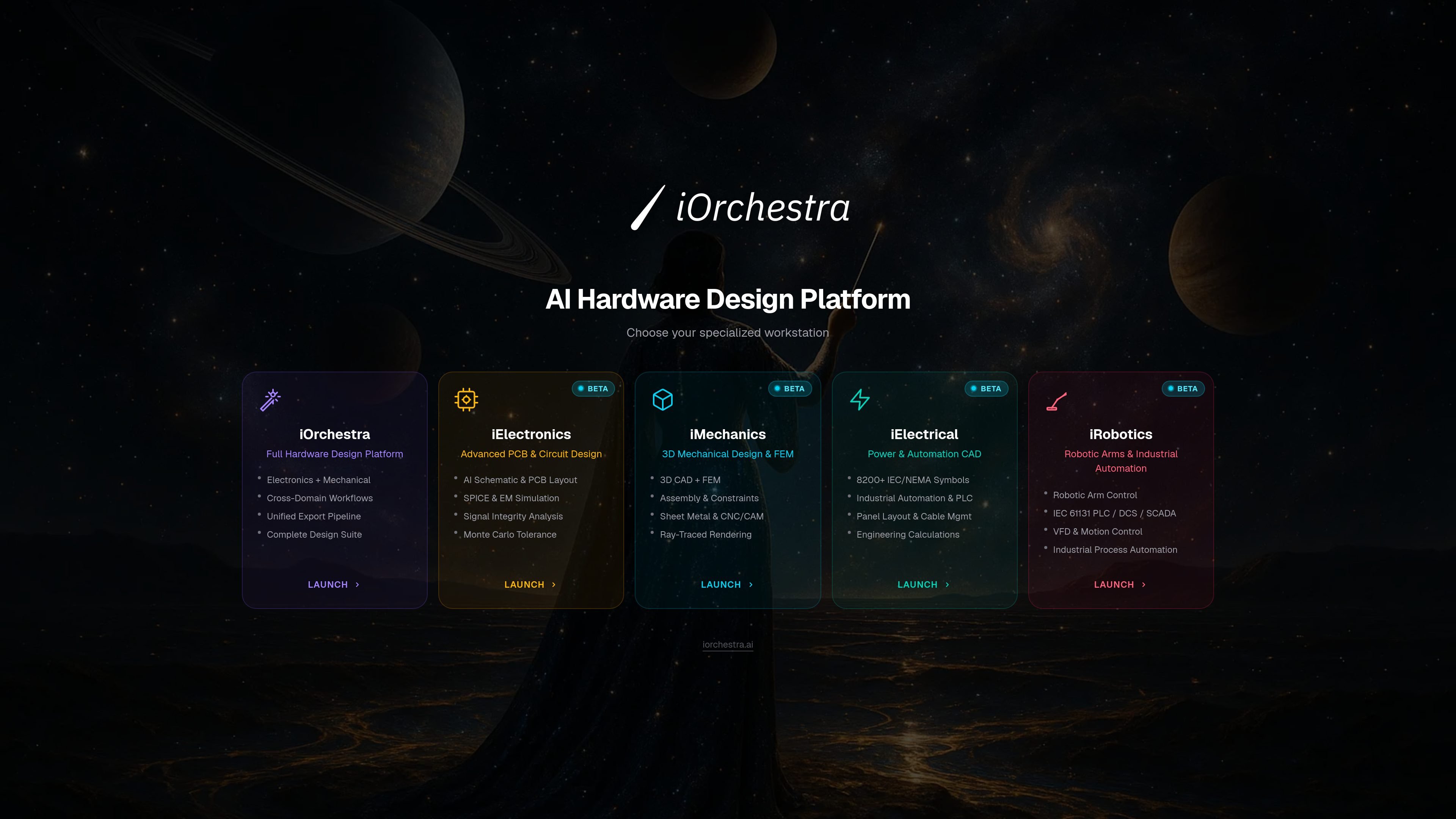
Vibe Engineering by iOrchestra is a browser-based AI hardware design platform for moving from a prompt to production-oriented design files. It combines mechanical CAD, PCB layout, schematics, simulation, and export workflows in one product.
The site positions the platform for electronics, mechanical, electrical, and robotics workflows. Users can describe a product by text or voice, generate design artifacts, validate them with built-in simulations and checks, then export files or send approved Gerbers to manufacturing through PCBWay.
Generate mechanical CAD models from text or voice prompts, with export formats including STEP, IGES, and STL.
Create PCB layouts and multi-sheet schematics, with support for 4/6/8-layer stackups, copper pour, and signal-flow layout.
Run design checks and simulations including SPICE, thermal, signal integrity, Monte Carlo, and EM field simulation on supported plans.
Export production files such as Gerber files, SPICE netlists, BOMs, and bundled ZIP packages for downstream use.
Use real-time collaboration features such as shared projects, presence indicators, and role-based access.
Send designs directly to manufacturing through the PCBWay integration when you choose to manufacture.
Use the platform to turn a product idea into mechanical CAD, schematic, and PCB starting points without switching between separate tools for each step.
Generate board layouts, multi-sheet schematics, and simulation-ready artifacts when you need a structured path from circuit intent to manufacturable files.
Run SPICE, thermal, signal integrity, Monte Carlo, or EM checks to evaluate a design before exporting files for review or fabrication.
Share projects with collaborators, assign access roles, and review progress together in a browser-based workspace.
Prepare Gerber files and related exports for manufacturing handoff, including the option to send approved files to PCBWay.
The platform is accessed through a browser account and supports Google or GitHub sign-in. The terms say a valid Google or GitHub login is required to create an account.
The pricing page lists two paid plans: PLUS and MAX. PLUS includes 100 AI-generated hardware designs per month, while MAX removes the design cap and adds priority processing and higher collaboration limits.
The site describes outputs that include mechanical CAD models, PCB layouts, schematics, circuit simulations, Gerber files, BOMs, SPICE netlists, and downloadable ZIP packages.
The terms say generated designs are AI-assisted and should be reviewed by a qualified engineer before manufacturing. The service does not guarantee regulatory compliance or manufacturing suitability.
Yes. The privacy policy says projects and design files are stored on secure servers, and the terms say you can export your design files before termination. The platform also offers exports in standard formats such as STEP and Gerber.

Codex Plugins bundle reusable skills, app integrations, and MCP servers into workflows you can install in the Codex app or use from Codex CLI. They help extend Codex with connected-service tasks, reusable instructions, and shared team workflows.

ClawTick is an AI agent automation platform for scheduling jobs from the CLI, dashboard, or REST API. It is aimed at developers and teams running LangChain, CrewAI, webhook, or custom agent workflows that need monitoring, alerts, and logs.

Falconer is an AI-powered company brain that keeps internal documentation accurate, searchable, and up to date by syncing with tools like GitHub, Slack, and Linear. It helps engineering and cross-functional teams centralize knowledge and answer questions from a shared source of truth.

OpenFlags is an open-source, self-hosted feature flag platform for modern JavaScript teams. It supports local evaluation, targeted rollouts, and controlled launches while keeping flag data in your own infrastructure.

Snapmark is a VS Code extension that lets you annotate clipboard screenshots before pasting them into AI chats. It supports blur redaction, numbered callouts, and automatic resizing for large images.

Speculos is a deployment tool for Claude Code that publishes what you built to a shareable URL. It supports private, org-wide, or public apps and adds team controls for company domains, data connections, and customer-cloud deployments.