

Agent-level heat visibility
Shows which recognized agent or workload is driving heat, helping users identify the source instead of sorting through individual processes.
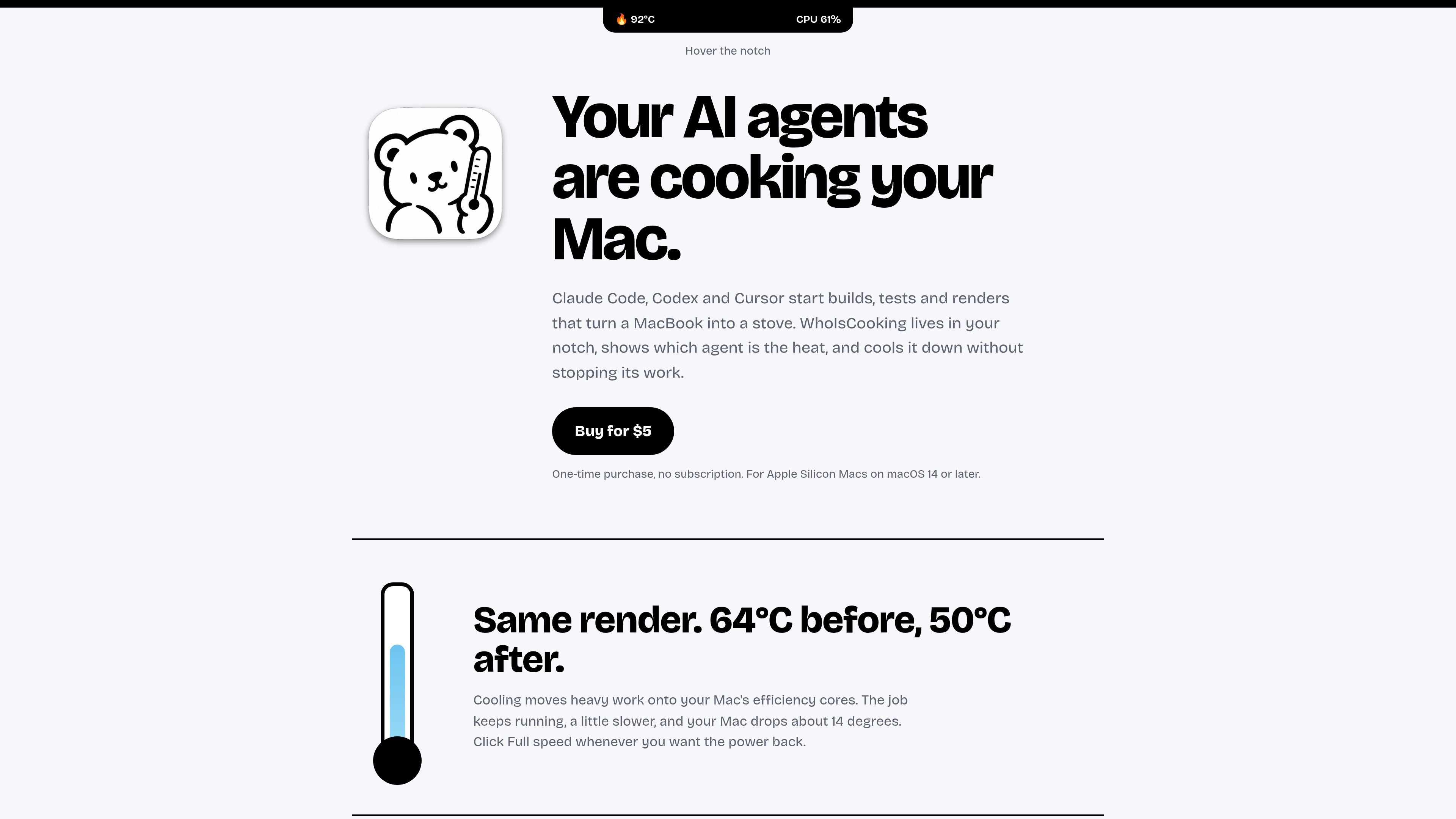
WhoIsCooking is a macOS utility for Apple Silicon Macs that identifies which AI agent or related workload is contributing to high system heat. It surfaces agent activity in the notch or menu bar and organizes the work started by each session into a clearer view than a conventional process list.
When cooling is enabled, the utility moves heavy work onto efficiency cores rather than stopping the job. The task may run more slowly, but terminals and applications remain usable; users can return to Full speed when they need maximum performance. The site lists a one-time $5 purchase and support for macOS 14 or later on Apple Silicon.
Shows which recognized agent or workload is driving heat, helping users identify the source instead of sorting through individual processes.
Groups an agent session and the builds, tests, development servers, and renders it starts into one row rather than exposing a long list of cryptic processes.
Moves heavy work to the Mac's efficiency cores to reduce heat while allowing the job to continue. Users can select Full speed to restore maximum performance.
Alerts users when an agent has used CPU heavily for five minutes or when development servers remain after an agent session ends.
Recognizes Claude Code, Codex CLI, Gemini CLI, Cursor, Aider, Copilot CLI, Ollama, and LM Studio, along with Xcode builds, ffmpeg, Docker, and browser activity.
Runs in the Mac's notch or menu bar, allowing users to choose where its status information appears.
When Claude Code, Codex CLI, Cursor, or another recognized coding agent starts a build or test that raises temperatures, users can see the responsible session instead of investigating many separate processes.
During extended builds, renders, or other CPU-heavy work, users can enable cooling to keep the operation running while reducing reliance on the Mac's performance cores.
After an agent finishes, users can use the leftover-server alert to notice development servers that continue consuming resources after the original session ends.
When cooling makes a task too slow, users can choose Full speed to return the workload to normal performance without closing the terminal or application.
Yes. When cooling is enabled, heavy work is moved to the Mac's efficiency cores, so tasks take longer but continue running. Full speed restores normal power immediately.
The app does not freeze terminals or other apps. It changes which CPU cores the work uses, and only quits something when you explicitly choose Quit.
WhoIsCooking reads chip sensors every 20 seconds and uses about 0% CPU and 14 MB of memory while idle, according to the product site.
The app supports Apple Silicon Macs from M1 through M5. Intel Macs can show CPU use but do not provide the temperature sensors WhoIsCooking reads.
It is signed with an Apple Developer ID and notarized by Apple, allowing macOS to open it without security warnings, according to the product site.

MacSpoof로 macOS Wi‑Fi MAC 주소를 변경하거나 랜덤화하세요. 네트워크 재접속 및 공용 Wi‑Fi에서 기기 식별 기록을 줄이는 데 도움.

DemoTV is an audience-ranked station for discovering and comparing independent product demos. Founders can submit videos, embed approved demos on their websites, collect viewer inquiries and optionally commission demo production or labelled promotion without buying ranking.

Ship It: Idle Dev Tycoon is an iPhone incremental simulation game about building apps, managing a software studio, and selling it for lasting progression benefits. It supports offline play, automated builds, adviser collection, and optional in-app purchases.

NomNak은 친구 추천으로 맛집을 찾는 iPhone 무료 앱입니다. 저장한 장소, 푸드 패스포트, 도시 검색으로 친구들의 식당 지도를 확인하세요.

CAPTA is a mobile GPS waypoint app for quickly saving, organizing, and revisiting locations. It supports offline use, camera-based coordinate capture, optional cross-device synchronization, and GPX export for fishermen, explorers, and field professionals.

Ctrl+Shift+3 is a calm, text-first community platform with a chronological feed, profiles, RSS, and private groups called Clicks. It is built for reading, posting, and joining smaller communities without algorithmic ranking or vanity counts.