

Clovr
Clovr generates ready-to-use Next.js frontend project scaffolds from a one-sentence prompt, so you can go from idea to production faster.
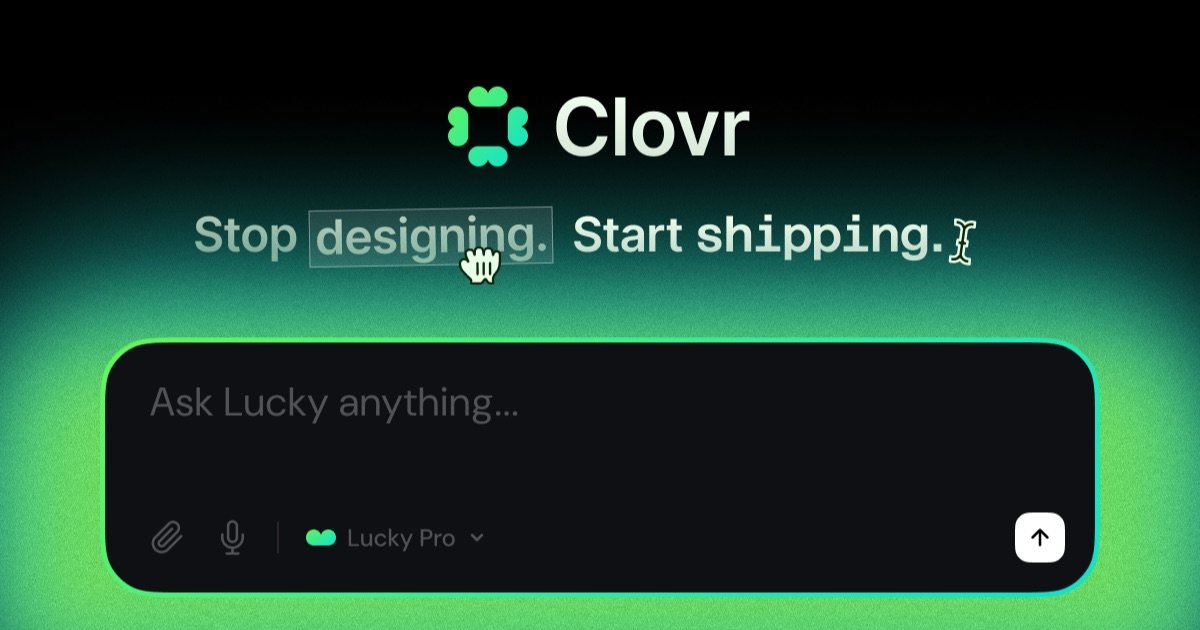
What is Clovr?
Clovr generates ready-to-use Next.js frontend project scaffolds from a one-sentence prompt, so you can go from idea to production faster.
The product is positioned around “prompt to production” workflows: you describe what you need, Clovr scaffolds the project architecture, and you hand the generated output to an AI coding agent to continue building.
Key Features
- One-sentence prompt to scaffold a frontend project, reducing time spent creating initial files and structure.
- Real project architecture output (not a single-file code dump), including routing, layouts, and directory conventions for a complete app structure.
- Full Next.js app scaffolds, including example code elements such as
app/layout.tsx,page.tsxfiles, shared components, and routing patterns. - Agent-ready handoff design so generated scaffolds can be picked up by tools such as Claude Code, Cursor, or Codex for continued work.
- Component-first output with isolated, reusable components (for example, components like
sidebar,stat-card, andteam-table) rather than monolithic pages. - Download and workflow support via exporting the project, pushing to GitHub, or deploying to Vercel.
How to Use Clovr
- Write a sentence describing your frontend idea.
- Let Clovr generate a scaffolded project with a valid structure and the required app files.
- Download the project and hand it to your agent (for example, Claude Code, Cursor, or Codex) to continue implementing features.
Clovr’s workflow is intended to get you to working code quickly, then let an agent iterate on top of the scaffold rather than starting from scratch.
Use Cases
- Build a new Next.js dashboard UI: Prompt Clovr for an app scaffold and then use the generated layout, routing, and component structure as the base for your dashboard pages.
- Prototype a multi-page product section: Generate project pages (such as team and dashboard-style pages) and expand the routed structure with additional components.
- Create a component library foundation for a UI: Use Clovr’s component-first scaffolding to start with isolated components (e.g., sidebar, stat card, table) and evolve them into production-ready UI.
- Accelerate development with an AI coding agent: Generate an initial architecture with Clovr, then continue feature work by handing the project to a tool like Cursor, Claude Code, or Codex.
- Move from generated code to delivery: Export the scaffolded project, then push to GitHub or deploy to Vercel depending on how you typically deliver web frontends.
FAQ
What is Clovr? Clovr scaffolds a frontend project from a short prompt, outputting real project architecture that you can download and continue building with an AI coding agent.
Is the generated code usable in real projects? Clovr is presented as producing “real project architecture” with valid project structure rather than a single-file code dump, and it supports exporting the project for GitHub or Vercel workflows.
Do I need to know how to code to use Clovr? The page emphasizes a prompt-based flow (describe your idea in one sentence and receive scaffolding). It does not explicitly state requirements for coding knowledge beyond using the generated project.
How is Clovr different from design tools like Figma? Clovr’s output is ready-to-use code and project structure meant for implementation, whereas Figma is described (on the page) only as a design tool comparison; the key distinction is code generation and scaffold handoff.
Who is Clovr for and what can it build? Based on the content, it targets people who want to build frontends (specifically full Next.js app structures) quickly and start from an architecture that can be extended by an agent.
Alternatives
- Generic AI code generators: Tools that output code snippets or partial files can be faster to try but may not provide a complete, valid project structure suitable for direct agent handoff.
- Manual Next.js project scaffolding: Starting from a framework template (and then building pages/components yourself) offers full control, but it typically takes longer than prompt-based scaffolding.
- Design-to-code workflows: Converting designs to implementation can help if you already have wireframes, but Clovr’s workflow is described as using a prompt without wireframes or Figma files.
- Component/UI template libraries: Starting from an existing UI template can speed up layout and styling, but may require more manual alignment to routing, directory conventions, and your specific feature set.
Alternatives

Devin
Devin is an AI coding agent that helps software teams complete code migrations and large refactoring by running subtasks in parallel.

imgcook
imgcook is an intelligent tool that converts design mockups into high-quality, production-ready code with a single click.

Assemble by Cohesium AI
Assemble by Cohesium AI lets you orchestrate multiple AI specialist roles with a configuration setup across coding platforms from one place.

Ably Chat
Ably Chat is a chat API and SDKs for building custom realtime chat apps, with reactions, presence, and message edit/delete.

Prompty Town
Prompty Town is a tiny internet city of links—buy a tile, attach your link, prompt it with text/content, and let others browse.

Creativly
Creativly is a browser-based creative tool that helps you create without writing prompts—generate creative outputs fast with a simple workflow.