
Curated category directory
Browse 1,288 verified open-source tools organized into 45 categories, including productivity, development, design, education, media, security, and business.

Abakada is a curated directory of 1,288 free and open-source tools for Filipino students, educators, scholars, and professionals. Discover, compare, and bookmark alternatives across 45 categories.
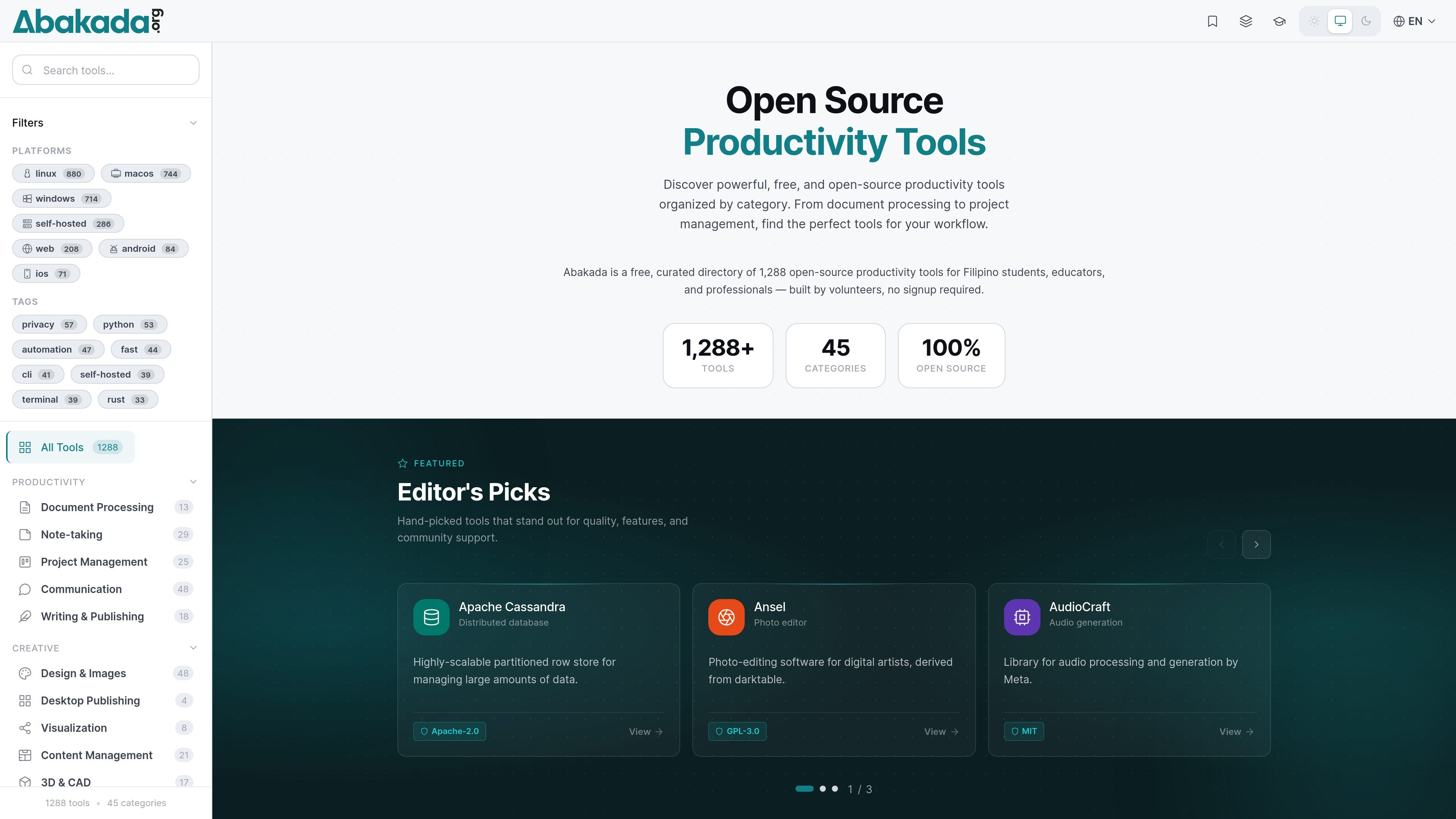
Abakada is a curated directory of free and open-source productivity tools for Filipino students, educators, scholars, and professionals. It organizes 1,288 tools across 45 categories and focuses on software that can help users find practical alternatives to paid products.
The site is volunteer-driven, has no signup requirement, and is positioned around access, accessibility, and digital equity. Abakada also highlights offline-capable tools, platform compatibility, and learning support so users can discover software that fits their device, language, and connectivity constraints.
Browse 1,288 verified open-source tools organized into 45 categories, including productivity, development, design, education, media, security, and business.
Review tools against practical criteria such as relevance, maintenance, security posture, license clarity, documentation quality, and community adoption.
Compare 2–4 tools side by side with details like features, supported platforms, licenses, and editorial notes.
Save tools for later and return to them from the bookmarks area instead of searching again.
Follow learning paths that group tools and topics for students, educators, and professionals who want a more guided starting point.
Use the site in English, Filipino/Tagalog, Ilokano, or Bisaya/Cebuano, with localized tool listings and navigation.
Find free alternatives to paid software for writing, design, development, productivity, or media work without sorting through general-purpose software listings.
Use the compare page to weigh two to four options by features, supported platforms, license type, and editorial notes before choosing one.
Browse bookmarks and return to tools you want to test later, which is useful when you are building a short list for class, work, or a project.
Follow learning paths when you want a more guided entry point into a category or workflow instead of browsing the full directory at random.
Switch between supported Philippine languages when you need navigation and listings in a more accessible language for your group or classroom.
Abakada is a free, curated directory of open-source productivity tools for Filipino students, scholars, educators, and professionals.
Yes. Abakada says every listed tool is free and open source; it does not list paid software, freemium-only products, or trialware.
Abakada is a Progressive Web App and works offline once installed. Many individual tools in the directory also work fully offline after installation, depending on the tool and platform.
You can compare 2–4 tools side by side to review features, supported platforms, license type, and editorial notes.
Abakada accepts widely recognized open-source licenses such as MIT, Apache 2.0, BSD, GPL, LGPL, and AGPL, plus Creative Commons licenses for content.

BeFreed is a personalized audio learning app that turns books and knowledge sources into narrated listening experiences with interactive audio and learning tools.

Padel Chess is a web-based platform for improving padel tactics with puzzle-based practice in realistic court scenarios.

GameGrad turns PDF study material into quiz questions inside arcade games for active recall. Free tier for one PDF; Pro adds more uploads, questions, and explanations.

Hype is a web tool for finding trending YouTube topics by category, time range, and scoring mode. Spot emerging ideas and review source videos.

LangPanda is a browser extension for learning languages from streaming video with instant subtitle lookup, flashcards, vocabulary tracking, and SRS for 36 languages.

Paperpal is an AI tool for academic writing, offering literature reading, language polishing, citations, plagiarism checks, AI detection, and pre-submission review.