

Halo
Halo vision headphones combine stereo sound with a built-in camera to capture 12MP photos and 1080p videos from your perspective—share via mobile app.
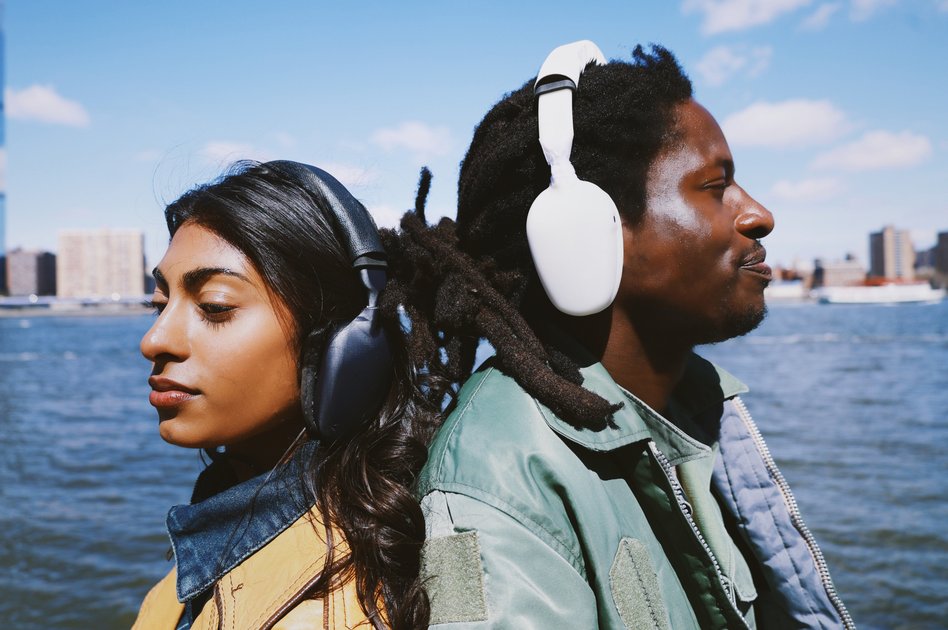
What is Halo?
Halo vision headphones are stereo headphones designed to let you listen to music while capturing photos and recording videos from your perspective. The device includes a built-in camera and a companion mobile app workflow that sends captured media to your phone.
The core purpose is to capture moments quickly—using a tap on the headphones or controls in the companion app—without needing to take out a separate camera or phone for every shot.
Key Features
- Built-in 12MP camera for still photos: Captures photos directly from the headphones’ perspective.
- 1080p video recording: Records videos at 1080p resolution.
- Simple capture controls: Capture a photo with the action button by default, or configure the action button’s behavior in the companion mobile app.
- Large sound drivers (40mm) with stereo output: Uses 40mm sound drivers and is described as true stereo with dual amplifiers.
- AI chat assistant in the companion mobile app: Chat with an AI about photos and videos you just captured; photos and videos go to the app for this interaction (cloud upload is optional).
- On-device media storage (32GB): Stores photos and videos on the device until transferred to the companion app.
- Bluetooth and WiFi connectivity: Supports Bluetooth connectivity and provides an optional WiFi hotspot for faster transfers.
- Battery and charging: Rated battery life is “up to 8 hours,” with charging via USB-C; includes a 2,000 mAh battery.
- Camera activation indicator: An LED light below the camera blinks whenever the camera is activated.
How to Use Halo
- Connect to your phone: Pair Halo to your phone using Bluetooth. If you need faster transfer speeds, you can use the optional WiFi hotspot on the headphones.
- Capture media: Press the action button (default behavior captures a photo). You can also use the companion mobile app to control capture actions.
- Choose video length and camera settings: In the companion mobile app, configure the video length (default is 10 seconds) and set photo/video framing presets (landscape, portrait, or square).
- Transfer to your phone: Photos and videos go straight to the Halo companion mobile app; they are only uploaded when you want to use the optional chat assistant.
- Use the chat assistant (optional): Use the companion app’s chat feature to discuss captured media. For increased privacy, the chat can be configured to use a local AI model.
Use Cases
- Music + quick photo capture during everyday moments: Listen to music while using the action button to take photos when something interesting happens.
- Recording short clips while on the move: Capture 1080p videos with configurable clip lengths (default 10 seconds) without switching devices.
- Social-style framing for different compositions: Use the companion app’s landscape, portrait, and square pre-sets to match common photo formats.
- Reviewing media on your phone: Transfer captured photos and videos to the companion mobile app and then view them on your phone’s library as provided by the app workflow.
- Asking questions about what you captured: Use the optional AI chat assistant in the companion app to discuss recent photos and videos; choose whether uploads are used for the assistant by configuring local AI.
FAQ
-
Can people see when the camera is on? Yes. Halo includes an LED light below the camera that blinks whenever the camera is activated.
-
How do I activate the Halo camera? You can press the action button on the headphones or use the companion mobile app.
-
Does the action button only take photos? By default it captures a photo, but the action button behavior can be configured in the companion mobile app.
-
How long are Halo videos? Video length can be configured in the companion mobile app. By default, the length is set to 10 seconds.
-
Will my photos and videos be uploaded to the cloud automatically? No. Photos and videos go straight to the Halo companion mobile app. They are uploaded only when you use the optional chat assistant.
Alternatives
- Wearable camera alternatives (action-camera-style wearables): Other wearable cameras can capture photos/videos hands-free, but typically focus on standalone recording rather than combining capture with headset audio.
- Stereo headphones with separate smartphone camera workflow: Standard headphones for audio paired with filming using a phone lets you control capture and editing separately, but adds the step of using the phone each time.
- Standalone 360/VR cameras: These can capture immersive perspectives, but their workflow is usually oriented around post-transfer viewing and editing rather than in-the-moment capture via a headset.
- Action cameras or handheld cameras with companion apps: Useful for recording in 1080p/other resolutions with dedicated capture controls; unlike Halo, they don’t integrate stereo listening and a headset-based capture control.
Alternatives

FounderStackHub
FounderStackHub uses an always-on AI agent to scan, verify, and match startup perks like cloud credits, AI-tool credits, and SaaS discounts to your stack.

Elvixs
Elvixs is an AI job outreach tool for freshers and students—find HR contacts, generate AI cold emails, send from Gmail, and track opens.

Gossipic
Gossipic tracks how often your brand is mentioned in AI answers, analyzes sentiment, benchmarks competitors, and creates daily action plans. Start 7-day free trial.

SnapSub: Subscriptions Hub
SnapSub: Subscriptions Hub centralizes recurring services so you can track what you pay, upcoming billing dates, and get reports to review spending.

Abakada
Abakada is the Philippines’ curated directory of free, open-source tools—1,000+ verified listings across 45+ categories for students & educators.

Been There Global
Been There Global shares real stories from real travellers to help you “know before you go” and plan trips with more confidence.