

Noctiluca Server
Noctiluca Server (early access) for macOS: low-latency remote desktop via Sirius protocol, hardware-accelerated encoding, TLS 1.3 security.
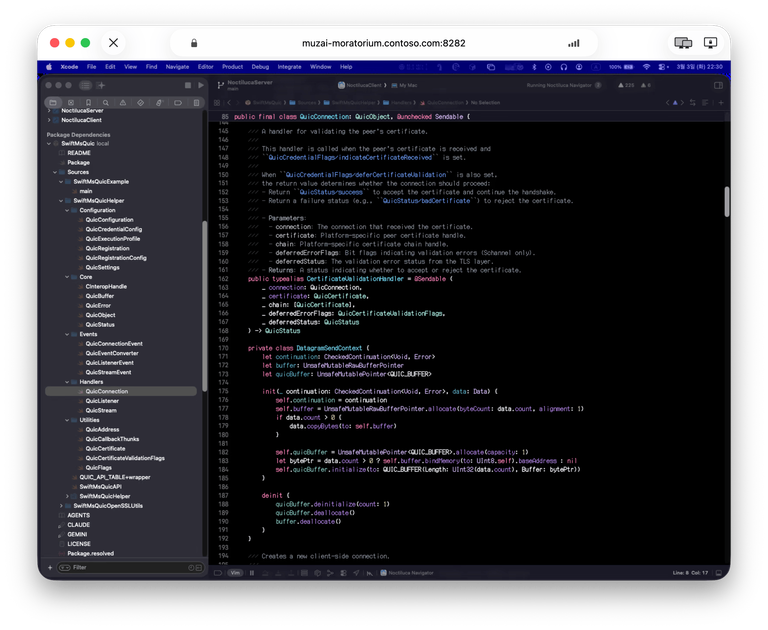
What is Noctiluca Server?
Noctiluca Server is a remote desktop software for macOS, designed to deliver screen sharing and remote control capabilities over a purpose-built connection stack. Its core purpose is to provide a smooth remote desktop experience by using the Sirius protocol and technologies intended to optimize latency, throughput, and video encoding.
The website also notes that the software is in “Early Access” (under development). As a result, behavior may be unstable or unexpected, and the feature implementation status should be reviewed before purchase.
Key Features
- Sirius protocol over QUIC transport: Uses QUIC as the main transport layer to target low latency and high throughput for remote desktop traffic.
- Hardware-accelerated encoding on macOS: Uses Mac hardware video acceleration to reduce CPU load during screen transmission.
- Adaptive quality: Automatically adjusts screen quality in real time based on current network conditions.
- Multi-display (multi-head) support: Designed to fully support controlling multiple monitors remotely.
- Customizable codec settings: Provides power-user options such as YUV 4:4:4, lossless mode, and HiDPI (Retina resolution) support, plus additional codec configuration.
- Plugin bundle system: Supports installation and management of extensions via plugin bundles, enabling third-party extensibility.
- TLS 1.3 encryption for remote sessions: Encrypts remote sessions using TLS 1.3 and includes perfect forward secrecy to help protect against interception or tampering.
- “known-hosts” certificate verification: Stores server certificate information on first connection and verifies it on subsequent connections to reduce the risk of man-in-the-middle attacks and avoid connecting to untrusted servers.
- Signed plugin bundles: Adds signature verification for plugin bundles to help prevent installation of malicious plugins.
How to Use Noctiluca Server
- Review Early Access status: Confirm feature implementation status and be aware the software is under development.
- Try the trial version thoroughly: The site recommends testing the trial before purchasing.
- Install and run Noctiluca Server on the macOS host you want to control.
- Connect from the Noctiluca client: On the first connection, the system stores the server’s certificate information; later connections verify it using the “known-hosts” approach.
- Adjust codec settings as needed (optional): If you require particular encoding behavior, use the customizable codec settings to match your network and display needs.
Use Cases
- Remote work with multiple monitors: Use multi-display support to control several monitors from a remote client session.
- Low-latency remote access: Rely on Sirius protocol over QUIC and adaptive quality to maintain usable screen transmission when network conditions change.
- High-fidelity visuals: Use codec configuration options such as YUV 4:4:4, lossless mode, and HiDPI (Retina) support when you need more accurate rendering.
- Power-user extensibility: Install and manage third-party capabilities through the plugin bundle system, while benefiting from plugin bundle signature verification.
- Security-conscious deployments: Use TLS 1.3 encryption and “known-hosts” verification to support safer connection behavior compared with models that require every server certificate to come from a trusted authority.
FAQ
Is Noctiluca Server production-ready?
No. The site states it is in “Early Access” under development and may exhibit unstable or unexpected behavior.
Should I try the trial before buying?
Yes. The website recommends trying the trial version thoroughly before purchasing and reviewing the feature implementation status.
How does Noctiluca Server handle encryption?
It uses TLS 1.3 for all remote sessions, and the site describes perfect forward secrecy to help prevent interception or tampering.
How does certificate verification work for remote connections?
On first connection, certificate information is stored by the “known-hosts” system, and it is verified on subsequent connections to prevent man-in-the-middle attacks and avoid connecting to untrusted servers.
Can I customize video encoding quality?
Yes. The server offers customizable codec settings, including YUV 4:4:4, lossless mode, and HiDPI (Retina) support, plus additional codec configuration options.
Alternatives
- Other remote desktop solutions for macOS: General-purpose remote desktop software can provide similar screen sharing and control, but may not support the same Sirius/QUIC architecture or the specific codec/customization and “known-hosts” verification model described here.
- Self-hosted remote access tools using standard transport layers: Alternatives that use different transport approaches (e.g., UDP- or WebRTC-based designs) may differ in how they handle latency, throughput, and network adaptation.
- Developer-oriented remote protocol implementations: Since the Sirius protocol specification is planned to be released as open source, you may see other implementations of Sirius features over time; these would differ by platform support and client/server role maturity.
Alternatives

FounderStackHub
FounderStackHub uses an always-on AI agent to scan, verify, and match startup perks like cloud credits, AI-tool credits, and SaaS discounts to your stack.

Elvixs
Elvixs is an AI job outreach tool for freshers and students—find HR contacts, generate AI cold emails, send from Gmail, and track opens.

Gossipic
Gossipic tracks how often your brand is mentioned in AI answers, analyzes sentiment, benchmarks competitors, and creates daily action plans. Start 7-day free trial.

SnapSub: Subscriptions Hub
SnapSub: Subscriptions Hub centralizes recurring services so you can track what you pay, upcoming billing dates, and get reports to review spending.

Abakada
Abakada is the Philippines’ curated directory of free, open-source tools—1,000+ verified listings across 45+ categories for students & educators.

Been There Global
Been There Global shares real stories from real travellers to help you “know before you go” and plan trips with more confidence.