

StartupArchive
StartupArchive captures visual, read-only site snapshots for shutdown preservation—desktop/mobile and light/dark variants included—ready to embed in portfolios.
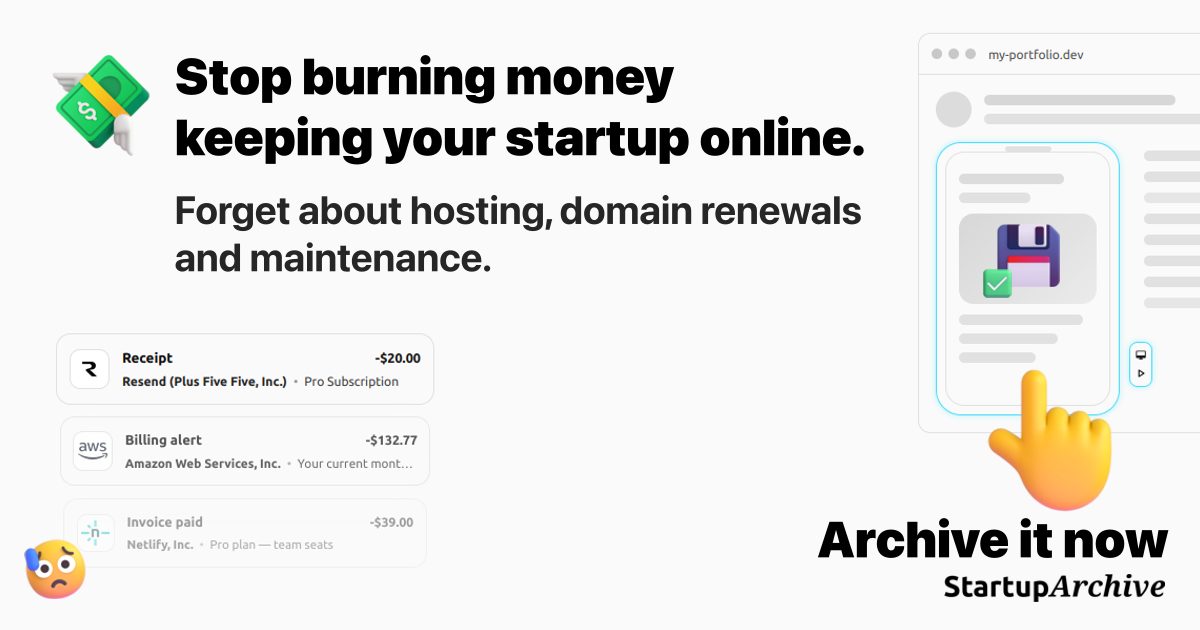
What is StartupArchive?
StartupArchive is a web archiving tool that captures an interactive, visual snapshot of a live site for preservation and sharing after a shutdown. Instead of keeping a site online, it generates a clean archive intended to be replayed in a viewer and embedded in a portfolio or project page.
The product’s core purpose is to preserve how a site looked and behaved visually (including device and theme variants) so founders can keep a record of the product without ongoing hosting, domain renewals, and maintenance.
Key Features
- Full-page capture from submitted URLs: You submit one or more URLs, and StartupArchive captures full-page images of those pages for preservation.
- No storage of site code or media assets: The archive focuses on the rendered result; the service does not store the site’s markup, scripts, videos, or other media assets.
- Snapshot bundle structure (routes + variants): One snapshot captures up to 5 routes from the same domain, with each route saved as desktop + mobile and light + dark variants.
- Interactive viewer with replay controls: The archived output can be replayed in a viewer that supports navigating through the captured page and using controls such as route/theme/motion toggles.
- Embeddable archive for portfolio use: The snapshot can be embedded on your site so it functions as a portfolio artifact (with a read-only presentation) without linking to a dead URL.
How to Use StartupArchive
- Start by archiving: Submit the URL(s) you want to preserve.
- Plan which routes to include: Since a single snapshot can include up to 5 routes from the same domain, choose the routes you want to represent.
- Purchase credits as needed: Buy credits to generate snapshots according to the number of captures you need.
- Embed or share the result: Use the generated archive as a portfolio embed or launch replacement so visitors can view the site’s captured state.
Use Cases
- Portfolio replacement after shutdown: When your product is offline, embed the read-only snapshot so visitors can still see the interface, scroll experience, and look-and-feel.
- Before/after visual changelog: Capture a site at one point in time, then archive again later to compare changes over time.
- Highlighting shipped updates: Use archived snapshots to share product iterations with your community by showing how specific routes looked in different versions.
- Preserving a product that “failed” or pivoted: Keep a visual record of the site as it existed when you stopped running it, without paying for continued hosting.
- Demo-to-archive workflow for non-public tools: If a site behind a login can’t be captured directly, create or provide a public demo or temporary access path during capture.
FAQ
How does it work?
You submit one or more URLs and StartupArchive captures full-page images of those pages. It does not store the site’s markup, scripts, videos, or other media assets. The output is a clean, shareable archive that can be replayed in the viewer and embedded on your site.
What exactly is a snapshot?
A snapshot is a capture bundle of up to 5 routes from the same domain. Each route is saved in 4 variants: desktop + mobile and light + dark. For example, 2 routes produce 8 screenshots in total.
Why not use Wayback Machine / archive.ph?
Wayback Machine and archive.ph can be useful and are free, but StartupArchive is aimed at preserving a shutdown in a format designed for sharing and embedding. It focuses on capturing the site with higher visual fidelity in a viewer meant to stay consistent over time.
Can I archive something private (login, dashboards, internal tools)?
It depends on the product and what you want to preserve. In general, you should only submit content you have rights to archive. If a product requires login, you may need to use a public demo version or provide a temporary access path during capture.
Can the archive be embedded on my own site?
Yes. StartupArchive supports embedding the archived project so it can live on as a portfolio piece or showcase.
Alternatives
- Wayback Machine / archive.ph: General-purpose web archiving services that can preserve pages for later viewing. They may differ in styling/rendering consistency and don’t focus specifically on portfolio-quality embeds and multi-variant visual captures.
- Static portfolio hosting with screenshots or short videos: Instead of an interactive archive, you can manually publish screenshots/videos from key pages. This is simpler but doesn’t provide the same replayable viewer experience described for StartupArchive.
- Custom “offline mode” landing pages: Teams can build a dedicated landing page for shutdowns that explains the status and includes links to captured media. This requires more manual setup and typically won’t mirror the captured site experience as directly as an archive tool.
Alternatives

FounderStackHub
FounderStackHub uses an always-on AI agent to scan, verify, and match startup perks like cloud credits, AI-tool credits, and SaaS discounts to your stack.

Elvixs
Elvixs is an AI job outreach tool for freshers and students—find HR contacts, generate AI cold emails, send from Gmail, and track opens.

Gossipic
Gossipic tracks how often your brand is mentioned in AI answers, analyzes sentiment, benchmarks competitors, and creates daily action plans. Start 7-day free trial.

SnapSub: Subscriptions Hub
SnapSub: Subscriptions Hub centralizes recurring services so you can track what you pay, upcoming billing dates, and get reports to review spending.

Abakada
Abakada is the Philippines’ curated directory of free, open-source tools—1,000+ verified listings across 45+ categories for students & educators.

Been There Global
Been There Global shares real stories from real travellers to help you “know before you go” and plan trips with more confidence.