
Infinite canvas workspace
Manage AI agents, terminals, browsers, notes, code editors, and source control as panes on a single infinite canvas so related work stays visible together.

AgentGrid is a desktop app for managing multiple AI coding agents on a shared infinite canvas. It helps developers keep agents, terminals, browsers, notes, and project context visible in one workspace.
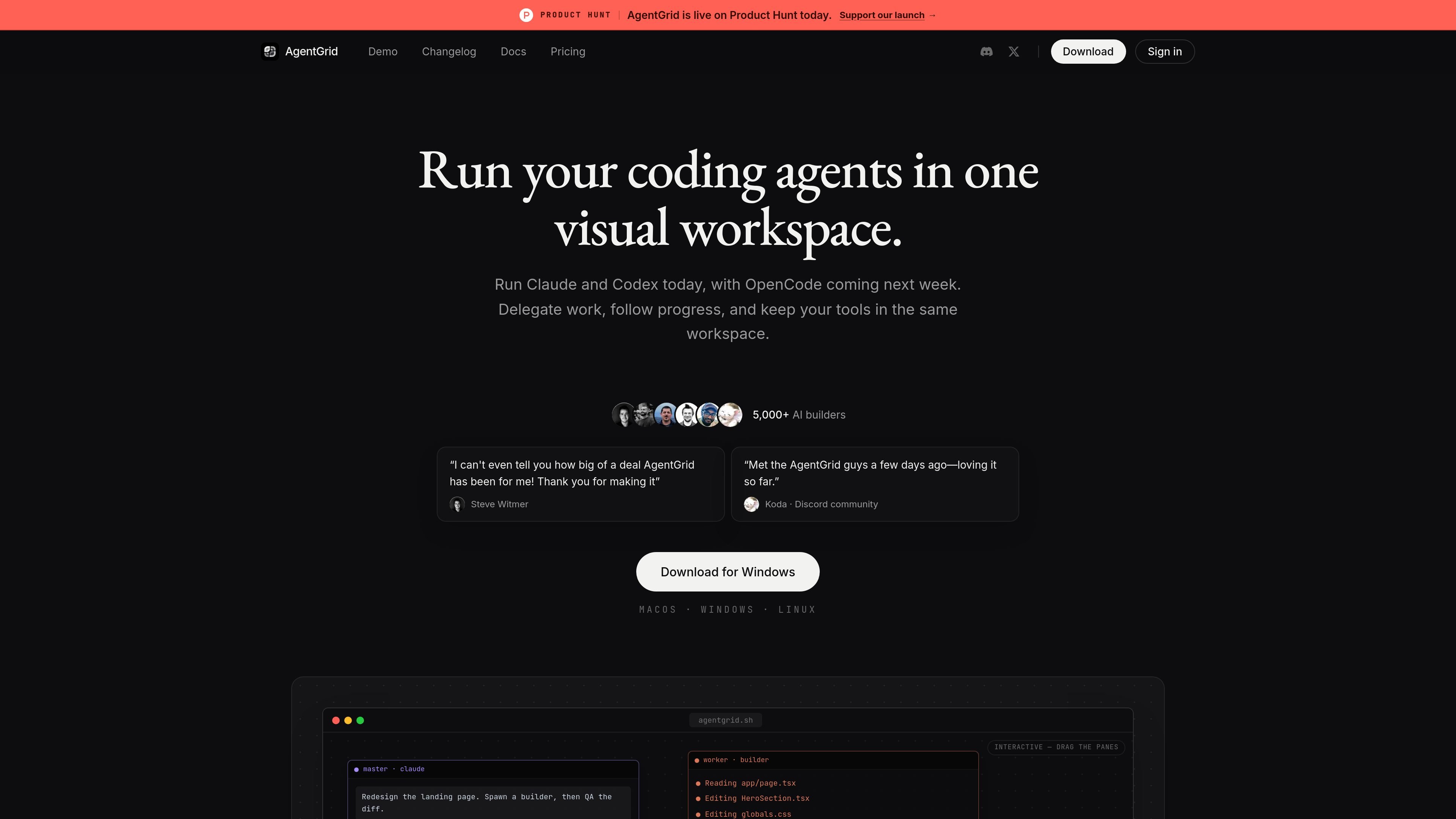
AgentGrid is a desktop app for managing multiple AI agents on an infinite canvas. It turns coding assistants such as Claude Code, Codex, and OpenCode into panes that you can place beside terminals, browsers, notes, code editors, and source control in one workspace.
The product is built around spaces, which bind a single project folder, and a master/worker model for delegating work visibly. Instead of keeping agent sessions hidden in separate tabs, AgentGrid is designed to let you track progress, hand off tasks, review outputs, and continue work after restarts from the same canvas layout.
Manage AI agents, terminals, browsers, notes, code editors, and source control as panes on a single infinite canvas so related work stays visible together.
Treat a project folder as a space, then spawn multiple agents in parallel within that workspace to keep task context tied to one project.
Use master/worker patterns to delegate work, watch worker conversations, and send follow-ups directly when you want to break a larger task into smaller steps.
Continue work after restarts by saving sessions to disk and reopening AgentGrid without losing the workspace layout or active sessions.
Monitor provider limits and reset times, including warnings before work is interrupted, so you can switch agents before a session stops unexpectedly.
Open a live call from an agent pane and keep the same development conversation while the agent continues working.
Run Claude Code, Codex, or other supported agents side by side while keeping the supporting terminal output, notes, and browser context in view.
Split a larger task into a master session and worker panes, then inspect each worker’s progress and follow up without leaving the canvas.
Use the workspace to keep project files, source control, and live output together when debugging or validating a change.
Resume a project after a restart or update without rebuilding the working context, since sessions and layout can be restored from disk.
AgentGrid runs as a desktop app for macOS, Windows, and Linux. The download page says builds are available for those platforms, and the docs describe it as a desktop app.
The pricing page shows a Free plan for trying AgentGrid on your own machine and an Early adopter Pro plan at $20/month. The Pro plan includes unlimited canvases, cloud sync across machines, local and cloud agents, and ongoing access to planned features as they ship.
AgentGrid is built around spaces, which bind a single project folder, and panes, which can hold agents, terminals, browsers, notes, code editors, source control, and other tools. That makes it useful when you want to keep a project’s work in one visible canvas instead of switching between many tabs.
The docs describe AgentGrid as pre-GA and note that shortcuts and APIs are still moving. The pricing page also lists planned dev-server workflows and collaboration capabilities for the early-adopter Pro plan.

ByteAsk is a terminal-first AI coding agent for C and C++ that edits repositories and verifies changes with the real compiler, debugger, sanitizers, and tests before showing a diff. It offers a free tier plus paid plans, with editor connectors and zero-retention handling described in the source.

CreateOS Sandbox is an isolated compute environment for running code and agent workloads inside Firecracker micro-VMs. It is designed for workflows that need machine-level isolation, private networking between sandboxes, and programmatic control through SDK, CLI, or MCP.

hob is an independent workspace for coding agents that keeps agent sessions, terminals, history, and follow-up work organized around the tools and providers you already use. It is aimed at developers who want local control over routing, history, and workspace structure rather than a bundled model stack.

Manta AI is an autonomous web app testing tool for teams that want to map application behavior, catch regressions, and generate tests without writing scripts or maintaining selectors. It works from a URL and supports plain-English test flows, run results with screenshots, and scheduled or deployment-triggered checks.

Redline is a budgeting tool for Claude Code that paces sessions to stay within time, token, cost, or plan-percentage limits. It uses Claude Code’s native hooks and statusline to help sessions finish with a usable result instead of stopping abruptly.

SonOf connects to your repo and PM tool, audits the codebase and surrounding product context, and turns approved work into shipped tickets with senior engineering review. It is aimed at founders and engineering leaders who need backlog help without hiring a full team immediately.