
Acts and verifies on real websites
Aye can work through browser tasks on real websites, then verify the result before moving on. The product copy emphasizes visible, bounded task execution rather than hidden automation.

Aye is a general-purpose AI browser for Mac and Windows that plans, acts, and verifies tasks on real websites. It is built for delegated browser work such as media downloads, support email, social maintenance, and multi-site research.
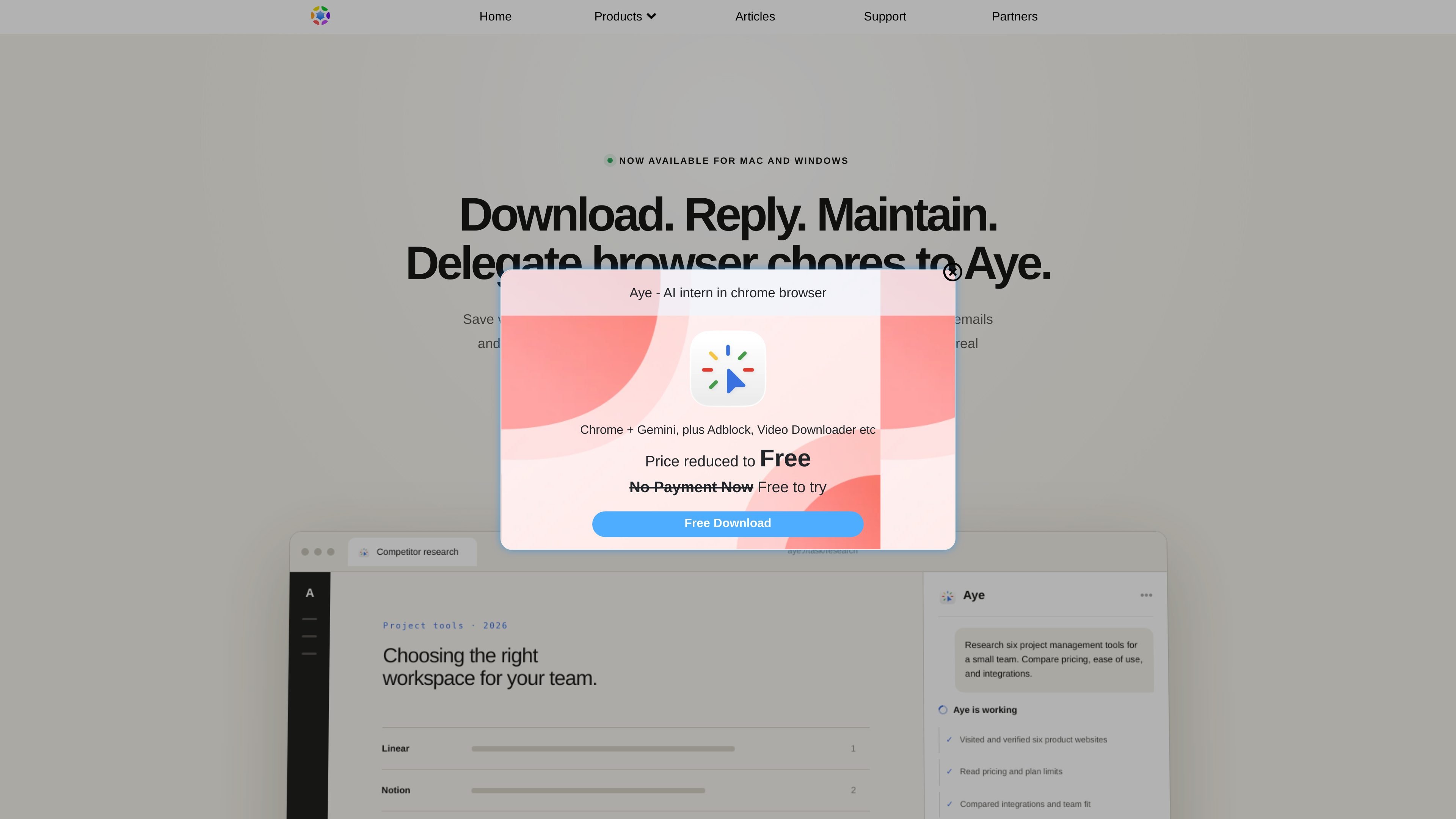
Aye is a general-purpose AI browser from Oka Apps that is designed to delegate browser work on real websites. The product page describes it as a tool that plans actions, carries them out, and verifies results instead of only generating text responses.
The site presents Aye as a native browser workflow product for Mac and Windows. It is positioned for recurring browser chores such as saving media, responding to support email, maintaining social channels, and researching products across multiple sites, with the user approving critical steps like sign-in, CAPTCHA, submission, and payment.
Aye can work through browser tasks on real websites, then verify the result before moving on. The product copy emphasizes visible, bounded task execution rather than hidden automation.
The page shows workflow examples for saving videos from X, Telegram, and Reddit, including download progress and saved output.
Aye can review in-scope support messages in Gmail, draft a reply in natural language, and continue through the inbox task.
It can handle community maintenance on platforms such as Reddit, Tieba, Xiaohongshu, and X, including replies, notifications, and spam filtering.
Users can run a task once, save it as a Skill, and schedule it to repeat at daily, weekly, or fixed intervals.
The product says sensitive actions require approval, while sign-in and CAPTCHA are handed back to the user.
Use Aye when you need to compare products or research a market segment by visiting several websites, reading pricing and plan limits, and summarizing what you found. The page shows an example research task comparing project management tools.
Use Aye to save videos you can access from X, Telegram, and Reddit, with download progress shown in one place. The page also mentions media-level controls in Telegram Web.
Use Aye to work through routine support messages in Gmail, understand the context of a request, and draft a reply in English or Chinese for review.
Use Aye to keep social channels moving by replying to comments, filtering spam notifications, and preparing drafts for platforms such as Xiaohongshu, Zhihu, WeChat, Reddit, Tieba, and X.
Use Aye to turn a task into a reusable workflow and schedule it to run again later, which is useful for recurring browser chores that follow the same steps each time.
Aye is described as a general-purpose AI browser that understands the current page, acts on real websites, verifies results, and completes multi-step tasks. It is positioned as more than a chat tool because it can carry out browser work rather than only generate text.
Yes. The page says you can save a proven workflow as a Skill and run it again on a schedule, including daily, weekly, or fixed intervals.
Aye is available for Mac and Windows. The page says it can be downloaded from the Mac App Store and Microsoft Store.
No. The page states that Aye pauses for approval at sign-in, CAPTCHA, submission, payment, and other sensitive steps. It does not bypass user control for high-risk actions.

Macuse is a macOS app that lets AI assistants control native Mac apps through MCP and use Computer Use for any app. It works with clients like Claude Desktop, Cursor, and Raycast, and keeps automation on-device.

qbrin is an enterprise AI search and governed agent platform that turns company knowledge into cited answers and can abstain when evidence is missing. It is built for teams that need source-backed responses, policy controls, and traceable AI actions.

Goldfish is an AI memory app for macOS that helps you reply, write, summarize, and continue using the context already on your Mac. It stores memory locally and writes in your tone.

Lasso is an ecommerce product data platform for enriching catalog records, processing supplier files, generating product content, and monitoring competitors. It combines a web app with a REST API, SDK, and MCP server for teams and developers.

Biji é uma plataforma versátil projetada para aumentar a produtividade por meio de ferramentas e recursos inovadores.

Botacts is a web directory for finding AI bots and agents you can contact by phone, email, SMS, WhatsApp, Telegram, or Signal. It also lets creators suggest bots for manual review before publication.