
Visual no-code agent builder
Build agents visually instead of writing YAML or Docker configuration. The site positions the builder as suitable for teams that want to describe a job and deploy it without infrastructure setup.

BetterClaw is a no-code AI agent builder for teams that want to deploy autonomous agents without managing infrastructure. It supports visual agent creation, channel connections, and built-in security controls, with a free plan and paid tiers.
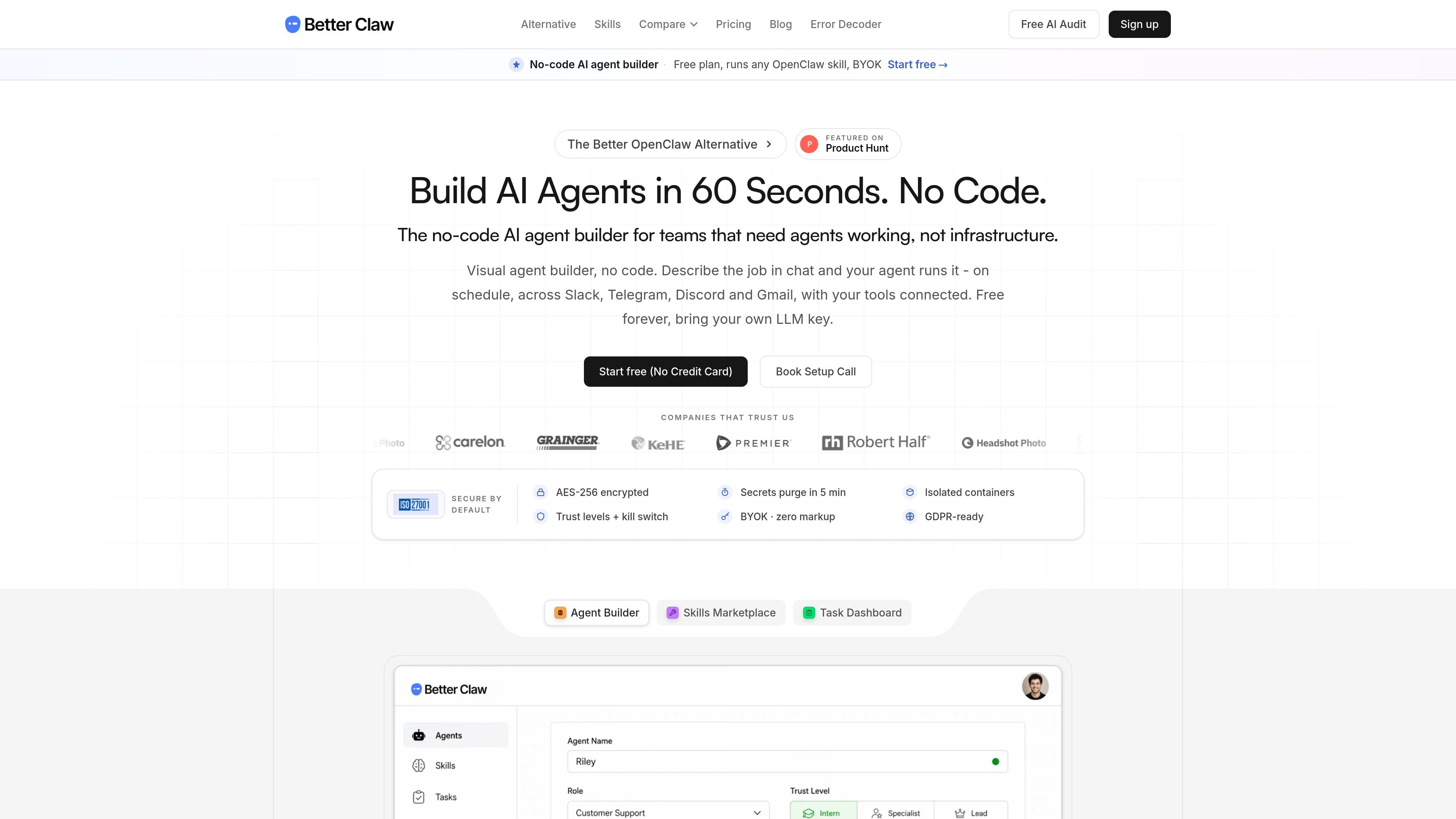
BetterClaw is a no-code AI agent builder for deploying autonomous agents without managing Docker, YAML, or VPS infrastructure. The site presents it as a way to create agents visually, connect them to channels and tools, and get them live quickly.
It supports OpenClaw-compatible skills, a curated skill library, and native connections such as Telegram, Slack, Discord, and Gmail. The product also emphasizes security and operational controls including sandboxed execution, AES-256 encryption, secrets auto-purge, trust levels, and a kill switch.
Build agents visually instead of writing YAML or Docker configuration. The site positions the builder as suitable for teams that want to describe a job and deploy it without infrastructure setup.
Agents can use OpenClaw-compatible skills plus a curated skill set. The site also says workspace users can turn successful chats into named skills for reuse.
BetterClaw supports native connections to Telegram, Slack, Discord, and Gmail, with OAuth and webhooks mentioned across the site. The pricing page also references connectors, multi-account support, and ad integrations on paid plans.
The platform includes sandboxed execution, AES-256 encrypted credentials, secrets that auto-purge from memory after five minutes, trust levels, and a kill switch. These controls are presented as built-in safety features for running agents against real systems.
The product supports recurring schedules, task state tracking, recurring runs in the user’s timezone, and per-agent cost tracking. The site also mentions heartbeat scheduling to pause idle agents and reduce always-on token use.
Pricing pages show BYOK on all plans, managed keys on Pro and above, and an Enterprise option for custom infrastructure and support needs. The site also offers free, Pro, Business, and custom Enterprise tiers.
Create an internal or customer-facing agent from a template or from scratch, then connect it to the team’s preferred channels so it can begin handling work without a hand-built backend.
Use scheduled agents for repeated tasks such as routine follow-ups, recurring checks, or backlog processing. The platform’s task tracking and timezone-aware repeats are designed for that workflow.
Connect an agent to Slack, Telegram, Discord, or Gmail so it can work in the same channels where a team already communicates. The site describes one agent handling multiple channels with shared context.
Use sandboxed execution, trust levels, a kill switch, and encrypted secrets when agents need to interact with real credentials or production systems. This is the positioning the site gives for security-sensitive deployments.
Turn a prompt or chat that worked well into a reusable named skill for the workspace. This fits teams that want to standardize a successful workflow rather than rewrite it for each deployment.
BetterClaw is a no-code AI agent builder. It lets you create agents visually, connect them to channels and tools, and deploy them without managing Docker, YAML, or VPS infrastructure.
The site says you can sign up free, start with no credit card, and build an agent from a template or from scratch. The product claims agents can go live in about 60 seconds once set up.
BetterClaw supports Telegram, Slack, Discord, and Gmail natively, and the pricing page also mentions webhooks and additional connectors. The exact connector list varies by plan.
On the public pages, BetterClaw emphasizes BYOK on every plan and managed keys on paid plans. The pricing page shows a free plan, a Pro plan at $49 per month, a Business plan at $149 per month, and an Enterprise option with custom pricing.
The site describes agents that can run on schedules, track tasks, and hand back files such as PDF, DOCX, CSV, images, audio, video, and Markdown. It also highlights sandboxed execution, kill switch controls, and encrypted credentials.

CreateOS Sandbox is an isolated compute environment for running code and agent workloads inside Firecracker micro-VMs. It is designed for workflows that need machine-level isolation, private networking between sandboxes, and programmatic control through SDK, CLI, or MCP.

AakarDev AI helps teams manage AI provider access, project-level setups, logs, and analytics from one dashboard. It supports BYOK workflows and lists providers including OpenAI, Google Gemini, Anthropic, Groq, Mistral AI, and Perplexity AI.

Trigger.dev chat agent is a durable AI chat backend for developers building stateful conversations that can survive refreshes, crashes, and long-running turns. It connects with the AI SDK `useChat` flow and runs on managed infrastructure with no timeout on a turn.

ByteAsk is a terminal-first AI coding agent for C and C++ that edits repositories and verifies changes with the real compiler, debugger, sanitizers, and tests before showing a diff. It offers a free tier plus paid plans, with editor connectors and zero-retention handling described in the source.

Codex Plugins bundle reusable skills, app integrations, and MCP servers into workflows you can install in the Codex app or use from Codex CLI. They help extend Codex with connected-service tasks, reusable instructions, and shared team workflows.

hob is an independent workspace for coding agents that keeps agent sessions, terminals, history, and follow-up work organized around the tools and providers you already use. It is aimed at developers who want local control over routing, history, and workspace structure rather than a bundled model stack.