
Stateful conversation runtime
Keeps a conversation attached to a stateful machine instead of a single HTTP request, so the agent can pause and continue across turns without rebuilding state in a database each time.

Trigger.dev chat agent is a durable AI chat backend for developers building stateful conversations that can survive refreshes, crashes, and long-running turns. It connects with the AI SDK `useChat` flow and runs on managed infrastructure with no timeout on a turn.
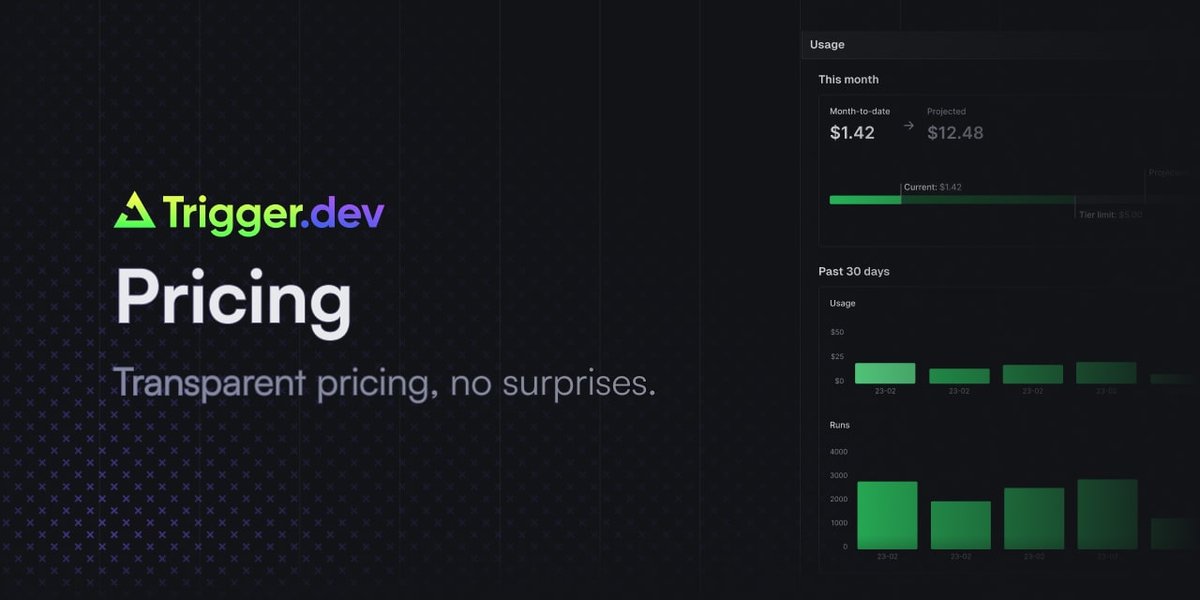
Trigger.dev chat agent is a durable AI chat backend for building stateful conversations that continue across turns, refreshes, and crashes. It runs each conversation on a machine with no timeouts, sleeps when idle, and wakes when new messages arrive, so the agent can keep its state without requiring you to manage separate request, queue, or cache layers.
The product is built for developer workflows that use the AI SDK. The changelog example shows a `chat.agent()` task that returns `streamText`, and the backend documentation says the same wire protocol works with the `chat.agent()`, `chat.createSession()`, and raw-primitives approaches. Trigger.dev Cloud pricing also shows managed infrastructure, usage-based compute, and a free plan alongside paid tiers.
Keeps a conversation attached to a stateful machine instead of a single HTTP request, so the agent can pause and continue across turns without rebuilding state in a database each time.
Streams responses directly through the AI SDK and `useChat`, with no API route required between the frontend and the chat backend.
Supports long-running turns with no timeout, durable streams, and crash recovery so an interrupted chat can resume on the next message.
Preserves in-memory state for the duration of a conversation, which can be useful for caches, variables, and sub-agents that need to persist across turns.
Includes built-in tracing, metrics, and an AI metrics dashboard for cost, token, and latency visibility.
Offers machine presets from micro upward, with dedicated CPU, memory, and disk and the ability to choose the size per agent or override per conversation.
Use `chat.agent()` when you want a chat UI that can disconnect and return later without losing state, because the conversation lives on a durable machine rather than a request handler.
Use the backend for tool-heavy agents that may take longer than a normal server request, including workflows with multiple steps, stop signals, or sub-agents.
Use the AI SDK integration when you already have a frontend built around `useChat` and want to connect it directly to a Trigger.dev-backed conversation.
Use the runtime when you need conversation-scoped memory for caches or intermediate data that should survive between turns but still reset with a new conversation or crash recovery.
Use the lower-level backend options when you need manual control over turn code, persistence, telemetry, or custom stream conversion beyond the default agent flow.
It is a Trigger.dev AI chat backend built around a durable `chat.agent()` task. The conversation runs on a machine with no timeouts, and the frontend can connect with the AI SDK `useChat` flow without an API route in between.
The changelog shows `chat.agent()` returning a `streamText` result from the task `run` function, and the backend docs note that it handles message accumulation, stop signals, turn lifecycle, and auto-piping automatically.
The announcement says the conversation state can survive refreshes and crashes, and the backend docs describe automatic continuation recovery on new runs for `chat.agent()`.
Trigger.dev pricing is tiered: there is a Free plan, a Hobby plan, a Pro plan, and an Enterprise plan with custom pricing. The pricing page also shows usage-based compute and per-run invocation charges.
The pricing page says Trigger.dev can be self-hosted, and the changelog notes that chat.agent runs on managed infrastructure while the underlying machine is a real Linux machine.

CreateOS Sandbox is an isolated compute environment for running code and agent workloads inside Firecracker micro-VMs. It is designed for workflows that need machine-level isolation, private networking between sandboxes, and programmatic control through SDK, CLI, or MCP.

Ably Chat is a chat API platform for building custom realtime chat applications. It supports room-based messaging, typing indicators, presence, reactions, and message updates, with usage-based pricing options for different deployment stages.

AakarDev AI helps teams manage AI provider access, project-level setups, logs, and analytics from one dashboard. It supports BYOK workflows and lists providers including OpenAI, Google Gemini, Anthropic, Groq, Mistral AI, and Perplexity AI.

ByteAsk is a terminal-first AI coding agent for C and C++ that edits repositories and verifies changes with the real compiler, debugger, sanitizers, and tests before showing a diff. It offers a free tier plus paid plans, with editor connectors and zero-retention handling described in the source.

Codex Plugins bundle reusable skills, app integrations, and MCP servers into workflows you can install in the Codex app or use from Codex CLI. They help extend Codex with connected-service tasks, reusable instructions, and shared team workflows.

hob is an independent workspace for coding agents that keeps agent sessions, terminals, history, and follow-up work organized around the tools and providers you already use. It is aimed at developers who want local control over routing, history, and workspace structure rather than a bundled model stack.