
Standalone workspace
Open a workspace directly in the native app. Cline displays the workspace name and Git branch while the agent reads, edits, and runs code without an attached VS Code window.

Cline for Desktop is a native macOS and Windows app for using the open-source Cline coding agent in standalone workspaces. It helps developers read, edit, and run code without an attached editor, while supporting multiple model providers, queued instructions, and revisable sessions.
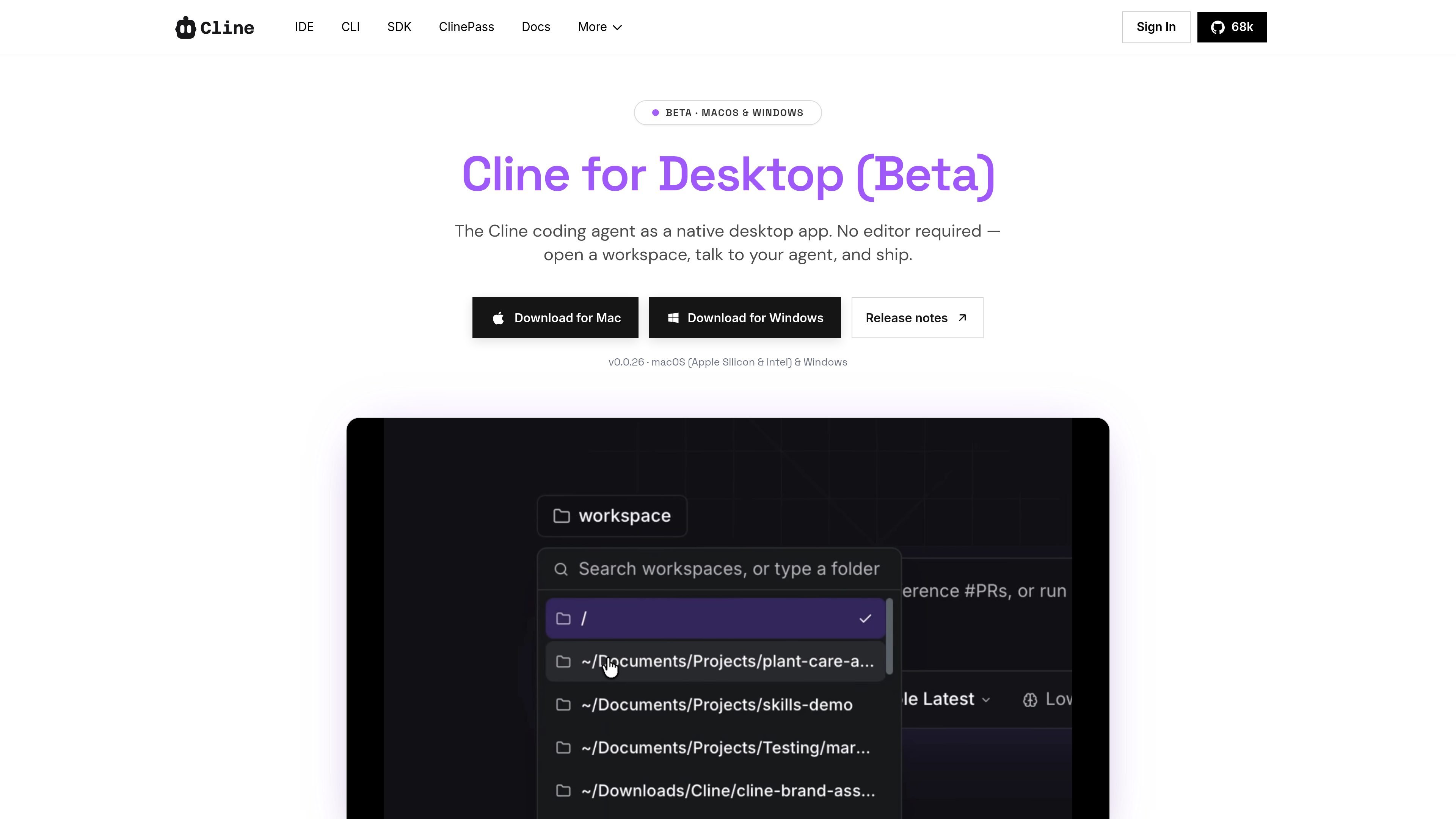
Cline for Desktop is a native desktop application for the Cline open-source coding agent. It lets developers open a workspace, communicate with the agent, and have it read, edit, and run code without keeping an editor such as VS Code open.
The desktop app keeps the Cline workflow outside the editor while retaining provider flexibility and session controls. Users can bring their own API key or sign in with a Cline account, switch models during a project, queue follow-up messages, and revise earlier prompts by forking a session and rewinding the workspace to a checkpoint.
Open a workspace directly in the native app. Cline displays the workspace name and Git branch while the agent reads, edits, and runs code without an attached VS Code window.
Use the same Cline agent across the desktop app, IDE, and CLI, with connections for providers such as Anthropic, OpenAI, Gemini, open-weight models, and local endpoints.
Add follow-up instructions while a task is running. Queued messages can be edited, reordered, sent immediately, or deleted from the composer area.
Edit an earlier prompt to fork the conversation, rewind the workspace to that checkpoint, and rerun the task from the revised instruction.
View sessions from the desktop app, CLI, extension, and scheduled runs in one sidebar. Sessions can be favorited and filtered by their source.
Open a repository or other coding workspace in the desktop app and let the agent inspect files, make changes, and run code without launching an editor.
Continue a long-running task by entering follow-up instructions while the agent is still working, then reorder the queued requests as priorities change.
Test a different model or provider during an active project by switching connections while keeping the Cline harness and workspace workflow.
Correct an earlier instruction without starting from scratch: edit the message, fork the session, restore the workspace checkpoint, and rerun the task.
Review and organize work across surfaces by favoriting sessions and filtering the history to distinguish desktop, CLI, extension, and scheduled-run activity.
Cline for Desktop is a native beta application for macOS and Windows. Download links are provided for both platforms, and release v0.0.26 is listed for Apple Silicon and Intel Macs as well as Windows.
You can bring your own API key or sign in with a Cline account. The desktop app can connect to providers including Anthropic, OpenAI, Gemini, open-weight models, and local endpoints, subject to the provider setup you choose.
No. The desktop app is designed as a standalone application, so you can open a workspace and use the agent without a VS Code window or another editor attached.
The app is currently labeled beta, and Cline says new builds ship frequently and users should expect rough edges. The listed desktop release is v0.0.26.
Cline is free for individual developers, with AI inference billed on a usage basis rather than through a subscription or seat fee. Users can also bring their own provider API keys. Enterprise features and pricing are handled through contact sales.

ByteAsk is a terminal-first AI coding agent for C and C++ that edits repositories and verifies changes with the real compiler, debugger, sanitizers, and tests before showing a diff. It offers a free tier plus paid plans, with editor connectors and zero-retention handling described in the source.

Ghost é um assistente de IA para terminal, para conversar, gerar código e executar tarefas no prompt. Traz modelos gratuitos, funciona no Linux, macOS e Windows e é open source.

Vi3ecode is a maintained development environment for working with AI coding agents. It keeps project context, terminal, Git, memory, flows, review, and communication connected around the agent you already use.

Lucid Train is a local-first AI coding harness that turns repository code into architecture diagrams and uses those diagrams as specifications for coding agents. It is available as a desktop app and a lightweight Rust CLI, and it can run with local models or your own API keys.

CreateOS Sandbox is an isolated compute environment for running code and agent workloads inside Firecracker micro-VMs. It is designed for workflows that need machine-level isolation, private networking between sandboxes, and programmatic control through SDK, CLI, or MCP.

hob is an independent workspace for coding agents that keeps agent sessions, terminals, history, and follow-up work organized around the tools and providers you already use. It is aimed at developers who want local control over routing, history, and workspace structure rather than a bundled model stack.