
Sentence-to-agent setup
Describe an agent in a sentence and turn it into a live conversation thread on a real number. The product is positioned around getting an agent running quickly rather than building a separate app experience.

Comms by Osis is a messaging-agent product for launching iMessage and SMS conversations on a real number. It includes a free shared-line tier plus paid options for higher volume, a dedicated line, and enterprise rollouts.
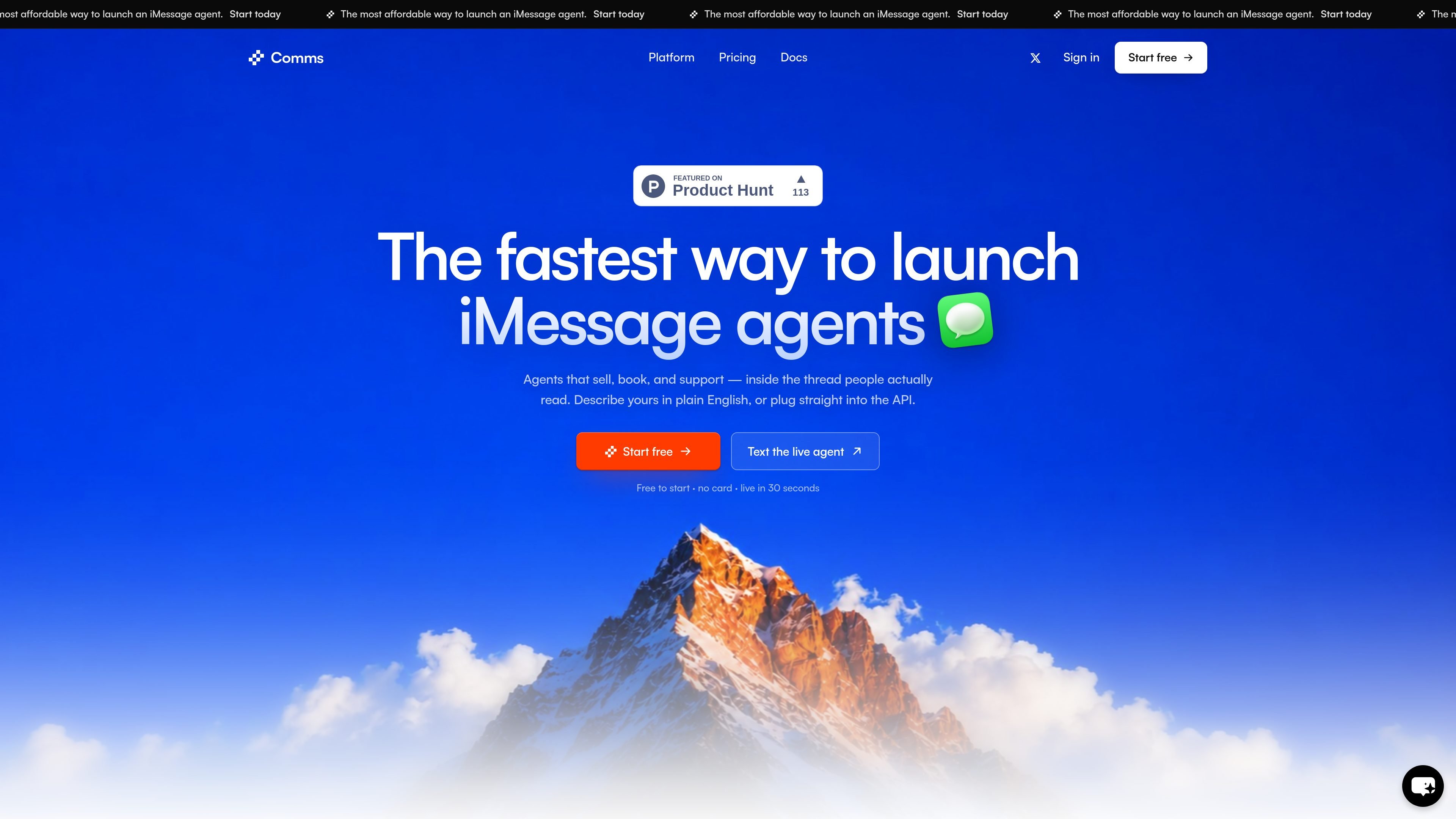
Comms by Osis is a product for launching iMessage agents on a real number. The site describes it as a way to go from a one-sentence agent description to a live line in seconds, with iMessage and SMS included and free to start.
The product is organized around conversation setup rather than a traditional app builder. It includes an agent builder, knowledge, instructions, inbox, and handoff so teams can define what the agent should say, what information it should use, and when a human should take over.
Describe an agent in a sentence and turn it into a live conversation thread on a real number. The product is positioned around getting an agent running quickly rather than building a separate app experience.
The free and Plus plans use a shared platform line, while the Dedicated plan provides your own line that is not shared. The source also notes area code and number selection on Dedicated.
The product includes an agent builder plus knowledge, instructions, inbox, and handoff so the conversation can be configured, reviewed, and passed to a person when needed.
The knowledge system can hold product information, policies, FAQs, and operating rules. Workspace-wide material can apply across agents, while agent-specific material stays scoped to one agent.
Plus includes spam prevention and line health, which are presented as plan features for managing shared-line usage at higher volume.
Enterprise is described for teams that need volume, compliance, or a rollout matched to how they operate, with priority technical support and solutions engineering.
A team can draft an agent in a sentence, connect it to a number, and begin refining its knowledge and handoff behavior before committing to a paid plan.
Support or operations teams can use the knowledge, instructions, and handoff tools to answer routine questions while escalating conversations that need a person.
Teams that expect more traffic can move from the shared free or Plus line to Dedicated, which provides a non-shared line with its own area code and number.
Organizations with broader operating requirements can use the Enterprise path for volume, compliance, priority support, and a rollout aligned with their process.
Teams can keep workspace-wide policies and FAQs available to multiple agents while scoping agent-specific material to a single thread or workflow.
Yes. The free plan runs on a shared platform line with 100 messages per day, which lets you build the agent, send test messages, and adjust knowledge, voice, and handoff before upgrading.
Comms is built for the thread. On supported iPhone conversations it delivers the blue-bubble experience; other recipients can be routed through the messaging channel available in your setup.
You define the handoff rules. When a conversation needs a person, Comms can stop the automated path and keep the full context visible for your team.
Yes. You can add product information, policies, FAQs, and operating rules to the agent's knowledge. Workspace-wide material can support every agent, while agent-specific material stays scoped to one agent.
Free and Plus both use a shared platform line. Free includes 100 messages per day; Plus is unlimited and adds spam prevention and line health. Dedicated starts at $200 per month and includes a dedicated line, area code, and number.

Trigger.dev chat agent is a durable AI chat backend for developers building stateful conversations that can survive refreshes, crashes, and long-running turns. It connects with the AI SDK `useChat` flow and runs on managed infrastructure with no timeout on a turn.

CreateOS Sandbox is an isolated compute environment for running code and agent workloads inside Firecracker micro-VMs. It is designed for workflows that need machine-level isolation, private networking between sandboxes, and programmatic control through SDK, CLI, or MCP.

Codex Plugins bundle reusable skills, app integrations, and MCP servers into workflows you can install in the Codex app or use from Codex CLI. They help extend Codex with connected-service tasks, reusable instructions, and shared team workflows.

Ably Chat is a chat API platform for building custom realtime chat applications. It supports room-based messaging, typing indicators, presence, reactions, and message updates, with usage-based pricing options for different deployment stages.

Wallie is an open-source AI streamer that watches your screen, hears chat, and generates live commentary in a configurable persona. It runs locally on your machine with your own keys and is aimed at faceless content, autonomous streams, and real-time reactions.

Claude Overlay is a Windows desktop overlay for Claude Code that reads your screen so you can ask questions, inspect content, and request edits without leaving the current app. It runs on your existing Claude subscription through the Claude CLI, so no separate API key is required.