
Repository import from GitHub
Accepts a GitHub repository URL and performs a shallow clone of the target branch to analyze the active codebase state.
GitDecode is a GitHub codebase analysis tool that builds AST-backed dependency graphs, interactive diagrams, and natural-language answers. It helps developers understand repository structure, trace call paths, and assess the impact of changes.
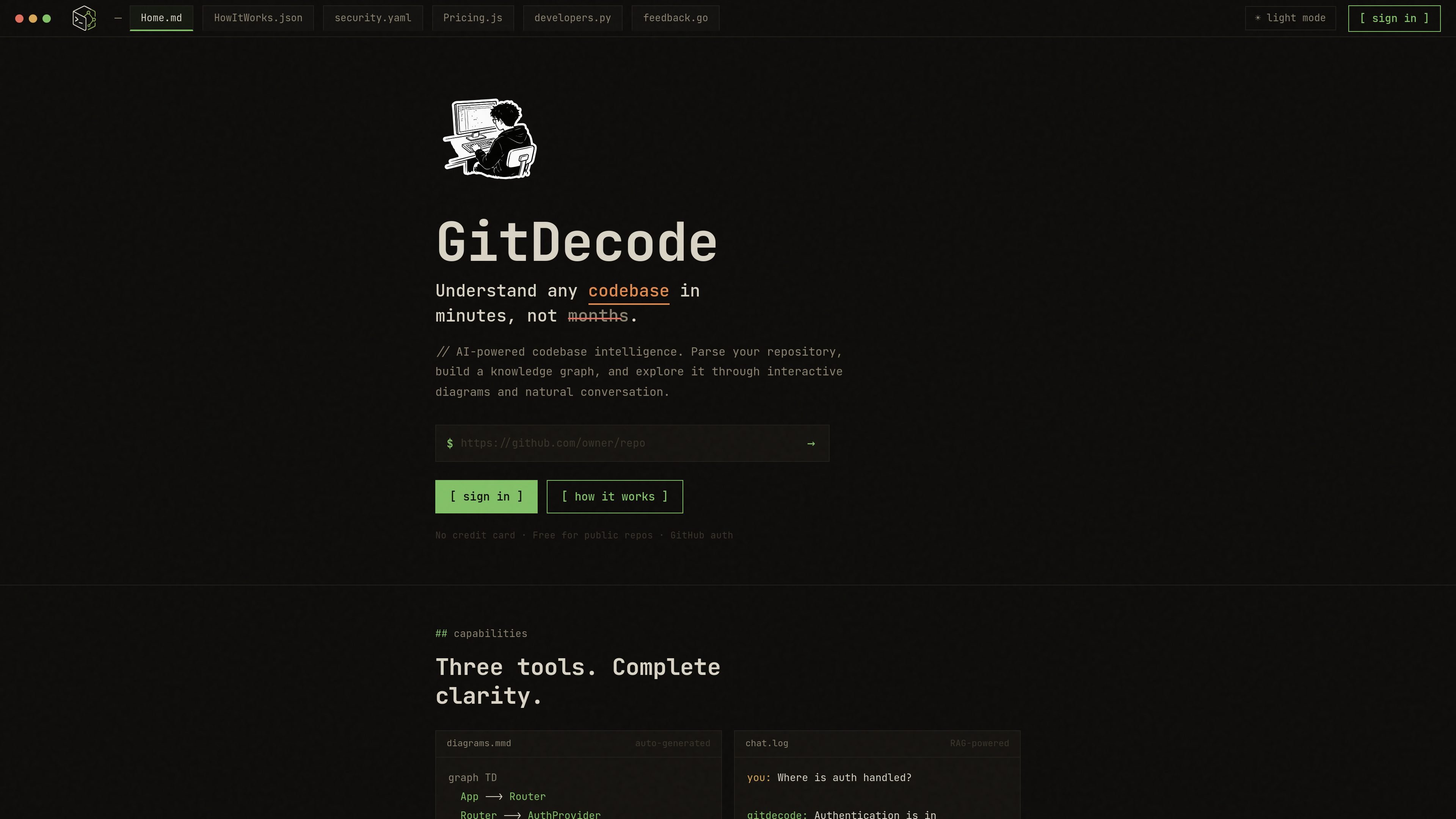
GitDecode is a developer tool for understanding GitHub codebases by turning repository structure into an AST-backed graph, interactive diagrams, and natural-language answers. It is positioned for engineers who need to inspect how code is organized, how dependencies connect, and where changes may propagate.
The product imports a repository from GitHub, detects the workspace layout, and parses code into syntactic units before compiling call and import relationships into a graph. From there, users can explore the codebase visually or ask questions about specific files and behavior, with the product emphasizing private, in-memory processing and transient storage of source code.
Accepts a GitHub repository URL and performs a shallow clone of the target branch to analyze the active codebase state.
Parses files into AST blocks and builds a multi-file import and call dependency graph rather than relying on text chunking.
Uses graph BFS routing for retrieval, with depth-based context loading tied to source files and signatures.
Generates interactive architecture diagrams and visual graph views for exploring repository structure.
Supports natural-language questions about code, with answers grounded in repository structure and call relationships.
Provides impact analysis that traces direct and transitive dependents when a file changes.
Use GitDecode to get a structural map of a repository before making changes, so you can see how modules, imports, and call paths fit together.
Ask repository-specific questions in natural language when you need to locate where authentication, routing, or other behavior is implemented.
Review the blast radius of a proposed edit by checking which direct and transitive dependents may be affected.
Browse interactive diagrams and graph views when you want a visual overview of architecture instead of reading files one by one.
Use the paid or enterprise plans when you need private repository analysis, higher-scale use, or custom deployment options.
GitDecode works with GitHub repositories. The home page highlights free use for public repos, while the pricing page says the Developer plan supports public and private repositories.
The home page says code is processed in memory and not stored, and the security page adds that full file contents are cloned to volatile disk, processed, and deleted after AST extraction. The pricing page also states that source code is processed in transient memory and not persisted.
The home page describes GitHub auth, and the security page says requests are protected with Supabase JWT verification. The pricing page notes that public repo use does not require a credit card and the product supports secure sign-in through GitHub authentication.
GitDecode outputs interactive diagrams, a codebase knowledge graph, chat-based answers, and impact analysis views. The how-it-works page shows a pipeline that imports a repo, parses ASTs, compiles a graph, routes queries through graph-based RAG, and streams results to the interface.
The pricing page lists a free Hobby plan for public repositories, a paid Developer plan for active engineers, and an Enterprise plan with custom deployment, self-hosting, and SLAs.

ByteAsk is a terminal-first AI coding agent for C and C++ that edits repositories and verifies changes with the real compiler, debugger, sanitizers, and tests before showing a diff. It offers a free tier plus paid plans, with editor connectors and zero-retention handling described in the source.

CreateOS Sandbox is an isolated compute environment for running code and agent workloads inside Firecracker micro-VMs. It is designed for workflows that need machine-level isolation, private networking between sandboxes, and programmatic control through SDK, CLI, or MCP.

GitBot is a local browser-based workspace for creating reusable coding bots powered by Claude Code, Codex, or OpenCode. It helps developers run those agents across repository folders with persistent threads and configurable permissions.

hob is an independent workspace for coding agents that keeps agent sessions, terminals, history, and follow-up work organized around the tools and providers you already use. It is aimed at developers who want local control over routing, history, and workspace structure rather than a bundled model stack.

Manta AI is an autonomous web app testing tool for teams that want to map application behavior, catch regressions, and generate tests without writing scripts or maintaining selectors. It works from a URL and supports plain-English test flows, run results with screenshots, and scheduled or deployment-triggered checks.

SonOf connects to your repo and PM tool, audits the codebase and surrounding product context, and turns approved work into shipped tickets with senior engineering review. It is aimed at founders and engineering leaders who need backlog help without hiring a full team immediately.