
Monitor terminal agents remotely
View Claude Code, Codex, Gemini CLI, OpenCode, GitHub Copilot, or Antigravity CLI sessions running in tmux through a chat-style interface on a phone or browser.

Inyon is an open-source tool for watching, answering, and steering coding agents running in tmux on your own computers. Developers can use its Android app, or an optional self-hosted hub for browser access, to manage supported CLI agents remotely.
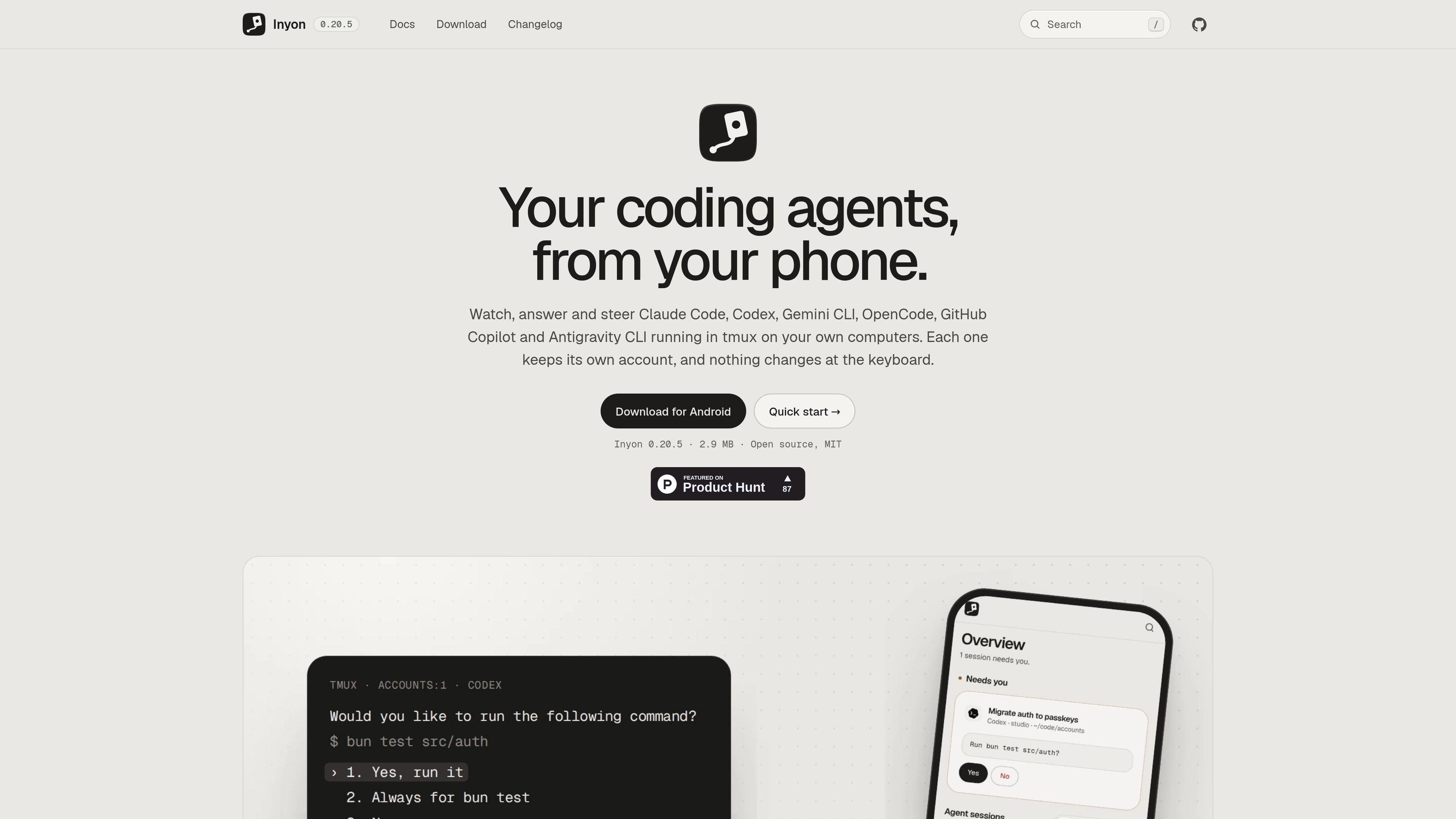
Inyon is an open-source remote interface for coding agents running in tmux on your computers. It lets developers monitor sessions, respond to agent prompts, and send follow-up instructions from an Android phone or, with an optional hub, any browser. Supported agents include Claude Code, Codex, Gemini CLI, OpenCode, GitHub Copilot, and Antigravity CLI.
The agent continues running in its existing terminal session and retains its own account and machine context. Inyon does not sign in to the agent services or replace the terminal workflow; it reads the tmux session, process tree, and agent session files, then sends responses back through tmux. Computers can pair directly with the phone, join a self-hosted hub, or be reached over SSH.
View Claude Code, Codex, Gemini CLI, OpenCode, GitHub Copilot, or Antigravity CLI sessions running in tmux through a chat-style interface on a phone or browser.
Receive agent questions, permission requests, menus, and sign-in links as actionable buttons, then send responses without returning to the keyboard.
Change model, effort, and permission mode; set goals; compact, clear, rewind, or revisit conversations; and type commands including slash commands, file search, shell commands, and images.
Inspect replies, tool calls, diffs, plans, to-dos, test results, and live background output, with the real terminal available when needed.
See model, context, cost, lines changed, and five-hour or weekly plan limits, while receiving notifications when an agent needs attention or a machine disconnects or reconnects.
Pair computers directly by QR code, connect machines through an optional hub, or reach machines over SSH. A hub serves the web app to browsers and can manage multiple machines.
Start a coding agent on a laptop, walk away, and answer its questions or review test results from an Android phone without interrupting the tmux session.
Keep several computers visible in one overview, inspect session trees by machine, and respond when a remote agent requests permission or input.
Run a hub on a home server, VPS, or desktop that stays on so a browser can reach the web app and coordinate connected machines.
Connect to a server that cannot run Inyon locally by using SSH; the remote machine only needs tmux and the configured coding agents.
Review changed files and diff lines, comment on work, commit or push changes, and fork a conversation after an agent has completed a task.
Install the Android app, run the provided setup command on a macOS or Linux computer, or use PowerShell on Windows, then scan the QR code in the app. The quick-start flow is designed to take about two minutes and does not require a hosted service.
No. The Android app can connect directly to paired computers through a free encrypted tunnel or your VPN. A hub is optional when you want browser access or one central connection point.
Inyon supports Claude Code, Codex, Gemini CLI, OpenCode, GitHub Copilot, and Antigravity CLI. The documentation notes that the Gemini CLI, OpenCode, and Copilot readers are in beta.
The Android app is the available phone app. Browser access is provided through an optional hub running on a machine that stays on; the documentation states that an iOS app has not been built.
Yes. A computer can join a hub over SSH when Inyon cannot be installed there. The server needs tmux and the coding agents, while the Android app or hub handles the connection.