
Stateless browser on Workers
Runs entirely on Workers as a stateless browser, so sessions are ephemeral and designed to exist only for the duration of a task.

Kitesurf is Cloudflare's stateless browser for AI agents, built to run entirely on Workers for screenshots, HTML extraction, and automation. It is intended for lightweight, bursty browser workflows that can trade away pixel-perfect rendering and other desktop-browser features.
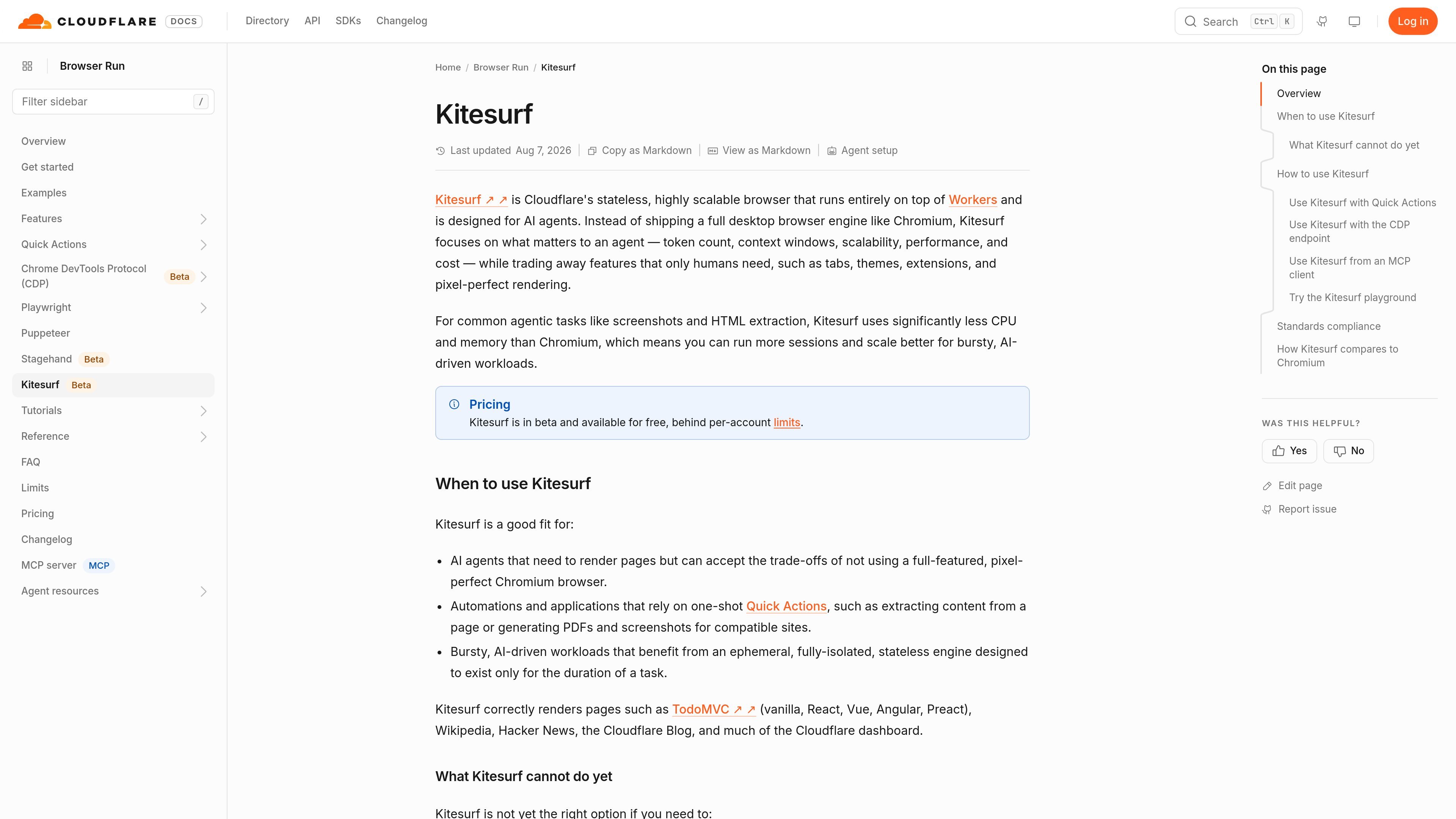
Kitesurf is Cloudflare's stateless browser for AI agents. It runs entirely on Workers and is built to handle browser tasks that matter to agents, including screenshots, HTML extraction, and automation.
Rather than aiming for a full desktop browsing experience, Kitesurf trades away human-focused features such as tabs, themes, extensions, and pixel-perfect rendering in order to reduce CPU and memory use. Cloudflare positions it for bursty, AI-driven workloads where scaling and cost efficiency are more important than a complete Chromium feature set.
Runs entirely on Workers as a stateless browser, so sessions are ephemeral and designed to exist only for the duration of a task.
Optimized for agent workflows by prioritizing token count, context windows, scalability, performance, and cost instead of desktop browser features.
Supports one-shot browser tasks such as screenshots, HTML extraction, PDF generation, Markdown extraction, accessibility tree capture, scraping, and link retrieval through Quick Actions.
Exposes a CDP endpoint for persistent sessions, tab management, debugging, and control from Puppeteer, Playwright, or other CDP-compatible clients.
Can be used from an MCP client with a CDP connection, allowing AI agents to connect through a standard browser control setup.
Includes a public playground with DOM inspection, console output, network activity, and memory information for testing compatibility before building code.
Use Kitesurf when an AI agent needs to render a page, extract HTML, or capture a screenshot without paying the cost of a full desktop browser stack.
Use Quick Actions for single-purpose browser jobs such as screenshot capture, PDF generation, Markdown extraction, or scraping when a script-free flow is enough.
Use the CDP endpoint when you need persistent sessions, tab management, or deeper control from Puppeteer, Playwright, Node.js scripts, or CI/CD jobs.
Use the playground to check whether a site renders correctly before wiring it into production workflows, especially when compatibility is uncertain.
Use Kitesurf for bursty workloads where many short-lived sessions may be more practical than a smaller number of long-lived browser instances.
Kitesurf is a stateless browser that runs entirely on Workers. It is designed for AI agents and supports tasks such as screenshots, HTML extraction, and automation.
Use Kitesurf when you need a lightweight browser for agentic tasks, one-shot Quick Actions, or bursty workloads where CPU and memory efficiency matter more than pixel-perfect rendering.
Kitesurf can be used through Quick Actions, the Browser Run CDP endpoint, or an MCP client that speaks both MCP and CDP.
Kitesurf is not yet the right choice for playing video, rendering WebGL, negotiating bot challenges with real TLS fingerprints, or starting long-lived authenticated sessions that require persistent state.
The docs say Kitesurf is in beta and available for free, behind per-account limits.

CreateOS Sandbox is an isolated compute environment for running code and agent workloads inside Firecracker micro-VMs. It is designed for workflows that need machine-level isolation, private networking between sandboxes, and programmatic control through SDK, CLI, or MCP.

ByteAsk is a terminal-first AI coding agent for C and C++ that edits repositories and verifies changes with the real compiler, debugger, sanitizers, and tests before showing a diff. It offers a free tier plus paid plans, with editor connectors and zero-retention handling described in the source.

Codex Plugins bundle reusable skills, app integrations, and MCP servers into workflows you can install in the Codex app or use from Codex CLI. They help extend Codex with connected-service tasks, reusable instructions, and shared team workflows.

hob is an independent workspace for coding agents that keeps agent sessions, terminals, history, and follow-up work organized around the tools and providers you already use. It is aimed at developers who want local control over routing, history, and workspace structure rather than a bundled model stack.

Wallie is an open-source AI streamer that watches your screen, hears chat, and generates live commentary in a configurable persona. It runs locally on your machine with your own keys and is aimed at faceless content, autonomous streams, and real-time reactions.

Manta AI is an autonomous web app testing tool for teams that want to map application behavior, catch regressions, and generate tests without writing scripts or maintaining selectors. It works from a URL and supports plain-English test flows, run results with screenshots, and scheduled or deployment-triggered checks.