
Animated wallpaper scenes
Choose from 15 GPU-rendered animated scenes across four families: Atmosphere, Fluid, Geometry, and Weather.

Mac+ is a macOS desktop customization app for animated wallpapers, custom folder icons, and desktop widgets. It offers GPU-rendered scenes, palette controls, user media backgrounds, and multi-display behavior.
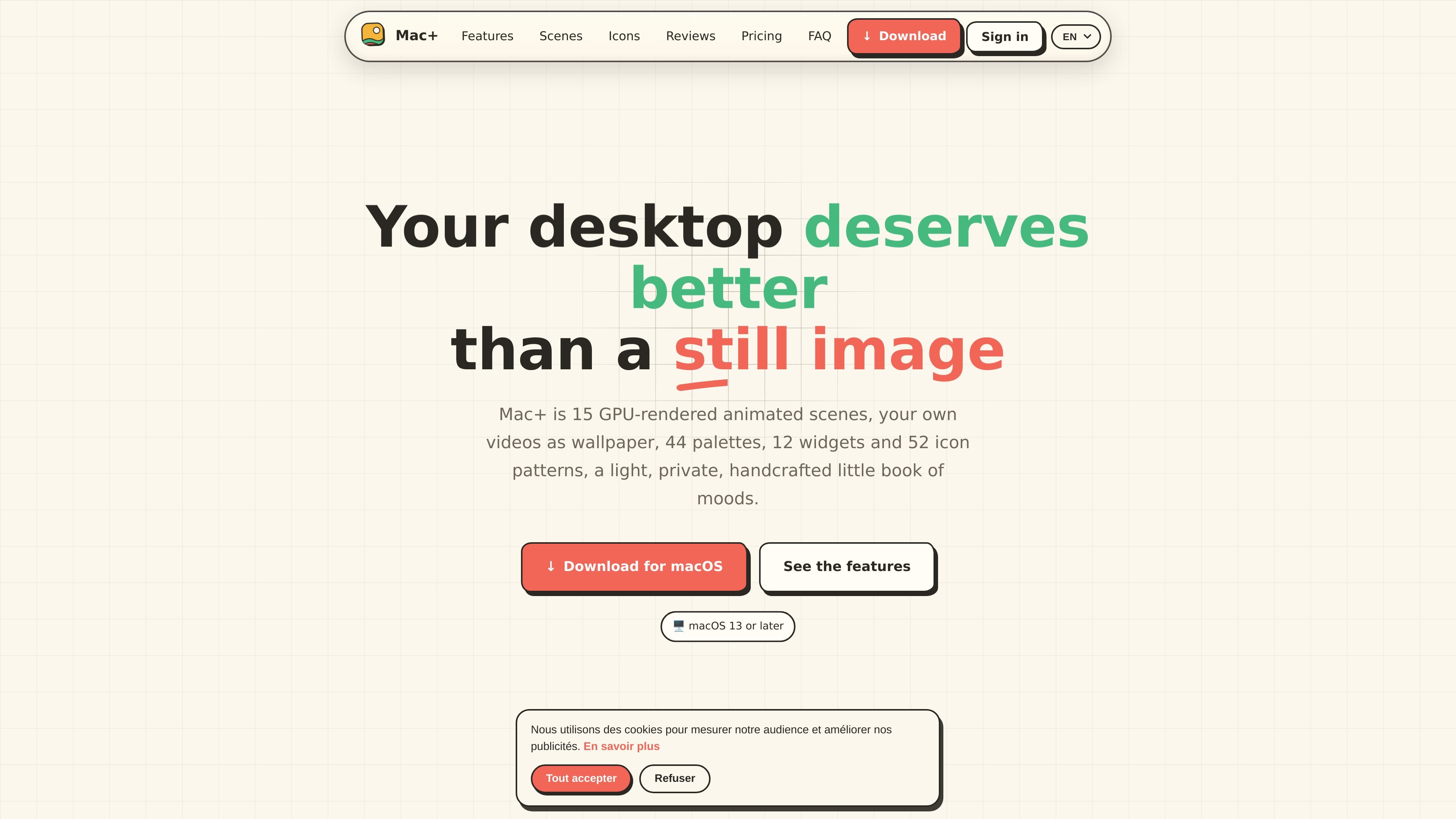
Mac+ is a macOS desktop customization app focused on live wallpapers, folder icons, and desktop widgets. It combines GPU-rendered scenes with palette controls, custom media backgrounds, and layout tools for multiple displays.
The product is positioned as a native, lightweight, and private alternative for users who want animated desktop visuals without relying on heavier wallpaper engines. The site also describes account-based synchronization between the website and the app.
Choose from 15 GPU-rendered animated scenes across four families: Atmosphere, Fluid, Geometry, and Weather.
Apply one of 44 palette presets or create your own; the scene recolors instantly when you change it.
Use your own video in a loop or set a static image as the background.
Pick from 52 folder icon patterns mapped to the Apple folder shape, or import your own image for several folders at once.
Place 12 desktop widgets anywhere on the screen, with 3 sizes and 4 shapes for layout flexibility.
Set wallpapers per display, with automatic updates when you plug in or remove a screen; playback can also pause in full screen and run at 30, 60, or 120 FPS.
Use Mac+ to turn a Mac desktop into an animated background with a specific visual style, such as mist, aurora, plasma, lava, rain, or snow.
Use the palette tools to match the wallpaper to a color theme or create a custom look for a shared workstation or personal workspace.
Use the video and image background options when you want a personal clip, loop, or still image instead of the built-in scenes.
Use folder icon patterns to visually distinguish several folders at once and make frequently used locations easier to scan.
Use the widgets for time, date, Focus, timer, season, or weekend information when you want glanceable desktop information without opening other apps.
Mac+ is a macOS application for animating the desktop with GPU-rendered wallpapers, scene palettes, widgets, and custom folder icons.
Mac+ has a free tier. The homepage currently lists a monthly plan at €1.99 after a 7-day trial and a separate lifetime launch offer at €9.99. The monthly trial requires a card and renews unless canceled; the lifetime purchase has no trial. Confirm the checkout total before buying.
Mac+ is installed on macOS and can also synchronize account status with the website. The terms page says sign-in is available by email/password or by continuing with Google.
Yes. The terms say you can cancel the monthly Pro subscription from "Mon compte" and should cancel before the trial ends if you do not want to be charged.
Mac+ requires macOS 13 or later and is offered for Apple silicon and Intel Macs.