
Plain-language bot creation
Describe your business in plain language. The system extracts services, availability, booking rules, and conversation flow before building the bot.

Meerlume is a no-code bot builder for WhatsApp and Telegram that turns a plain-language business description into a live conversational bot. It is aimed at small businesses that need lead capture, support, bookings, quotes, or order intake without forms.
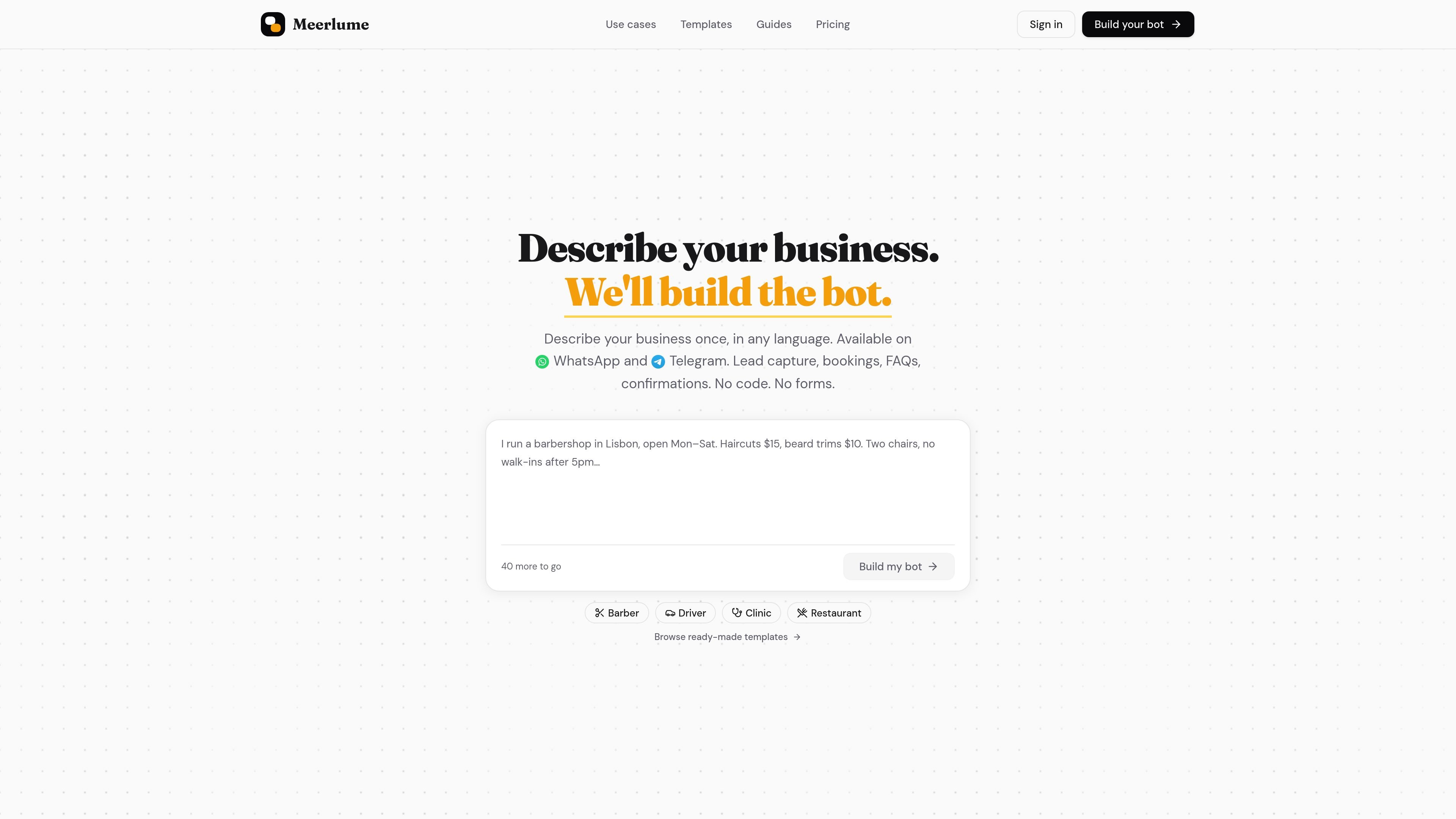
Meerlume is a no-code bot builder for WhatsApp and Telegram. It is designed for small businesses that want to describe how they work once and turn that description into a live conversational bot.
The product focuses on operational chats such as lead capture, support questions, bookings, quotes, and order intake. The site says it extracts the business entities and conversation flow, lets you preview the bot before launch, and supports handoff to a human when needed.
On the home page, Meerlume positions the bot as a front desk for conversations rather than a generic chat assistant. It can check availability, book or reschedule slots, answer common questions, and route conversations into a dashboard or inbox for review.
Pricing is simple: there is a free Telegram plan, and paid plans add WhatsApp with no per-message metering and no markup on channel fees. Higher plans add more conversations, more bots, and additional team and calendar features.
Describe your business in plain language. The system extracts services, availability, booking rules, and conversation flow before building the bot.
Launch on WhatsApp or Telegram, with the pricing page confirming Telegram on the free plan and WhatsApp included on paid plans.
The site says bookings land in a real calendar, with live availability, slot booking, rescheduling, and cancellation inside the chat.
Conversations can be watched live and handed off to a person with one tap from the phone, dashboard, or messenger.
You can edit the flow by asking for changes in plain language, preview the result in a sandbox, and undo changes before launch.
The pricing page lists integrations for Google Calendar, Google Sheets, Webhooks, Email, and support for tools such as Zapier, Make, Airtable, Notion, Slack, Teams, Discord, HubSpot, Stripe, PayPal, SMS, and Microsoft Excel, with several marked as planned or included by plan.
Qualify inbound leads by asking for intent, budget, area, timeline, or similar fields, then route the lead to the right rep or booking step. The sales page says hot leads can book a viewing, demo, or callback before they cool off.
Answer repeat questions such as hours, pricing, services, parking, or order status, then escalate to a person with context already attached when needed. The support page emphasizes structured escalation and inbox triage.
Handle real bookings in chat by checking availability, booking the slot, and managing reschedules or cancellations. The home page and pricing page both point to live calendar-based booking flows.
Collect structured order details such as items, quantities, and delivery or pickup preferences without sending customers to a website cart. The home page presents this as a WhatsApp commerce workflow.
Gather project details before a human prepares a quote, or coordinate internal follow-ups and status updates on Telegram. The use-cases page lists both quote intake and internal operations as separate workflow shapes.
You describe your business in plain language, and Meerlume turns that description into a bot flow. The site says you can preview the bot in a live chat sandbox, make tweaks, and then launch it on WhatsApp or Telegram.
The source material shows bots for lead capture, support and FAQs, bookings and reservations, quotes and intake, orders and commerce, and internal operations. The use-case pages show separate templates for sales, support, booking, and related workflows.
The pricing page shows a free Telegram plan and paid plans that add WhatsApp. Paid plans also include unlimited AI bot builds; the higher tiers add more bots, more conversations, and features like per-staff or multi calendars.
Yes. The home page says you can connect WhatsApp or Telegram at launch, and the pricing page lists WhatsApp on paid plans while Telegram is included on all plans.
The site says the bot can notify you when needed and lets you review or take over conversations from your dashboard or inside your messenger. It also supports live takeover when a human needs to step in.

Ably Chat is a chat API platform for building custom realtime chat applications. It supports room-based messaging, typing indicators, presence, reactions, and message updates, with usage-based pricing options for different deployment stages.

Make Real is a Next.js app that turns hand-drawn wireframes into working HTML prototypes using the tldraw SDK and AI models. It helps users sketch on a canvas, generate code, and review the result in an embedded preview.

Claude Overlay is a Windows desktop overlay for Claude Code that reads your screen so you can ask questions, inspect content, and request edits without leaving the current app. It runs on your existing Claude subscription through the Claude CLI, so no separate API key is required.

Grok é um assistente de IA gratuito desenvolvido pela xAI, projetado para priorizar a verdade e a objetividade, ao mesmo tempo que oferece capacidades avançadas como acesso a informações em tempo real e geração de imagens.

Trigger.dev chat agent is a durable AI chat backend for developers building stateful conversations that can survive refreshes, crashes, and long-running turns. It connects with the AI SDK `useChat` flow and runs on managed infrastructure with no timeout on a turn.

ClawEase is an AI business operator that captures requests across calls, email, SMS, WhatsApp, LINE, and web forms, then completes booking and service workflows in existing web systems. It is aimed at appointment-based businesses that need intake, follow-up, and execution without API changes.