
Next.js and Tailwind foundation
Build on a Next.js 16.x and Tailwind CSS foundation for admin interfaces that are designed to be extended in code.

NextAdmin is a free, open-source Next.js admin dashboard template for developers building dashboards with AI-assisted workflows. It offers 200+ UI components, pre-built pages, and context files that help agents like Claude Code and Cursor extend the codebase consistently.
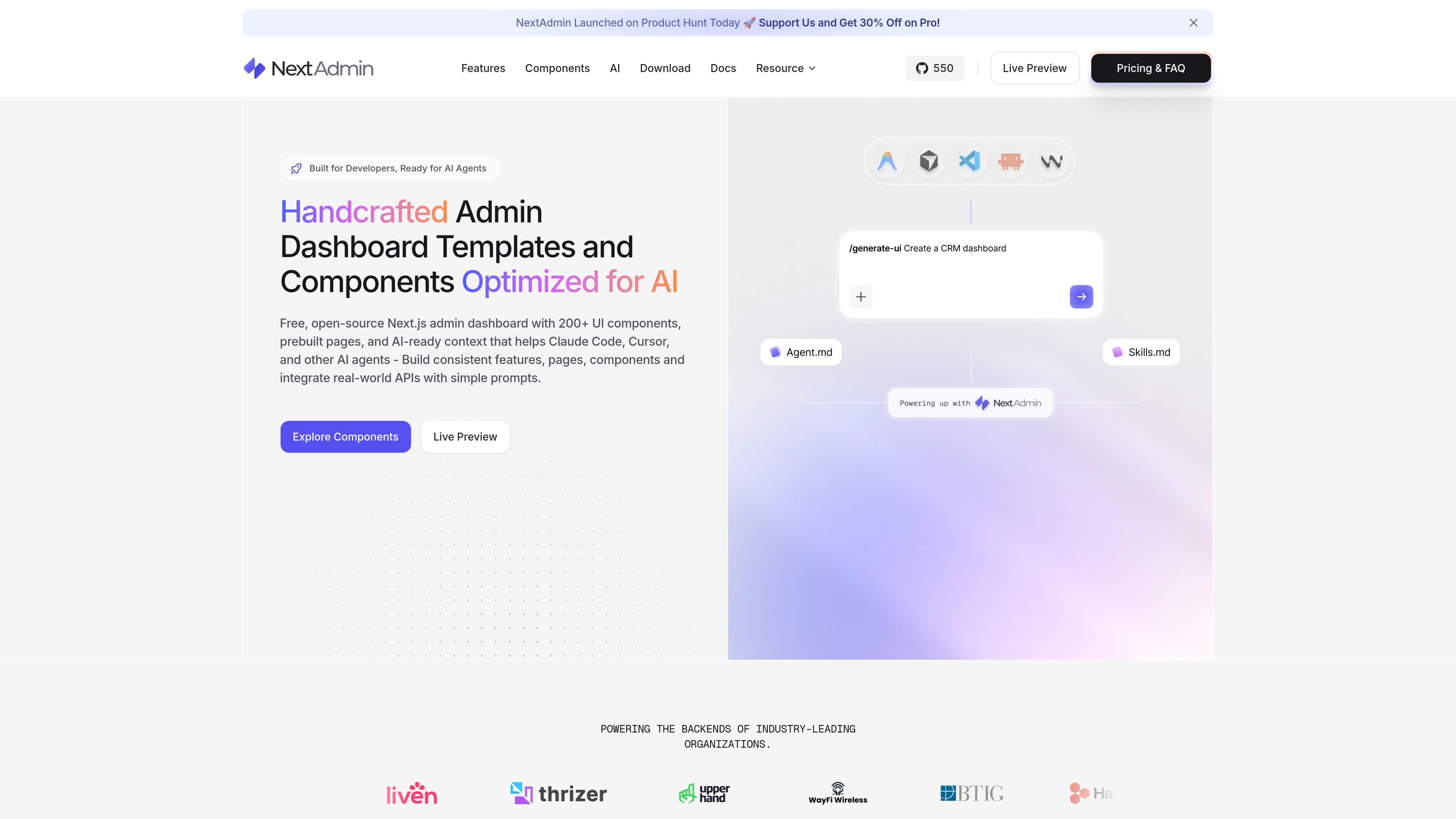
NextAdmin is a free, open-source Next.js admin dashboard template built for developers who want a structured starting point that AI tools can extend consistently. The site positions it as an AI-ready codebase with 200+ UI components, pre-built pages, and multiple dashboard templates.
The product combines a Next.js and Tailwind CSS foundation with AGENTS.md, SKILL.md, and machine-readable context files so tools like Claude Code, Cursor, Codex, Copilot, and Zed can generate features inside an existing design system instead of improvising their own structure. The download and pricing pages show a free version and a Pro version with additional components, integrations, licensing, and support.
Build on a Next.js 16.x and Tailwind CSS foundation for admin interfaces that are designed to be extended in code.
Start from 200+ UI components, pre-built pages, and dashboard elements covering common admin screens and workflows.
Use pre-built dashboard variations for analytics, e-commerce, CRM, marketing, SaaS, AI, and stock-related interfaces.
Keep the interface usable in both color schemes with built-in dark and light mode support.
Work with AI editors and agents through rules, skills, and context files so edits stay aligned with the project structure.
Connect mock-data screens to live endpoints with the api-integration skill, and use React Aria skills to preserve accessibility behaviors.
Use the pre-built dashboards, components, charts, tables, and forms to start an internal admin panel without designing every screen from scratch.
Open the project in an AI editor and let the agent create pages, tables, dashboards, APIs, or forms while following the project rules and layout patterns.
Use the pre-built templates for analytics, e-commerce, CRM, marketing, SaaS, or AI dashboards when you want to start from the closest layout instead of a blank repo.
Connect mock-data screens to real endpoints with the api-integration skill when moving from a prototype to live application data.
Use the included Figma source and dark/light mode support to review interface direction and maintain consistent visuals across themes.
Yes. The pricing page states that all plans are one-time payments with lifetime access and free updates, with no recurring fees or yearly renewals.
The source pages describe NextAdmin as a free, open-source version with essentials and a Pro version with additional components, integrations, licensing, and support.
The site says NextAdmin works with Claude Code, Cursor, Codex, Copilot, Zed, and any AI agent that can read the project rules and context files.
The download page shows two main options: a free open-source version and a Pro version. The pricing page lists Starter, Team, and Extended plans for Pro.
The site says NextAdmin includes AGENTS.md, SKILL.md, machine-readable context files, and prompt-based workflows so AI tools can generate dashboards, tables, APIs, forms, and more.

ByteAsk is a terminal-first AI coding agent for C and C++ that edits repositories and verifies changes with the real compiler, debugger, sanitizers, and tests before showing a diff. It offers a free tier plus paid plans, with editor connectors and zero-retention handling described in the source.

CreateOS Sandbox is an isolated compute environment for running code and agent workloads inside Firecracker micro-VMs. It is designed for workflows that need machine-level isolation, private networking between sandboxes, and programmatic control through SDK, CLI, or MCP.

hob is an independent workspace for coding agents that keeps agent sessions, terminals, history, and follow-up work organized around the tools and providers you already use. It is aimed at developers who want local control over routing, history, and workspace structure rather than a bundled model stack.

Manta AI is an autonomous web app testing tool for teams that want to map application behavior, catch regressions, and generate tests without writing scripts or maintaining selectors. It works from a URL and supports plain-English test flows, run results with screenshots, and scheduled or deployment-triggered checks.

SonOf connects to your repo and PM tool, audits the codebase and surrounding product context, and turns approved work into shipped tickets with senior engineering review. It is aimed at founders and engineering leaders who need backlog help without hiring a full team immediately.

Ghost é um assistente de IA para terminal, para conversar, gerar código e executar tarefas no prompt. Traz modelos gratuitos, funciona no Linux, macOS e Windows e é open source.