
Shared Channels for team work
People and Agents share a Channel, so the request, working context, decisions, and result stay in one place instead of being split across private chats or separate tools.

Offloop is a workspace for teams using AI Agents to run recurring work with shared context, approvals, and visible handoffs. It helps keep the result, the decision, and the next step in one record so teammates can continue the work together.
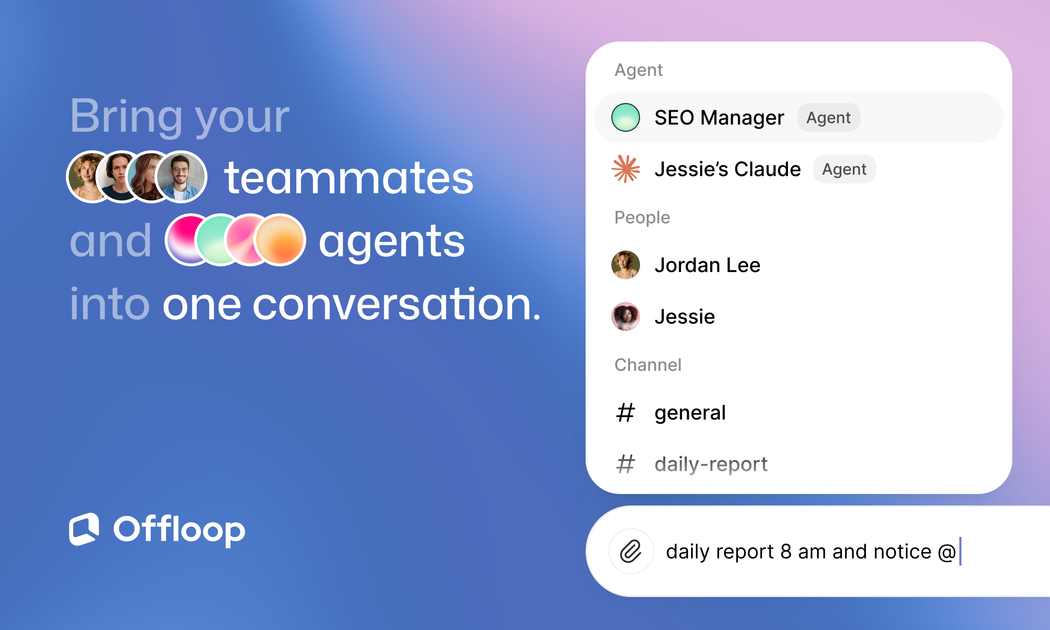
Offloop is a workspace for teams that want AI Agents to handle recurring work without losing the human context around it. The product centers on shared Channels, where requests, working notes, decisions, approvals, and outputs stay connected so the whole team can see what happened and what comes next.
The main goal is to make each AI result usable by another teammate. Offloop presents the answer, the follow-up, and the relevant artifacts in a single shared record, so teams can continue work, reuse proven Agents, and move ownership forward without rebuilding the process from zero.
People and Agents share a Channel, so the request, working context, decisions, and result stay in one place instead of being split across private chats or separate tools.
A mention can assign the next step to a teammate or Agent. If the person is not already in the Channel, the mention brings them in so ownership is explicit.
Agents can ask for the exact connector or device access they need in the Channel, and a teammate can grant it with one click without exposing the secret itself.
Teams can approve, send work back, or record a decision directly in the Flow, which keeps judgment visible and preserves the reasoning behind the outcome.
Artifacts such as markdown files or plans stay attached to the Channel, so later work can refer back to earlier outputs and continue from the same record.
Saved work can be reused on a later run, letting a team call the same Agent and checks again on fresh inputs instead of rebuilding the workflow from scratch.
Use Offloop when a recurring team process needs AI help but still requires review, approvals, and a clear owner for the next step. The Channel keeps the request, answer, and decision together.
Run account reviews, renewal planning, or customer follow-up work where an Agent gathers signals, drafts an action plan, and a teammate approves the final outreach or offer.
Track launches, research tasks, or content preparation with visible progress so one teammate or Agent can pick up where another left off. This is useful when work pauses and resumes over time.
Use an Agent to request temporary access to a connector or workspace, then continue the task once a teammate grants permission in the Channel. This keeps credentials out of the conversation while preserving oversight.
Repeat a proven workflow by reusing the same Agent and its saved checks on new inputs, such as fresh signals or updated files, instead of recreating the process manually.
Offloop is positioned as a workspace for AI Agents and people to work in shared Channels, so completed work includes the request, context, decisions, and next step instead of staying as a private answer. The source pages emphasize visible progress, approvals, and reusable workflows.
The source describes Channels as the place where people and Agents share context, owners, approvals, and artifacts. Work can be assigned by mentioning the next owner, and an Agent can request access or approval inside the Channel when it needs it.
The pricing page shows three offerings: Operator for individuals, Team Pilot for small teams, and Enterprise for organizations that need security review and custom routing. It also says Team Pilot includes shared Channels, team memory, connector setup, usage review, and priority onboarding.
The source materials do not list a public integration catalog. They do show at least one connector-style workflow where an Agent requests access to Google Workspace, and another example mentioning HubSpot access.
The contact page offers a 30-minute introduction and says the team will review your workflow to see whether Offloop fits. The source does not provide self-serve setup steps or an in-product trial flow for all plans.

Biji é uma plataforma versátil projetada para aumentar a produtividade por meio de ferramentas e recursos inovadores.

runevr is a connected workspace for creative teams that combines boards, media review, chat, recordings, drive, calls, and AI agents in one room-based environment. It is designed to reduce tool switching and keep project context together.

BotBoard is a task-management layer for AI agents that helps teams assign work, track progress, and review output. It supports CLI, MCP, and HTTP connections for tools like OpenClaw, Codex, Claude Code, and Cursor.

GitBoard é um app nativo da barra de menus do macOS para GitHub Projects: veja seu kanban, filtre por status, pesquise issues e crie/atribua itens.

Codex Plugins bundle reusable skills, app integrations, and MCP servers into workflows you can install in the Codex app or use from Codex CLI. They help extend Codex with connected-service tasks, reusable instructions, and shared team workflows.

Struere is an AI-native platform for turning spreadsheet data into structured operational software with dashboards, alerts, and automations. It is aimed at teams that want to replace manual spreadsheet workflows without building custom tools from scratch.