
Natural-language task requests
Accepts requests written in ordinary language, so a task can be described without writing a technical specification.

Ovren is an AI coding tool for making changes to existing products from natural-language requests. It plans and writes the code, opens a pull request for team review, and provides live previews for frontend changes.
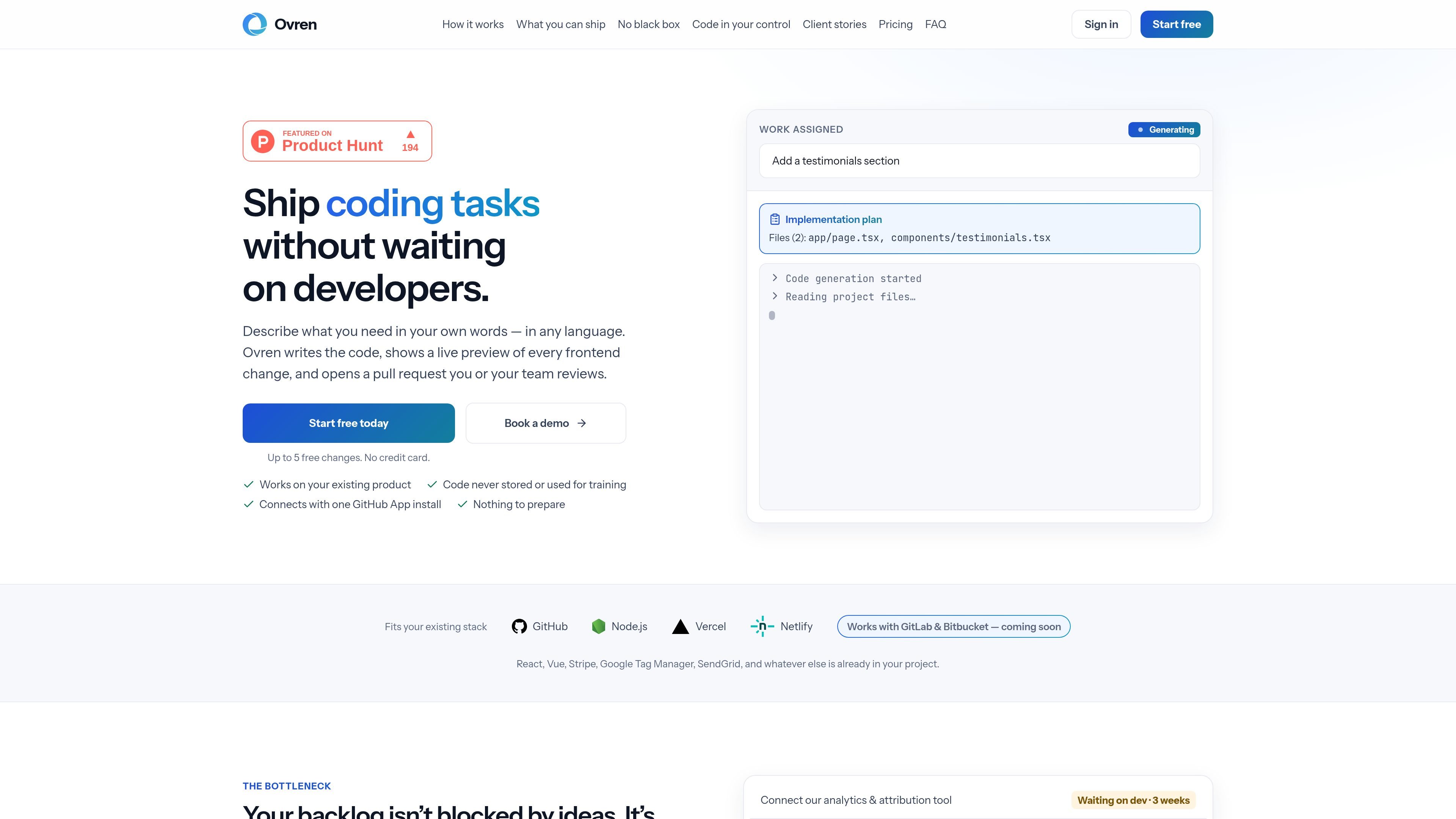
Ovren is an AI coding tool for making changes to an existing product. A team member describes a feature, fix, experiment, integration, or internal tool in ordinary language, and Ovren uses the connected codebase to plan and write the change.
The result is not a separately hosted app: Ovren opens a pull request into the team’s existing product for review. Frontend work includes a live preview, while an execution report explains the planned and changed files and flags risks. The team remains responsible for approval and merging, so the tool is intended to shorten the path from backlog request to reviewable code without bypassing engineering oversight.
Accepts requests written in ordinary language, so a task can be described without writing a technical specification.
Maps the existing project, estimates complexity and risk, and identifies the files it expects to touch before code generation begins.
Returns a proposed implementation plan for approval, then writes the code on its own branch rather than modifying the live product directly.
Delivers completed work as a pull request to the branch your team already uses, with an execution report covering the task, changed files, and flagged risks.
Provides an interactive preview for frontend changes on a safe copy of the project before anything is approved or merged.
Supports requested revisions in Ovren or through pull-request comments, with changes kept in the same pull request; the source specifies up to five revision rounds.
Describe a tracking pixel, Google Tag Manager change, triggered campaign, or landing-page update and send the resulting code through the normal review process.
Ask for an onboarding flow, feature flags, or a small product experiment to create a working change that can be reviewed before release.
Request an admin interface for banners or promo codes, an analytics dashboard, or an operational workflow without turning the request into a detailed implementation brief.
Use the tool for bug fixes, component refactors, and API connections involving services such as Stripe, Mixpanel, HubSpot, or SendGrid, subject to team review.
Build an interactive version on a safe copy of the project to test an idea or demonstrate it to stakeholders before committing engineering time to a full implementation.
You connect a project through a GitHub App installation. The source says this is the only setup step requiring a developer and that no preparation, documentation, or restructuring is required beforehand.
Describe a change in ordinary language, such as adding a banner to a pricing page. Ovren maps the project, sizes the work, returns a plan for approval, writes the code on a separate branch, and opens a pull request.
Every completed task is delivered as a pull request into the branch your team normally merges. Ovren also provides an execution report describing what it understood, which files it changed, and risks it flagged.
Frontend changes include a live preview on a safe copy of the project, allowing you to click through the result before approval. Nothing is merged or shipped without approval from you or your developer.
Ovren works on files in your existing product. It does not log into or change settings in third-party dashboards; for example, it can write code that sends through SendGrid but does not operate your SendGrid account.