
Save complete workspaces
Capture apps, window positions, sizes, stacking order, displays, and desktop assignments as one reusable workspace layout.

Snapset is a Mac workspace manager that saves apps, window arrangements, browser tabs, Finder folders, and multi-desktop setups as reusable layouts. It helps people restore task-specific workspaces across changing display setups using menus, shortcuts, voice, app triggers, or wake-from-sleep automation.
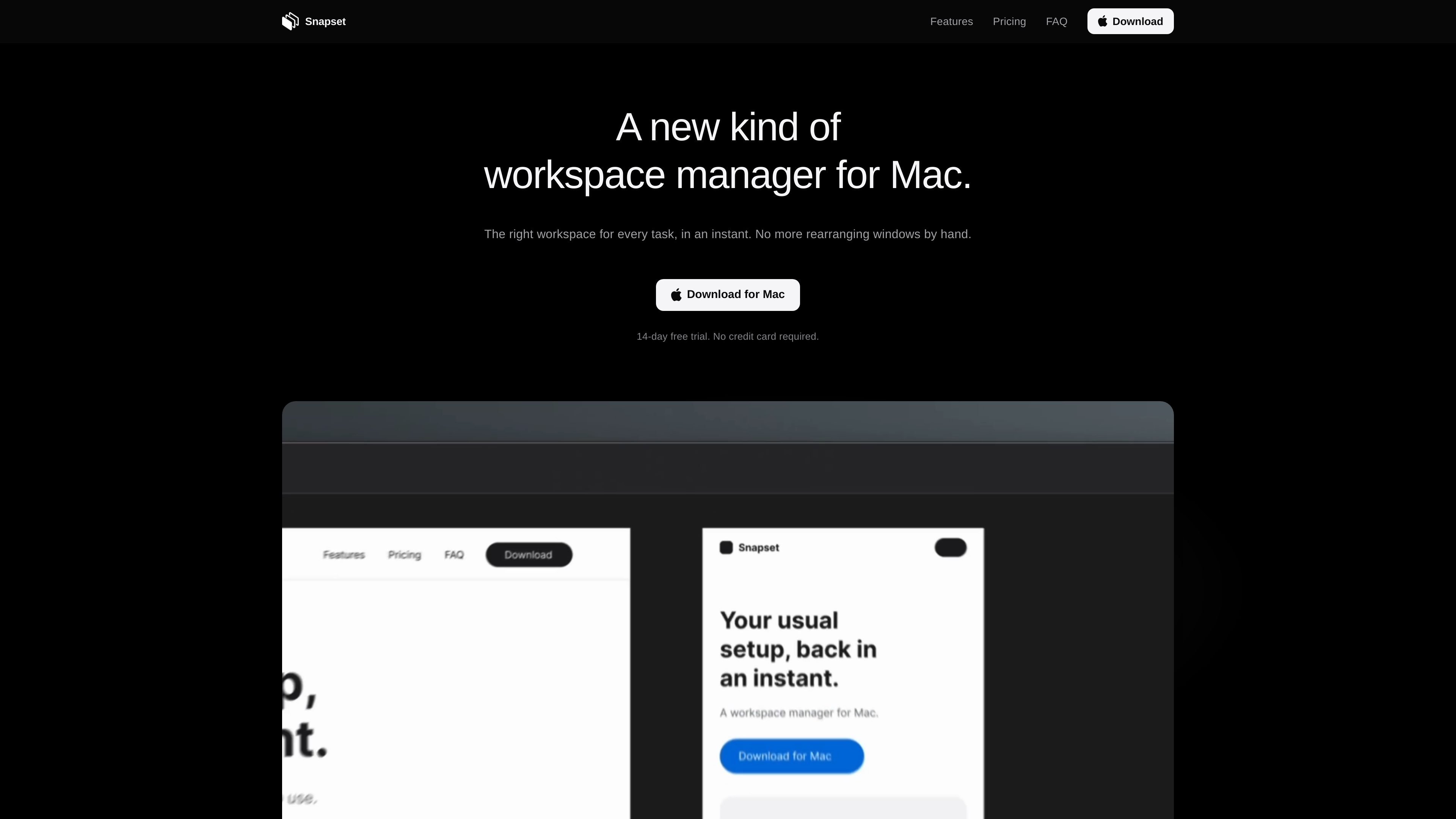
Snapset is a workspace manager for Mac that saves the working state of apps, windows, browser tabs, Finder folders, and multiple desktops as reusable layouts. It is designed for people who move between recurring tasks and want to restore the associated arrangement without repositioning windows manually.
Saved layouts can be recalled through the menu bar, keyboard shortcuts, voice commands, app-based triggers, or a Mac wake event. Snapset also detects connected displays and applies the matching configuration, making it suitable for changing between a single-screen setup, an external-monitor setup, and other supported display arrangements.
Capture apps, window positions, sizes, stacking order, displays, and desktop assignments as one reusable workspace layout.
Restore an arrangement spanning multiple macOS desktops, allowing the desktops and their saved window organization to return together.
Save and reopen browser tabs in Chrome, Safari, Edge, Firefox, and Brave, along with folders that were open in Finder.
Switch layouts from the menu bar, a keyboard shortcut, voice control, an app trigger, or automatically when the Mac wakes from sleep.
Recognize connected displays and apply the layout configured for the current display setup, including setups used in different locations.
Process voice commands locally on the Mac rather than sending speech processing to a remote service.
Create a dedicated layout for coding, with the relevant apps, browser tabs, project folders, and window arrangement restored together when the task begins.
Keep a repeatable editing setup across creative applications, reference tabs, and source folders instead of rebuilding the arrangement for each session.
Use display-aware layouts to move between a MacBook-only setup, an external monitor at home, and another connected-display arrangement without manually rearranging windows.
Save separate layouts for focused office work, meetings, and other recurring activities, then activate the appropriate configuration with a shortcut, voice command, or app trigger.
Restore the usual set of apps and windows after the Mac wakes from sleep, reducing the steps needed to resume an ongoing session.
Snapset runs on Macs with Apple silicon and macOS 14 Sonoma or later. Supported Mac models listed by the product include MacBook Air, MacBook Pro, iMac, Mac mini, Mac Studio, and Mac Pro.
It can save windows from any app, including each window’s position, size, stacking order, display, and desktop. It can also restore open tabs in Chrome, Safari, Edge, Firefox, and Brave, as well as folders open in Finder.
Layouts can be switched from the menu bar, a keyboard shortcut, voice control, an app trigger, or when the Mac wakes from sleep. Snapset detects connected displays and applies the matching saved layout.
The 14-day trial includes every feature and has no display limit. No credit card is required. When the trial ends, Snapset recommends a plan based on the displays used in saved layouts.
Snapset requires Accessibility permission to move windows. Depending on the features used, it may also request Screen Recording, Automation, Microphone, and Speech Recognition permissions. These are requested when the related feature is first used.

Goldfish is an AI memory app for macOS that helps you reply, write, summarize, and continue using the context already on your Mac. It stores memory locally and writes in your tone.

ArtDeck is a visual reference board app for iPhone, iPad, and Mac that lets artists collect mixed reference material on one canvas and study it with ToolBox lenses. It works offline, supports optional iCloud sync, and is sold as a one-time purchase with no account required.

Biji é uma plataforma versátil projetada para aumentar a produtividade por meio de ferramentas e recursos inovadores.

Malyatko is a baby tracker for logging feeding, sleep, growth, teething, and milestones in one app. It works on iPhone, Apple Watch, and widgets, with no sign-up, offline use, and family sharing through iCloud.

Redline is a budgeting tool for Claude Code that paces sessions to stay within time, token, cost, or plan-percentage limits. It uses Claude Code’s native hooks and statusline to help sessions finish with a usable result instead of stopping abruptly.

Claude Overlay is a Windows desktop overlay for Claude Code that reads your screen so you can ask questions, inspect content, and request edits without leaving the current app. It runs on your existing Claude subscription through the Claude CLI, so no separate API key is required.