
Schema-based extraction
Send a URL and a schema to receive structured JSON that matches your fields, such as product data, job listings, or competitor page snapshots.

Tabstack is a managed web API for structured web extraction, cited research, and browser automation. It helps developers build data, research, and task workflows without managing browser infrastructure or orchestration.
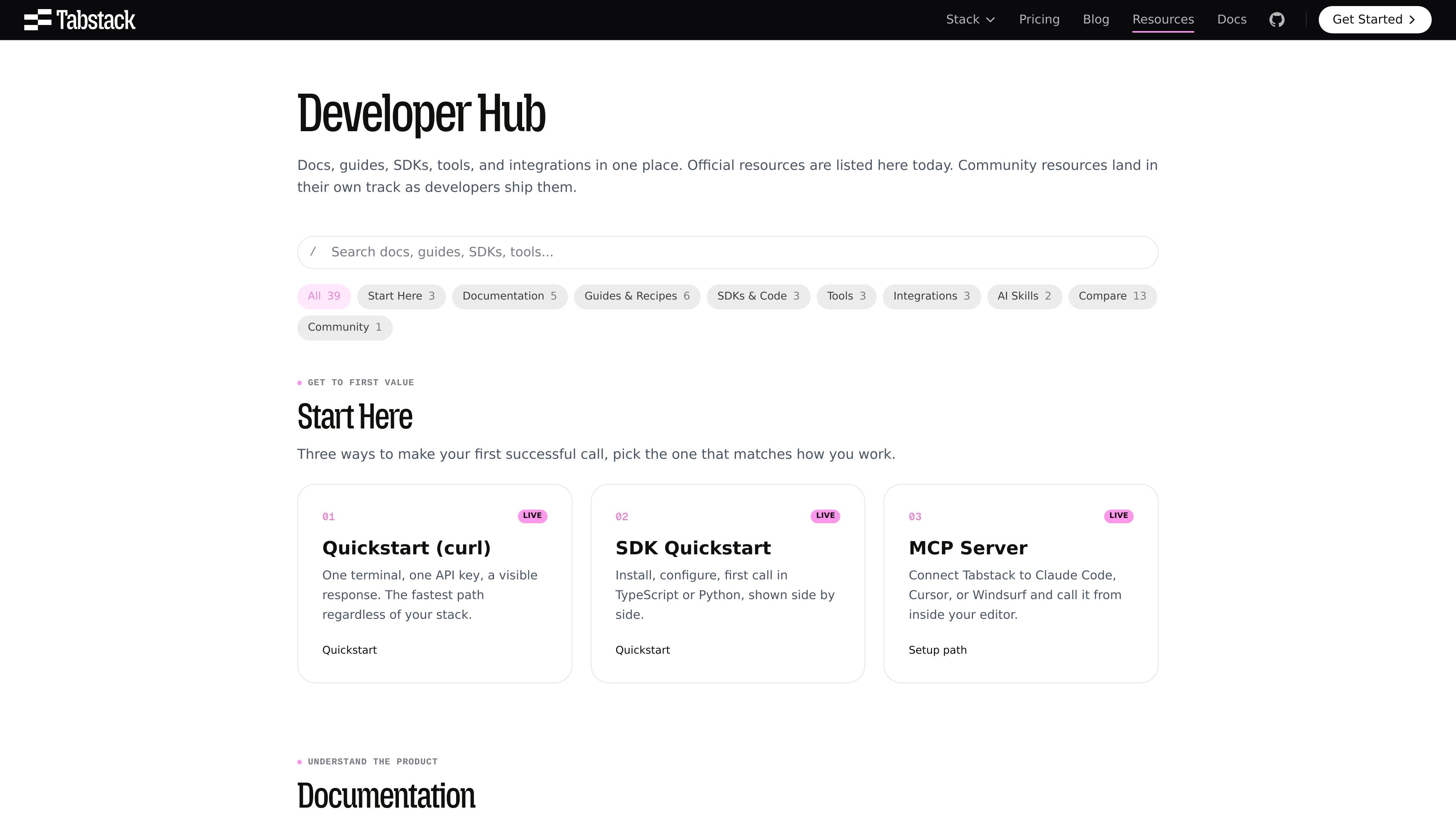
Tabstack is a web data and browser automation platform for developers building extraction, research, and task automation features. The resources hub organizes the product around docs, guides, SDKs, tools, integrations, and comparisons so teams can move from first call to production workflows.
The core product surface includes structured extraction, JSON generation, cited web research, and browser automation. Source pages show that users can send a URL, schema, question, or task and receive structured data, cited answers, or completed browser actions through a managed API rather than wiring together their own browser infrastructure and orchestration stack.
Send a URL and a schema to receive structured JSON that matches your fields, such as product data, job listings, or competitor page snapshots.
Ask a question and get a synthesized answer with citations attached to the claims, built from live web sources rather than a pre-indexed cache.
Describe a task in plain language and Tabstack handles navigation, clicking, form filling, and multi-step browser flows on live sites.
Use TypeScript and Python SDKs, plus MCP, CLI, and editor-oriented tools, to call the platform from code or from inside development workflows.
Access the platform through endpoint-specific workflows for JSON extraction, markdown extraction, JSON generation, research, and automation.
Use first-party integrations and AI surfaces such as LangChain, the Vercel AI SDK, and a Tabstack Agent Skill to wire Tabstack into existing agent stacks.
Pull structured fields from product, job, or competitor pages into a schema instead of parsing HTML by hand.
Build an in-product research feature that returns cited answers from live web sources so users can inspect where each claim came from.
Automate browser-based tasks such as booking flows, checkouts, and form submissions on sites that do not offer an API.
Ship docs ingestion or prompt-preparation workflows by turning pages into clean Markdown or schema-matched JSON.
Embed Tabstack into agent stacks or editor workflows through SDKs, MCP, CLI, and framework adapters.
Tabstack exposes a quickstart path, SDK quickstarts, an MCP server setup path, and endpoint-specific docs for extract, generate, research, and automate.
The site presents extract, generate, research, and automate as separate workflows. Extract returns schema-matched structured data, generate can transform or infer fields, research returns cited answers from multiple sources, and automate runs browser tasks on a live page.
The pricing page shows a free trial with 10,000 free credits for new accounts, plus Individual and Team plans. The page also states that the platform is available without a credit card for starting out.
The resources page lists TypeScript SDK, Python SDK, MCP server, CLI, a Raycast extension, and integrations for LangChain, the Vercel AI SDK, and a Tabstack Agent Skill.
The sources describe Tabstack as a managed web API for structured extraction, cited research, and browser automation. The documentation and pricing pages do not show a self-hosted deployment option.

Happenstance is an AI-powered network search tool for finding people, mutual connections, and warm introductions across connected accounts. It supports individual use, shared team groups, and developer workflows through API, MCP, Slack, and other integrations.

ByteAsk is a terminal-first AI coding agent for C and C++ that edits repositories and verifies changes with the real compiler, debugger, sanitizers, and tests before showing a diff. It offers a free tier plus paid plans, with editor connectors and zero-retention handling described in the source.

hob is an independent workspace for coding agents that keeps agent sessions, terminals, history, and follow-up work organized around the tools and providers you already use. It is aimed at developers who want local control over routing, history, and workspace structure rather than a bundled model stack.

Manta AI is an autonomous web app testing tool for teams that want to map application behavior, catch regressions, and generate tests without writing scripts or maintaining selectors. It works from a URL and supports plain-English test flows, run results with screenshots, and scheduled or deployment-triggered checks.

Redline is a budgeting tool for Claude Code that paces sessions to stay within time, token, cost, or plan-percentage limits. It uses Claude Code’s native hooks and statusline to help sessions finish with a usable result instead of stopping abruptly.

SonOf connects to your repo and PM tool, audits the codebase and surrounding product context, and turns approved work into shipped tickets with senior engineering review. It is aimed at founders and engineering leaders who need backlog help without hiring a full team immediately.