
Drag-and-drop conversation builder
Build conversations by adding and arranging questions with drag and drop, rather than designing a static form page.

Unquestion is an AI-powered conversation builder that turns static pages and forms into interactive dialogues. It helps teams collect structured responses, publish conversations publicly, and embed them on websites.
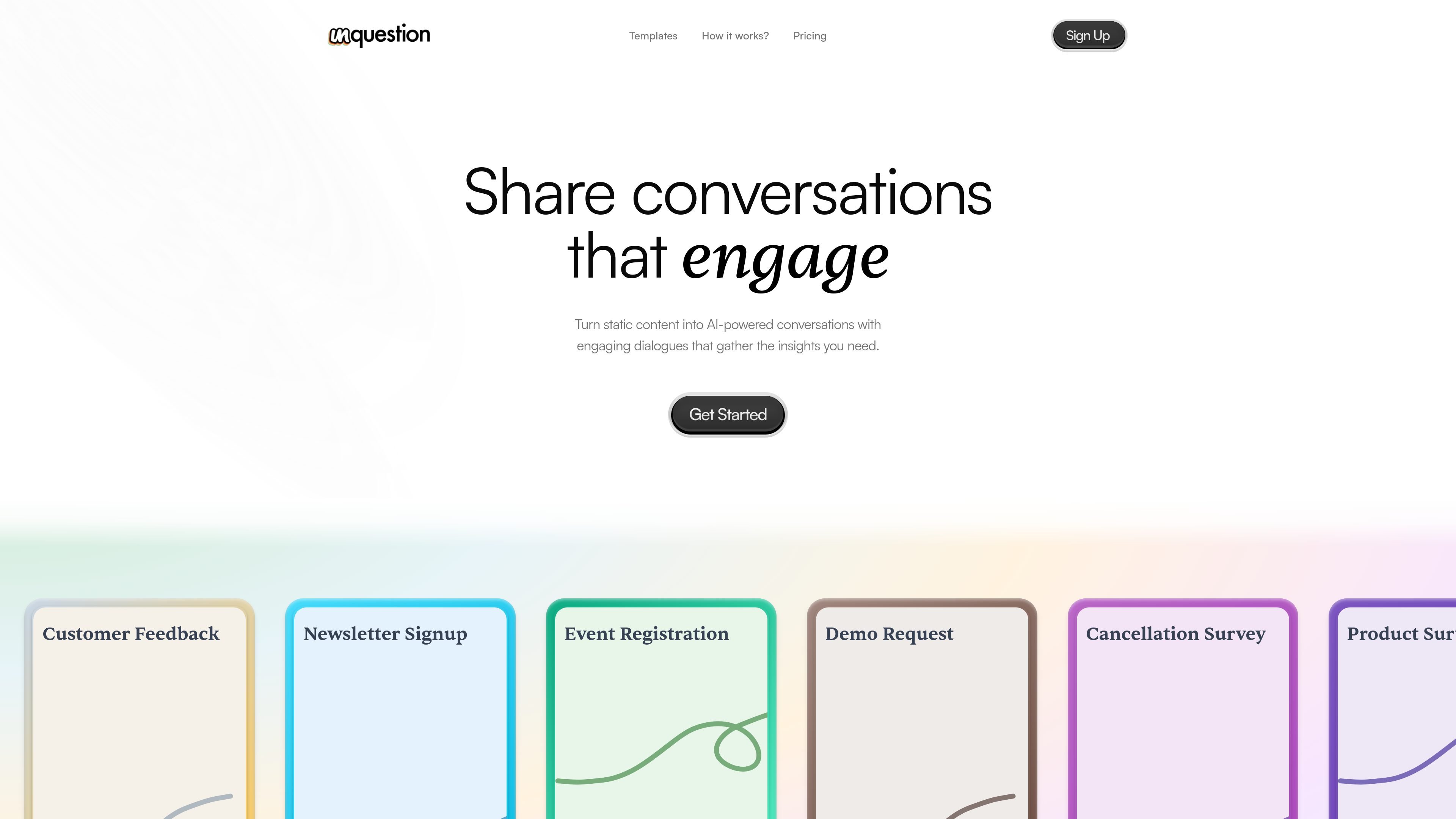
Unquestion is an AI-powered conversations builder for turning static pages and forms into interactive dialogues. It lets you create conversations, publish them publicly, and embed them on external websites so people can respond in a guided, conversational format.
The product is positioned around collecting structured responses that are easier to review than chat logs. Source pages emphasize drag-and-drop setup, AI-generated replies, real-time response tracking, and one-click CSV export, with pre-built templates for common workflows such as feedback, signup, registration, and support.
Build conversations by adding and arranging questions with drag and drop, rather than designing a static form page.
Let AI generate the conversational responses so the experience feels interactive and can guide respondents through the flow.
Present output as structured responses in clean tables instead of long chat logs, which makes review and analysis easier.
Track completed and partial responses in real time so you can see progress as people move through a conversation.
Download results as CSV with one click for offline review or downstream analysis.
Publish conversations publicly, embed them on websites, and use unlimited forms and templates within the product.
Use a conversational flow to collect sentiment, ratings, and written feedback in a format that is easier to review than a long open-ended thread.
Replace a static signup form with a conversation that can qualify interest, learn preferences, and capture details for events, newsletters, or waitlists.
Guide prospects through a demo request flow that gathers context such as needs and goals before a sales or product call.
Create support or cancellation flows that help users explain their issue clearly and route the response to the right team.
Collect product ideas, survey responses, or feature requests in structured form so teams can organize feedback and act on it more easily.
You create conversations by adding and arranging questions with drag and drop, then publish the conversation publicly or embed it on a website.
Yes. The homepage says you can turn static content into AI-powered conversations, and the terms state that published conversations can be embedded on external websites.
Credits are sold as one-time packs, not subscriptions. Each conversation someone chats with costs one credit, and unused credits expire 12 months after purchase.
The templates page shows use cases such as customer feedback, newsletter signup, event registration, demo request, cancellation survey, product survey, feature request, waitlist signup, and customer support.
The terms and privacy policy say you should test conversations before publishing, since AI responses are generated automatically and are not reviewed by a human.

Ably Chat is a chat API platform for building custom realtime chat applications. It supports room-based messaging, typing indicators, presence, reactions, and message updates, with usage-based pricing options for different deployment stages.

Make Real is a Next.js app that turns hand-drawn wireframes into working HTML prototypes using the tldraw SDK and AI models. It helps users sketch on a canvas, generate code, and review the result in an embedded preview.

Claude Overlay is a Windows desktop overlay for Claude Code that reads your screen so you can ask questions, inspect content, and request edits without leaving the current app. It runs on your existing Claude subscription through the Claude CLI, so no separate API key is required.

Grok é um assistente de IA gratuito desenvolvido pela xAI, projetado para priorizar a verdade e a objetividade, ao mesmo tempo que oferece capacidades avançadas como acesso a informações em tempo real e geração de imagens.

Trigger.dev chat agent is a durable AI chat backend for developers building stateful conversations that can survive refreshes, crashes, and long-running turns. It connects with the AI SDK `useChat` flow and runs on managed infrastructure with no timeout on a turn.

IntellAgents is an AI voice and chat agent service for businesses handling customer calls, outbound calls, and messaging across WhatsApp, Instagram, Facebook, Telegram, and websites. It uses a shared knowledge base, provides conversation summaries, and can escalate interactions to human staff.