
Causal tracing across resource types
Trace a running process, port, container, or file back through the chain of systems that started it, rather than only showing current state.

witr is a CLI and TUI tool that traces a process, port, container, or file back to what started it. It helps developers and operators understand why something is running and can also emit machine-readable JSON for automation.
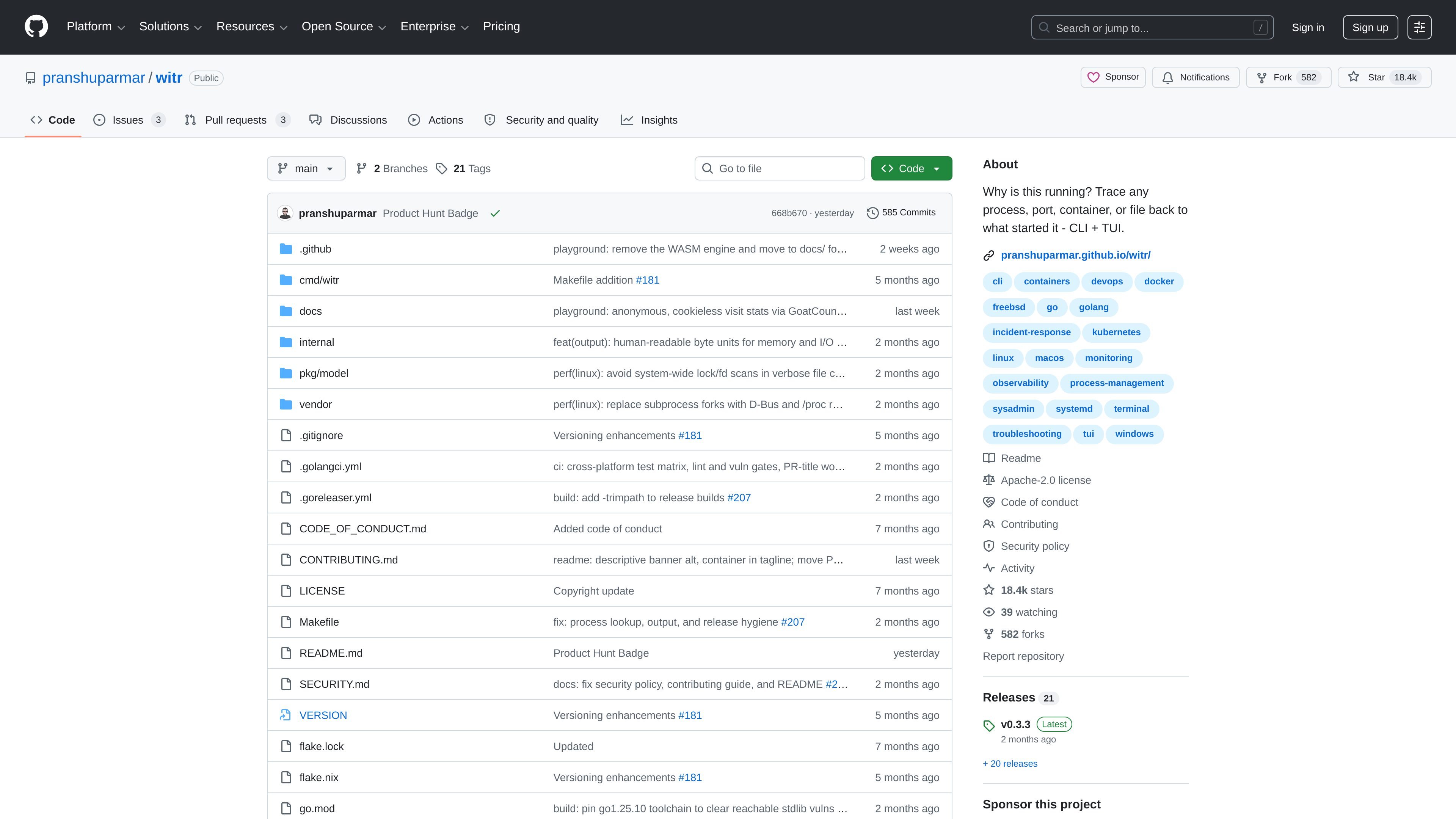
witr is a developer tool for answering a specific operational question: why is this running? It traces a process, port, container, or file back to the chain of events and systems that started it, instead of forcing you to reconstruct that story by hand from multiple system tools.
The project is built for both direct terminal use and interactive investigation. According to the README, witr can present results as a human-readable command output, machine-readable JSON, or an interactive TUI dashboard, which makes it useful for one-off debugging as well as scripted workflows.
Trace a running process, port, container, or file back through the chain of systems that started it, rather than only showing current state.
Surface where something came from, how it was started, and what is responsible for it existing now in a single view.
Use the command-line interface for straightforward, scriptable checks when you want direct output rather than a screen-based workflow.
Switch to an interactive TUI dashboard for investigating a running system visually when you need more context.
Request machine-readable JSON output for automation or downstream processing.
Install through release binaries, package managers, or source builds across supported operating systems.
Investigate a process that appeared unexpectedly and follow it back to the shell, supervisor, or service that launched it.
Determine what started a service or container that is holding a port so you can understand the dependency chain before making changes.
Run witr from scripts or automation and consume JSON output when you need a machine-readable explanation of runtime state.
Use the interactive TUI to inspect a system more visually when you are debugging live on a terminal and want a clearer overview.
witr is a CLI and TUI tool for tracing a running process, port, container, or file back to the chain that started it. The README frames it as a way to answer “Why is this running?” from one place instead of correlating several system tools manually.
The README describes witr as producing one command’s worth of output, machine-readable JSON, or an interactive TUI dashboard. That gives users a choice between scripted use and an interactive investigation flow.
The documentation says witr is distributed as a single static binary for Linux, macOS, FreeBSD, and Windows. It also lists package-manager installs for several ecosystems, including apt, Homebrew, MacPorts, Conda, Arch AUR, winget, npm, FreeBSD ports, Chocolatey, Scoop, AOSC OS, GNU Guix, Uniget, Aqua, Brioche, and Mise.
The README positions witr for situations where the cause of a running thing is indirect or spread across layers such as supervisors, containers, services, or shells. It can help when tools like ps, lsof, ss, systemctl, or docker ps show state but not the causal chain.
The source material supports free/public availability through GitHub and install instructions, but it does not describe a commercial plan for witr itself. GitHub’s pricing page is present in the evidence set, but it is the platform’s pricing, not a product-specific paid plan.

ClawTick is an AI agent automation platform for scheduling jobs from the CLI, dashboard, or REST API. It is aimed at developers and teams running LangChain, CrewAI, webhook, or custom agent workflows that need monitoring, alerts, and logs.

OpenFlags is an open-source, self-hosted feature flag platform for modern JavaScript teams. It supports local evaluation, targeted rollouts, and controlled launches while keeping flag data in your own infrastructure.

ByteAsk is a terminal-first AI coding agent for C and C++ that edits repositories and verifies changes with the real compiler, debugger, sanitizers, and tests before showing a diff. It offers a free tier plus paid plans, with editor connectors and zero-retention handling described in the source.

PromptScout tracks how ChatGPT, Gemini, Google AI Overviews, and Perplexity mention your brand or competitors, then pairs those results with source analysis and website audits. It helps teams decide what to fix in content, positioning, or site readiness next.

CreateOS Sandbox is an isolated compute environment for running code and agent workloads inside Firecracker micro-VMs. It is designed for workflows that need machine-level isolation, private networking between sandboxes, and programmatic control through SDK, CLI, or MCP.

Sleek Analytics is a privacy-friendly web analytics tool with real-time visitor tracking, Core Web Vitals, and revenue attribution. It helps site owners understand traffic and conversions without cookie banners or a heavy setup.