
BYOK provider access
Connect your own provider keys instead of sharing credentials across tools or team members. The product frames this as a cleaner BYOK setup for team operations.
AakarDev AI helps teams manage AI provider access, project-based setups, logs, and analytics from a single dashboard. The site shows BYOK provider support, multiple named providers, and a free tier with visible usage limits.
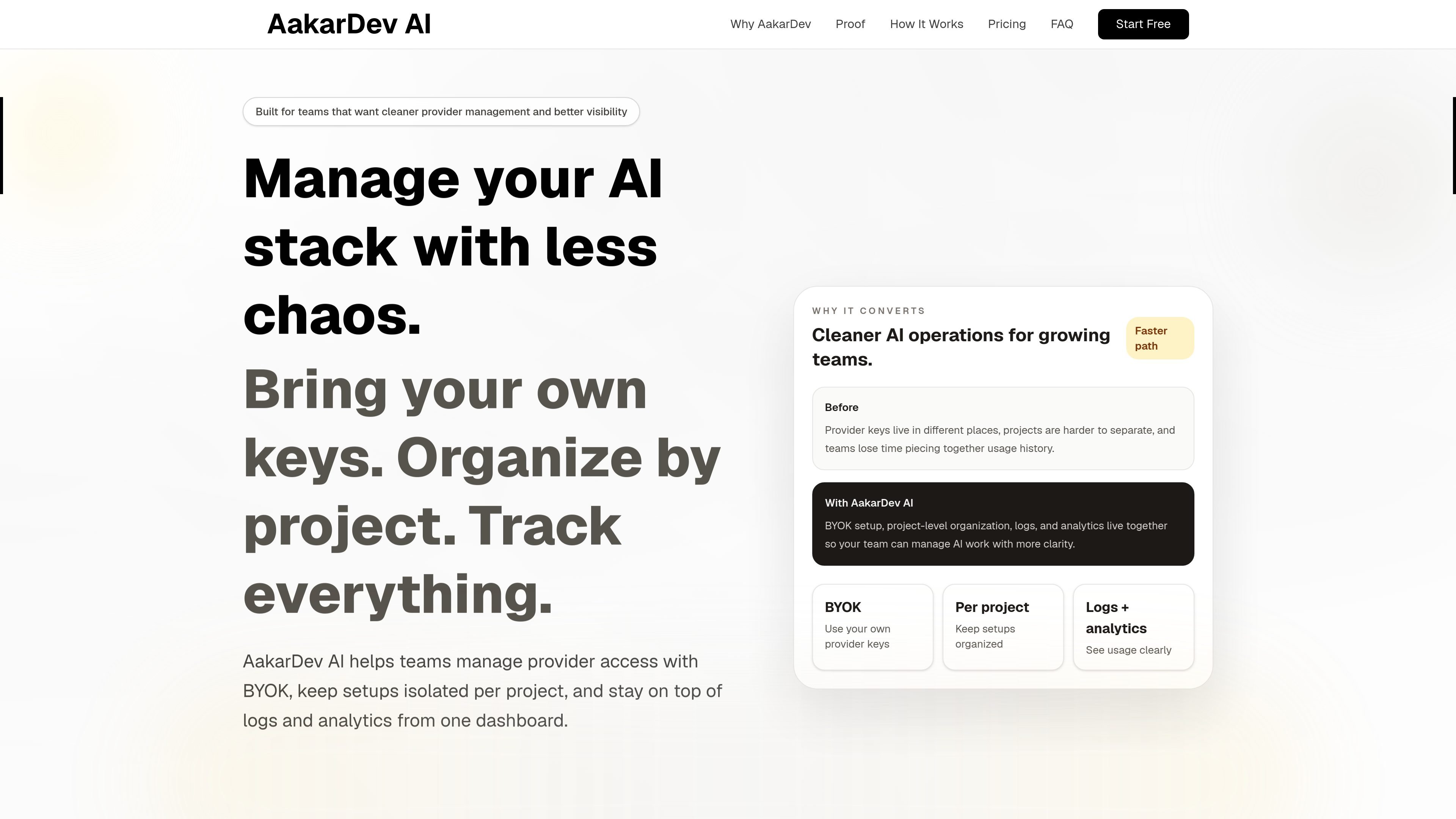
AakarDev AI is a developer-focused platform for organizing AI provider access, project setups, logs, and analytics in one place. The site presents it as a cleaner way for teams to manage AI work with bring-your-own-key provider connections and project-level separation.
It is aimed at teams that want less operational clutter when working with multiple AI providers or multiple projects. The product’s core workflow is straightforward: create a workspace, add provider keys, and use a shared dashboard to review usage, request history, and operational signals.
Connect your own provider keys instead of sharing credentials across tools or team members. The product frames this as a cleaner BYOK setup for team operations.
Create project-level setups so different workflows or experiments stay separated inside the same workspace.
Review logs, request history, and analytics from one dashboard to understand how the stack is being used.
Follow a simple onboarding flow that starts with creating a workspace, then adding provider keys, then monitoring activity.
Work with providers the site explicitly lists, including OpenAI, Google Gemini, Anthropic, Groq, Mistral AI, and Perplexity AI.
Use AakarDev AI when a team wants to keep provider keys under its own control while still organizing access in a shared workspace.
Use the project-based setup to separate experiments, client work, or product workflows so each configuration stays easier to track.
Use the shared dashboard to review logs and analytics when you need to understand request history or troubleshoot behavior.
Use the pricing tier as an entry point for exploration before adopting a broader workflow, especially if you want to evaluate the dashboard and basic setup first.
AakarDev AI is a developer-focused tool for managing AI provider access, project setup, logs, and analytics in one dashboard. The site positions it around BYOK workflows and cleaner operational organization for teams.
The site says you can connect providers like OpenAI, Anthropic, and Gemini using your own keys. It also lists Groq, Mistral AI, and Perplexity AI as supported providers.
The product uses a project-based setup so teams can keep configurations separated by workflow or experiment. The onboarding flow shown on the site starts with creating a workspace, adding provider keys, and then monitoring logs and analytics.
The pricing page shows a free tier. It lists $0 per month, 100 API calls per day, 1-day log retention, standard email support, a status view, and a dashboard.
Yes. The site says you can review logs and analytics from one place to understand usage, request history, and operational signals.

Skills Janitor is a GitHub-hosted set of slash commands for auditing, tracking, and managing Claude Code and OpenAI Codex skills. It helps users find duplicates, broken links, and unused skills, then clean them up with self-contained commands.

Gerty is a local AI assistant for Apple silicon Macs that handles chat, writing, documents, voice and selected Mac app tasks without sending data to the cloud. It works offline after model downloads and is designed for users who want private everyday AI without an account or subscription.

Exodus is a free developer tool that audits an application repository, compares its current deployment with a Google Cloud Run design, and creates an ordered migration plan for a coding agent. It also helps plan new products for Cloud Run with architecture and cost estimates.

Grok 4.7 is an xAI model for software development and knowledge work, including extended coding tasks and professional analysis. It is available through Grok Build, Cursor, the Grok API, and other developer platforms, with token pricing starting at $2 per million input tokens and $6 per million output tokens.

ClawTick is an AI agent automation platform for scheduling jobs from the CLI, dashboard, or REST API. It is aimed at developers and teams running LangChain, CrewAI, webhook, or custom agent workflows that need monitoring, alerts, and logs.

Falconer is an AI-powered company brain that keeps internal documentation accurate, searchable, and up to date by syncing with tools like GitHub, Slack, and Linear. It helps engineering and cross-functional teams centralize knowledge and answer questions from a shared source of truth.