
Chat API and SDKs
The product is presented as a chat API plus SDKs for building custom chat applications, with the underlying docs organized around rooms and messages.

Ably Chat is a chat API platform for building custom realtime chat applications. It supports room-based messaging, typing indicators, presence, reactions, and message updates, with usage-based pricing options for different deployment stages.
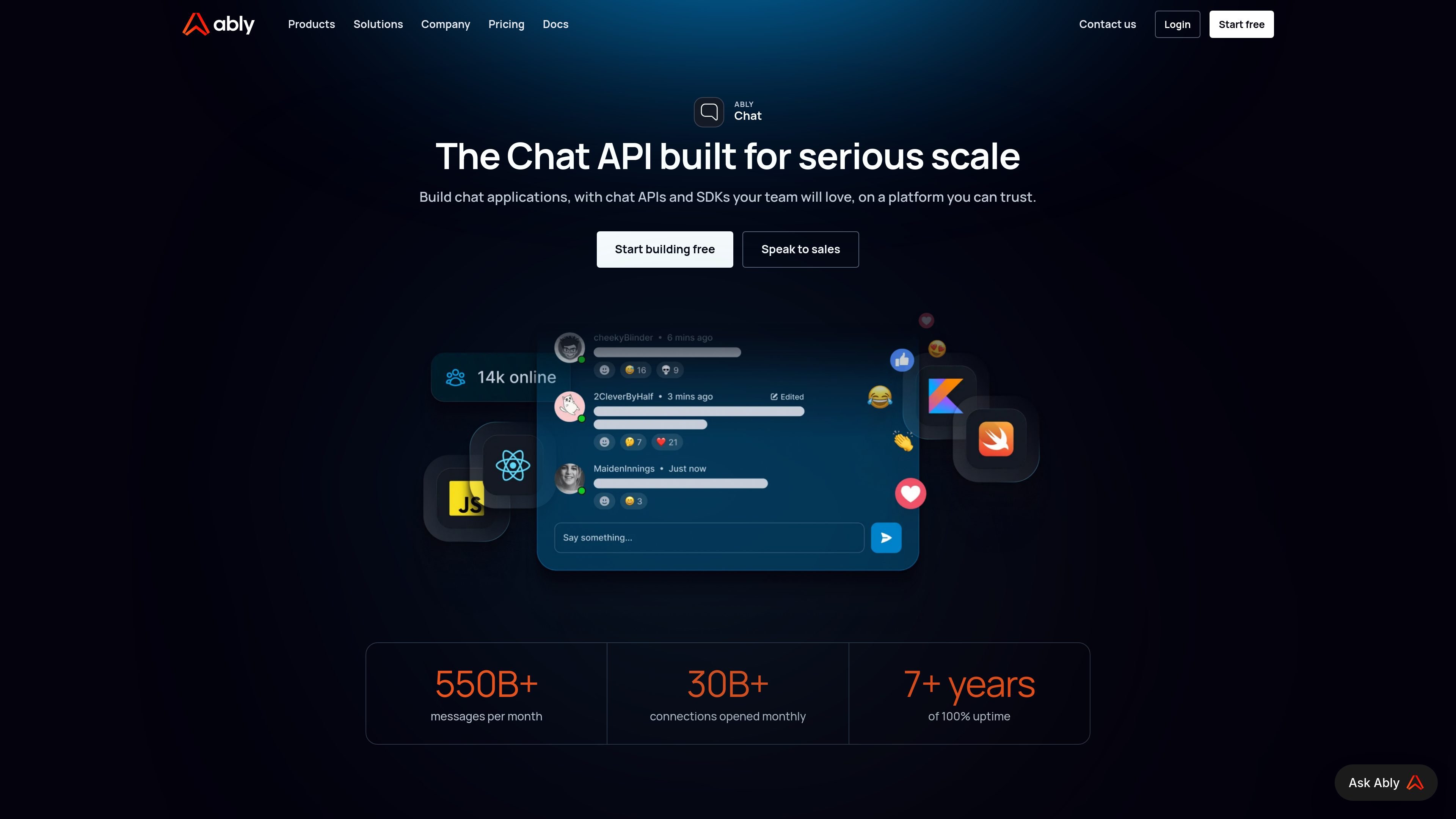
Ably Chat is a chat API platform for building custom chat applications. The product page describes it as a way to create chat experiences with APIs and SDKs on a platform designed for realtime workloads and serious scale.
The source material emphasizes room-based chat workflows, message handling, typing indicators, reactions, presence, and message edit/delete behavior. It also positions the service for teams that need to ship chat features without taking on the infrastructure burden of building realtime messaging from scratch.
The product is presented as a chat API plus SDKs for building custom chat applications, with the underlying docs organized around rooms and messages.
The docs include typing events, typing indicators, and methods to publish typing started and stopped status in a room.
The chat pages reference presence for routing tickets to the next available agent and room occupancy for showing activity in a room.
The product page highlights message reactions, and the use-case content mentions both message and room reactions as supported chat interactions.
The source mentions message edit and delete support, which lets teams update or remove content after it is sent.
Pricing pages show both pay-per-minute and pay-by-MAU models, with Free, Standard, Pro, and Enterprise package options.
Add realtime messaging to a live stream so viewers can talk and react while the stream is running. The source specifically calls out live streaming chat and support for millions of concurrent users chatting and reacting.
Build one-to-one support conversations for customer service, technical support, patient care, or student help. The page highlights global rollout, presence-based agent routing, and chat features such as typing indicators and message edits.
Create in-app messaging for communities or product experiences where users stay inside the app instead of moving to a separate chat product. The source describes community in-app chat as a way to keep users engaged on platform.
Use room and message semantics to build structured conversations where users can see who is typing, react to content, and update or remove messages when needed. This fits chat experiences that need more than plain text delivery.
Model chat deployments around usage-based billing if the application has changing traffic patterns or large event-driven peaks. The pricing page supports minute-based and MAU-based pricing rather than only a fixed subscription.
Ably Chat is built for teams that want to add chat to an application without assembling the messaging infrastructure themselves. The site presents it as a chat API and SDK platform for custom chat applications, with documentation for room typing, messages, and chat behavior.
The source shows a pay-per-minute model and a pay-per-MAU model, with pricing examples and separate Free, Standard, Pro, and Enterprise package options. Enterprise pricing is custom and requires contacting the sales team.
The documentation shows chat room typing indicators and message-related APIs, including message edits and deletes. The product page also highlights presence-based workflows such as routing tickets to the next available agent.
The site positions Ably Chat for custom chat applications that need to scale, including live streaming chat, customer service chat, and in-app community chat. It is aimed at teams building realtime experiences rather than using a generic consumer chat product.

Trigger.dev chat agent is a durable AI chat backend for developers building stateful conversations that can survive refreshes, crashes, and long-running turns. It connects with the AI SDK `useChat` flow and runs on managed infrastructure with no timeout on a turn.

ByteAsk is a terminal-first AI coding agent for C and C++ that edits repositories and verifies changes with the real compiler, debugger, sanitizers, and tests before showing a diff. It offers a free tier plus paid plans, with editor connectors and zero-retention handling described in the source.

CreateOS Sandbox is an isolated compute environment for running code and agent workloads inside Firecracker micro-VMs. It is designed for workflows that need machine-level isolation, private networking between sandboxes, and programmatic control through SDK, CLI, or MCP.

GitBot is a local browser-based workspace for creating reusable coding bots powered by Claude Code, Codex, or OpenCode. It helps developers run those agents across repository folders with persistent threads and configurable permissions.

hob is an independent workspace for coding agents that keeps agent sessions, terminals, history, and follow-up work organized around the tools and providers you already use. It is aimed at developers who want local control over routing, history, and workspace structure rather than a bundled model stack.

Manta AI is an autonomous web app testing tool for teams that want to map application behavior, catch regressions, and generate tests without writing scripts or maintaining selectors. It works from a URL and supports plain-English test flows, run results with screenshots, and scheduled or deployment-triggered checks.