
Vertical and horizontal text OCR
Translate manga pages with OCR that handles vertical and horizontal text, then adjust the text direction when the layout needs it.

AI Manga Translator is a web-based manga translation tool that combines OCR, translation, and layout-aware typesetting for pages, chapters, and PDFs. It helps readers, editors, and developers translate manga content quickly while preserving page structure and offering a separate Studio for cleanup and editable layers.
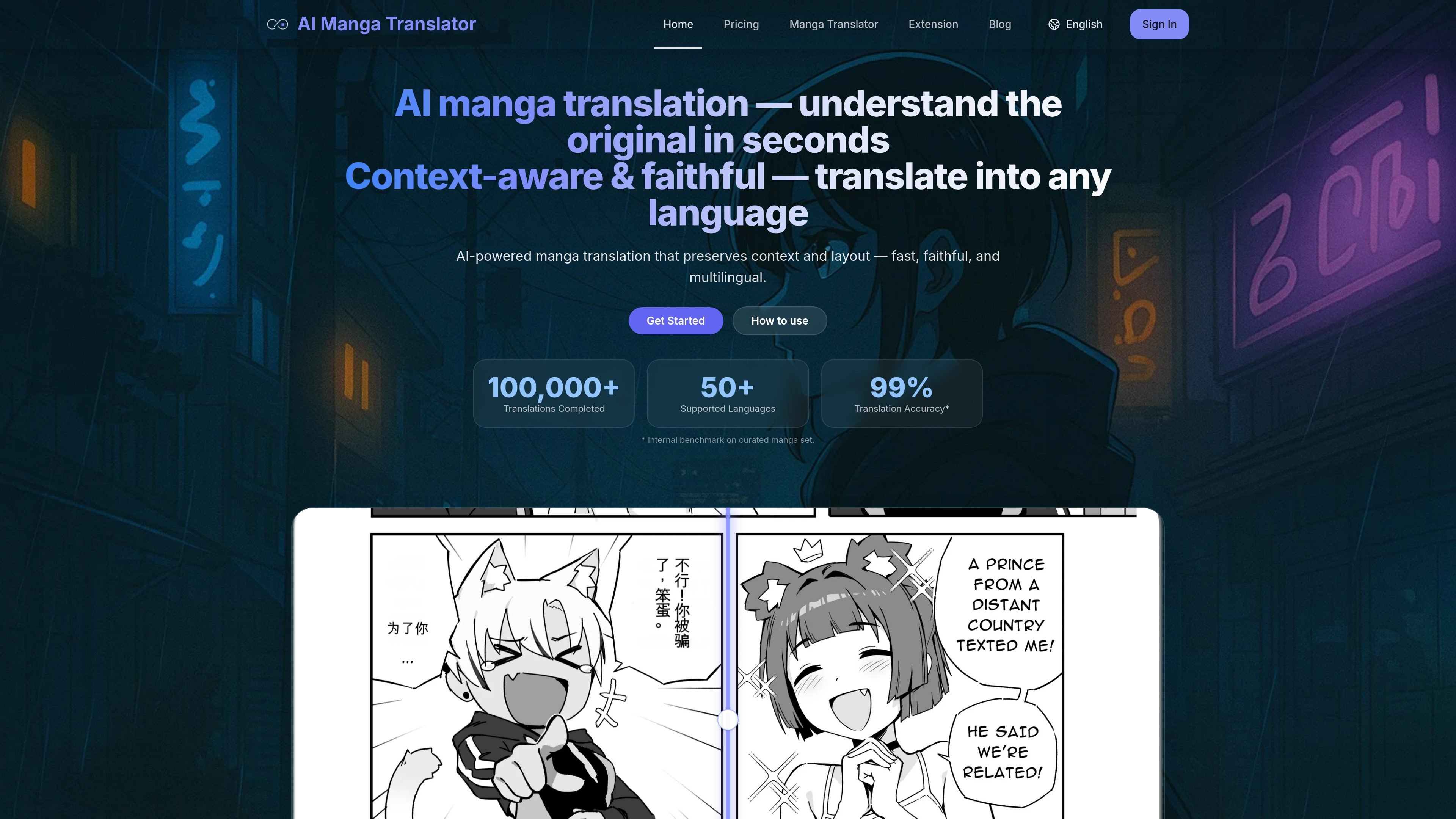
AI Manga Translator is a browser-based manga translation tool for reading and reviewing comics, doujin, and other page-based visual content in another language. It combines OCR, translation, and layout-aware typesetting in one workflow so users can upload pages, choose a language and model, and review the output without rebuilding speech bubbles by hand.
The site emphasizes support for vertical and horizontal text, batch processing for full PDFs, and multiple translation models. A separate Manga Translator Studio is offered for users who need editable text layers and professional cleanup, while the quick translator focuses on fast results.
Translate manga pages with OCR that handles vertical and horizontal text, then adjust the text direction when the layout needs it.
Process whole PDFs in parallel and merge pages back automatically, which suits chapter-length or document-style uploads.
Switch between multiple OCR and translation models, including offline and cloud options, to match language pairs and style needs.
The tool adapts font size, line spacing, and bubble areas to preserve the original page layout as closely as possible.
Upload files by drag and drop or by link import; the site also accepts JPG, JPEG, PNG, WebP, PDF, EPUB, and CBZ within the stated size limits.
The translator shows queue states, thumbnails, and download actions so users can track job progress and retrieve outputs from the browser flow.
Readers can upload individual pages or chapters and get a fast translation for understanding dialogue, captions, and scene flow without manual desktop editing.
Users working with longer documents can submit a full PDF and let the service process pages in parallel, then download the merged result for continued reading.
When a translation is off, users can change the language model or text direction and rerun the job to compare outputs against the source scan.
People who need polished page work can move from the quick translator to the Manga Translator Studio for editable text layers, cleanup masks, and project-oriented editing.
Developers or teams can use the API-oriented workflow mentioned on the site, including async run/status handling and batch concurrency, to build on top of the translator.
Yes. The site says each translation consumes compute credits and provides a free weekly quota for light use. It also offers paid plans for additional usage.
The site says it supports all languages covered by its models, with popular options including ENG, JPN, CHS, CHT, and KOR, plus major European and Southeast Asian languages.
Not directly yet. The FAQ says in-browser editing is planned, but current users can rerun the job with a different model or target language to compare outputs.
Yes. The site says you can drag a PDF into the uploader, where pages are processed in parallel and merged back automatically while preserving page size and reading order.
The pricing page says subscriptions can be canceled anytime through the billing portal, and the account page indicates plan changes are handled in the account profile or portal.

UglyPDF is a web-based AI PDF creator that turns prompts or uploaded files into editable documents. It helps people create, revise, and export common business and personal documents without design software.

Инструмент на основе ИИ, который быстро и эффективно суммирует PDF-документы, предоставляя четкие идеи и позволяя пользователям взаимодействовать с содержимым.

Paperpal 是一款面向学术写作的 AI 工具,提供文献阅读、语言润色、引用、查重、AI 检测和投稿前检查。它适合需要在英文论文和学术材料上进行写作、修改与合规自检的学生、研究人员和教师。

PDFTools is a browser-based suite of free and premium PDF utilities for editing, conversion, and document handling. It helps users work on PDFs locally in the browser without uploading files to a server.

MagicSlides is an AI presentation generator that turns text, topics, documents, URLs, and videos into slide decks. It creates presentations in Google Slides by default and supports PowerPoint export, with multilingual output and AI-assisted editing.

Microsoft Translator is a Bing translation web app for translating short text between English and more than 100 languages. It also supports image capture translation and basic output actions like listen and copy.