
Template library
Browse 25 looping motion templates and pick one that matches the style of the design you want to present.

animos is a browser-based motion template tool for turning screenshots, mockups, images, or videos into animated design showcases. It is aimed at designers, creators, marketers, founders, developers, and agencies that want a quick way to export motion without installing editing software.
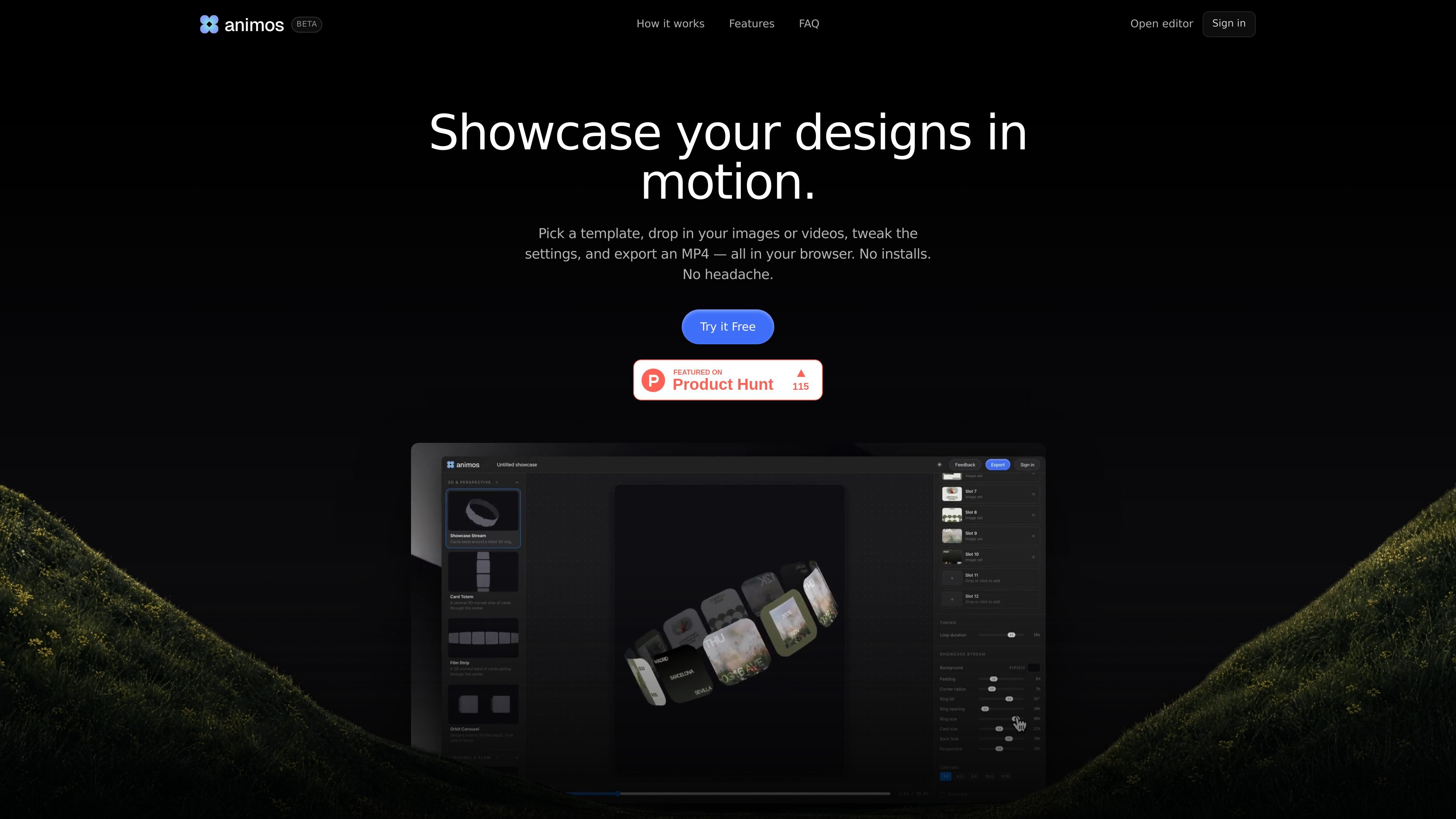
animos is a browser-based motion template tool for designers, creators, marketers, founders, developers, and agencies that want to turn static screenshots, UI mockups, product visuals, or short clips into animated showcases. The workflow is intentionally simple: pick a template, drop in your media, tweak the settings, and export the result.
The product focuses on removing the overhead of conventional motion workflows. Instead of timelines or motion software, animos gives you ready-made templates that you can open in a browser and use immediately, with exports available in MP4 and WebM formats.
Browse 25 looping motion templates and pick one that matches the style of the design you want to present.
Add images or videos directly into a template, then adjust parameters to fit the content you are showcasing.
Export finished animations as MP4 or WebM without leaving the browser.
Render frame-exact output from 720p up to 8K for different presentation and publishing needs.
Create exports in multiple aspect ratios, including 16:9, 4:3, 1:1, 4:5, and 9:16.
Use pre-built looping animations that are designed to play seamlessly with no visible jump.
Turn UI, app, or web mockups into short motion clips for portfolio pages, Dribbble posts, or Behance presentations.
Create social-ready clips from product visuals for launches, feature updates, ads, or campaign posts.
Convert a side project or product screen into a scroll-stopping announcement for launch posts or release notes.
Produce motion case studies or client presentation clips without setting up a separate motion design workflow.
Build reels, feed clips, or short-form social videos from your existing images and videos directly in the browser.
Yes. The site says animos is free for the next while, including every template and browser-based export.
No. animos runs entirely in your browser, and the site says your images, videos, and projects never leave your device.
No. The editor is browser-based, so you can open it and start animating without installing an app or plugin.
Yes. You can drop in your own images or videos, and the template animates that content automatically.
Animos exports MP4 and WebM, and the FAQ says exports are available from 720p up to 8K in five ratios: 16:9, 4:3, 1:1, 4:5, and 9:16.

Video Effects SDK adds real-time webcam effects such as background blur, background replacement or removal, denoising, framing, beautification, and color grading. It is built for teams shipping live video experiences on web, desktop, and mobile platforms.

DeepMotion is a web-based AI motion capture and 3D animation platform with Animate 3D for video-to-animation and SayMotion for text-to-animation. It helps creators and teams generate motion in a browser and export results in common production formats.

imgcook is a design-to-code tool that converts design drafts into front-end code. It supports plugin-based and developer workflows for Sketch, Photoshop, VS Code, and CLI usage.

Beautiful.ai is an AI presentation platform for individuals, teams, and enterprises. It helps users create branded slide decks with Smart Slides, collaborative editing, and export options while reducing manual formatting work.

Optimo is a free, open-source CLI for optimizing and converting images and videos with format-specific commands built on ImageMagick and FFmpeg. It helps developers prepare web assets, batch process media, and automate compression from the shell or a Node.js script.

SlideSpeak Onbrand gives AI agents live access to approved brand assets and slide layouts so decks, one-pagers, and other collateral can start on brand. It is designed for Claude Code, Codex, Cursor, and other MCP clients.