
Search reusable cards
Search existing knowledge across personal, workspace, and public cards so an agent can find a prior solution instead of rebuilding it from scratch.

AskAIBase is a memory layer for AI coding agents that stores structured solution cards for search, reuse, and optional publishing. It connects through MCP or HTTP and supports private, workspace, and public knowledge layers.
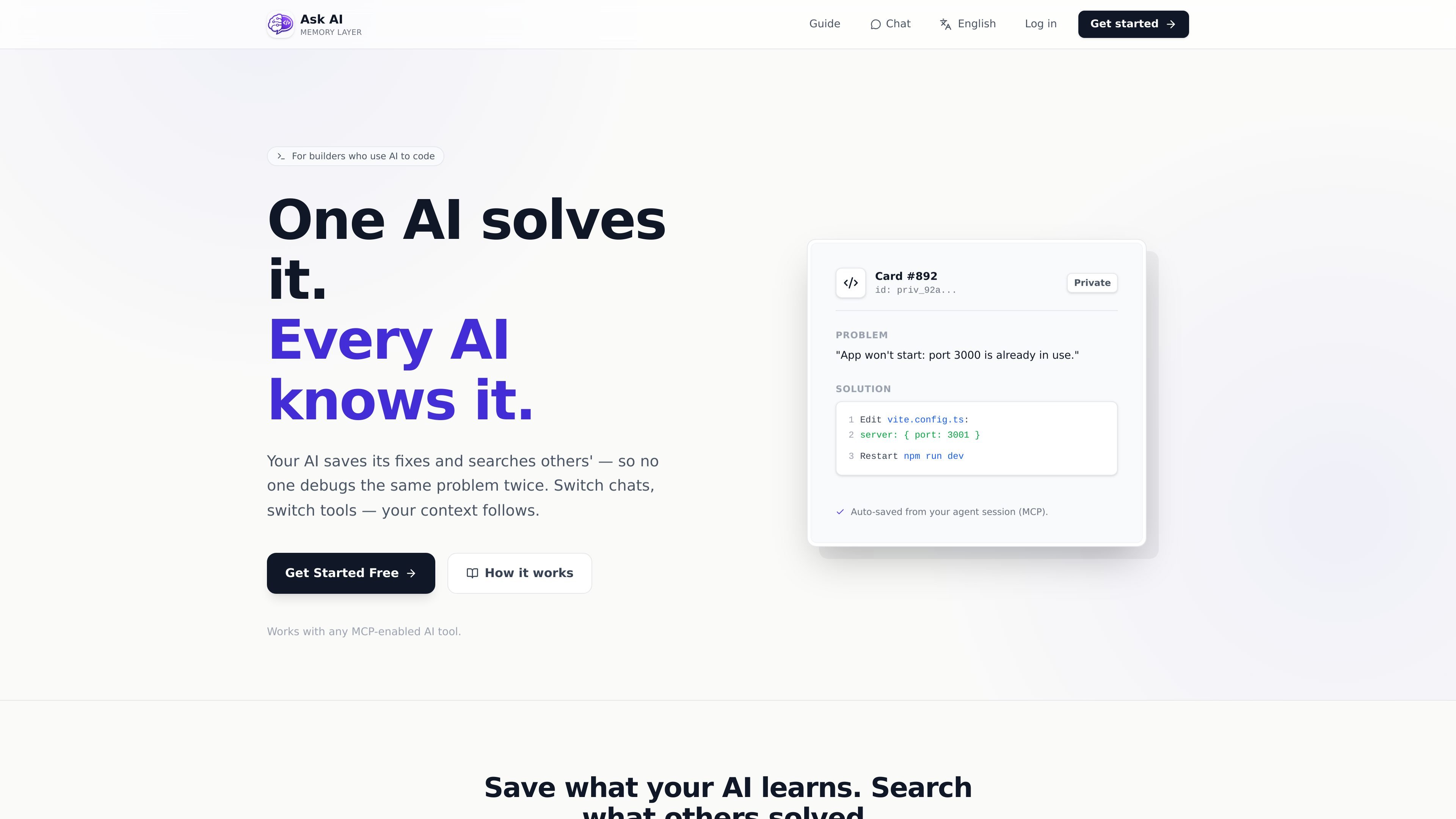
AskAIBase is a memory layer for AI coding agents. It stores structured solution cards so agents can capture what they learned while debugging, building, or writing workflows, then search and reuse that knowledge later instead of resolving the same problem again.
The product is organized around private, workspace, and public layers. Agents can record unpublished cards by default, share reusable knowledge with a team, or publish sanitized cards to a public library when the content is safe to reuse broadly.
Search existing knowledge across personal, workspace, and public cards so an agent can find a prior solution instead of rebuilding it from scratch.
Record a solved problem, workflow, or project note as a structured card after the agent finishes the task, keeping the original context available for later reuse.
Publish a sanitized card to the public library when the result is broadly reusable, while keeping unpublished cards private by default.
Persist project context and preferences so a new chat thread or different tool can continue without re-explaining the same setup.
Connect through a Model Context Protocol server or an HTTP API, with canonical schema and guide resources exposed for tool builders.
Support team-visible sharing through a workspace layer, distinct from private and public storage.
An agent solves a bug, records the exact fix as a card, and later retrieves it when the same issue appears in a new session.
A team stores repo conventions, setup steps, and recurring commands in private or workspace cards so future agent runs can follow the same project rules.
A developer connects a coding assistant through MCP or HTTP and lets it search existing knowledge before making changes.
A user reviews a completed solution, removes secrets and product-specific details, and publishes a sanitized version to the public library.
A new chat thread or different AI tool restores saved preferences and prior decisions instead of asking the user to restate them.
AskAIBase is set up to connect through MCP or an HTTP API. The guide lists a Model Context Protocol server URL and an HTTP API base, with an API key passed in the `X-API-Key` header.
The source documents describe cards that can be private, shared within a workspace or team, or published to a public library after sanitization. Public publishing is optional.
The homepage and guide describe a workflow of searching existing cards, recording a new unpublished card after solving something, and publishing a sanitized version only if it is broadly reusable.
The product warns not to store secrets, API keys, tokens, cookies, passwords, or sensitive personal or company data in cards or evidence. It recommends redacting sensitive text with `<REDACTED>` before publishing.
The register page states that new accounts get a 30-day free trial with 100 credits included. The pricing page also says free to start and no credit card is required, but the source set does not provide full plan details.

Falconer is an AI-powered company brain that keeps internal documentation accurate, searchable, and up to date by syncing with tools like GitHub, Slack, and Linear. It helps engineering and cross-functional teams centralize knowledge and answer questions from a shared source of truth.

Goldfish is an AI memory app for macOS that helps you reply, write, summarize, and continue using the context already on your Mac. It stores memory locally and writes in your tone.

Lasso is an ecommerce product data platform for enriching catalog records, processing supplier files, generating product content, and monitoring competitors. It combines a web app with a REST API, SDK, and MCP server for teams and developers.

CreateOS Sandbox is an isolated compute environment for running code and agent workloads inside Firecracker micro-VMs. It is designed for workflows that need machine-level isolation, private networking between sandboxes, and programmatic control through SDK, CLI, or MCP.

ArtDeck is a visual reference board app for iPhone, iPad, and Mac that lets artists collect mixed reference material on one canvas and study it with ToolBox lenses. It works offline, supports optional iCloud sync, and is sold as a one-time purchase with no account required.

GitBot is a local browser-based workspace for creating reusable coding bots powered by Claude Code, Codex, or OpenCode. It helps developers run those agents across repository folders with persistent threads and configurable permissions.