
Text-based assistant
Bo can respond to questions, give recommendations, and handle simple lookup tasks through text, including recipes, prices, sports scores, directions, weather, restaurant picks, and quick research.

Bo is an AI personal assistant that works through text messaging to help with organization, health tracking, reminders, and quick answers. It is aimed at people who want a single conversational workflow for everyday planning and wellness tasks.
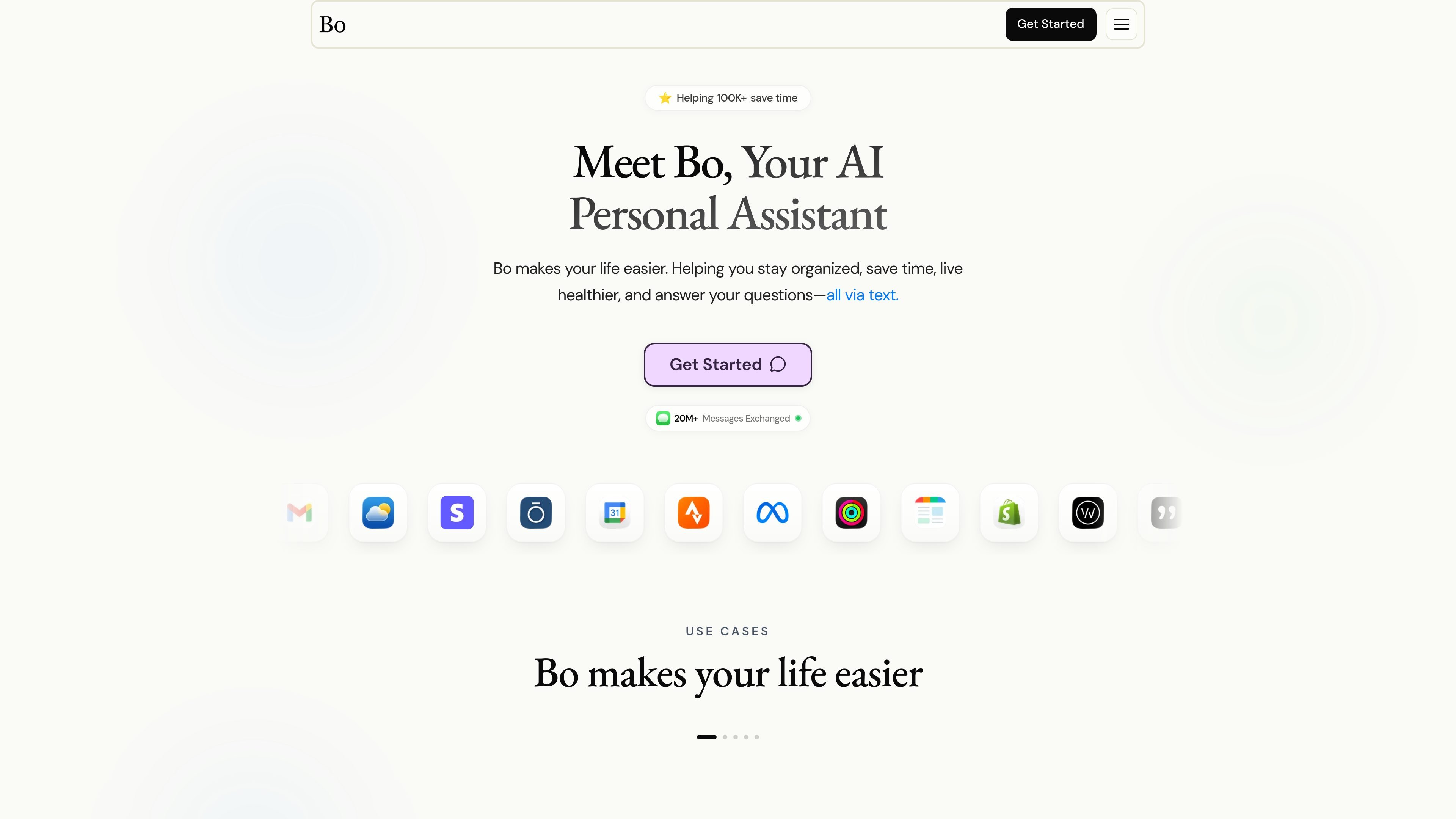
Bo is an AI personal assistant designed to work through text messaging, with iMessage shown as the primary conversation channel on the homepage. It helps users stay organized, track health habits, answer questions, and manage everyday tasks without requiring a separate app for basic messaging.
The site positions Bo as a connected assistant for health and lifestyle management. Example workflows on the homepage include meal logging, macro recommendations, step tracking, sleep summaries, calendar booking, reminders, and quick lookups such as weather, directions, and sports scores.
Bo also emphasizes integrations through the Bo app, with visible examples for Strava, Oura, and Calendar. The product is framed around reducing app switching and consolidating updates into one text-based workflow.
Bo can respond to questions, give recommendations, and handle simple lookup tasks through text, including recipes, prices, sports scores, directions, weather, restaurant picks, and quick research.
The product shows calendar summaries, event booking, rescheduling, and reminders sent from iMessage, including call reminders and task prompts.
The site highlights nutrition workflows such as calorie and macro tracking from photo, voice note, or text, plus meal suggestions and healthier alternatives for grocery items and menus.
Bo supports activity, sleep, and recovery workflows with connected apps such as Strava and Oura, including step tracking and sleep summaries.
The homepage describes utility features like weather reports, business and sports news, label breakdowns, translation, and nearby healthy food suggestions.
Bo can send nudges for meditation and breathing exercises, daily bible verses, motivational messages, mood check-ins, and accountability prompts.
Use Bo to log meals, estimate calories and macros, and ask for healthier food suggestions based on a grocery item or restaurant menu photo.
Use Bo to set reminders, schedule events, and receive calendar summaries or call notifications in text messages.
Use Bo to track steps, monitor sleep summaries, and keep an eye on activity and recovery data through connected health apps.
Use Bo for fast answers such as weather, directions, sports scores, prices, translations, and quick research without opening a separate app.
Use Bo for accountability prompts, mood check-ins, breathing nudges, and routine support around meditation or motivational messages.
Bo is designed to work through text messaging. The homepage says you can text Bo 24/7 with no app required, and the login flow uses a phone number access code.
The site says Bo can help with nutrition, fitness, sleep, productivity, utility tasks, and mindset support. Examples include meal logging, calendar scheduling, reminders, weather, search, and accountability check-ins.
The homepage says Bo supports connected apps through the Bo app, and specifically shows examples tied to Strava, Oura, and Calendar. The site does not provide a full public list of every supported integration.
Bo’s support page says users can contact support about account, coaching, billing, and privacy-related requests. It lists [email protected] as the contact email.
A pricing page was requested, but the public pricing URL returns a 404 on the collected source. The site footer still includes a Manage billing link, so billing appears to be handled somewhere on the product site or account flow.

Malyatko is a baby tracker for logging feeding, sleep, growth, teething, and milestones in one app. It works on iPhone, Apple Watch, and widgets, with no sign-up, offline use, and family sharing through iCloud.

Gemma AI is a phone call reminder app that calls you with scheduled reminders instead of push notifications. It helps people who want a more direct way to stay on schedule, with Google Calendar sync and conversational call interactions.

Claude Overlay is a Windows desktop overlay for Claude Code that reads your screen so you can ask questions, inspect content, and request edits without leaving the current app. It runs on your existing Claude subscription through the Claude CLI, so no separate API key is required.

Spotit — macOS‑приложение: читает ваш экран в другой программе и подсвечивает, куда кликать. Попросите голосом и следуйте подсказкам.

Goldfish is an AI memory app for macOS that helps you reply, write, summarize, and continue using the context already on your Mac. It stores memory locally and writes in your tone.

Flunkey is a voice-first productivity layer for Windows that converts speech into text, AI-assisted outputs, and remembered context. It is built for users who want to capture ideas and actions without leaving the app they are working in.