
Customizable AI introduction
Choose a template and customize the card so it reflects your work, story, and availability.

Knockin turns existing information about your work, story, and availability into a personal AI introduction that visitors can question. It is designed for founders, freelancers, sales and business development professionals, and creators, with Google Calendar support for booking meetings.
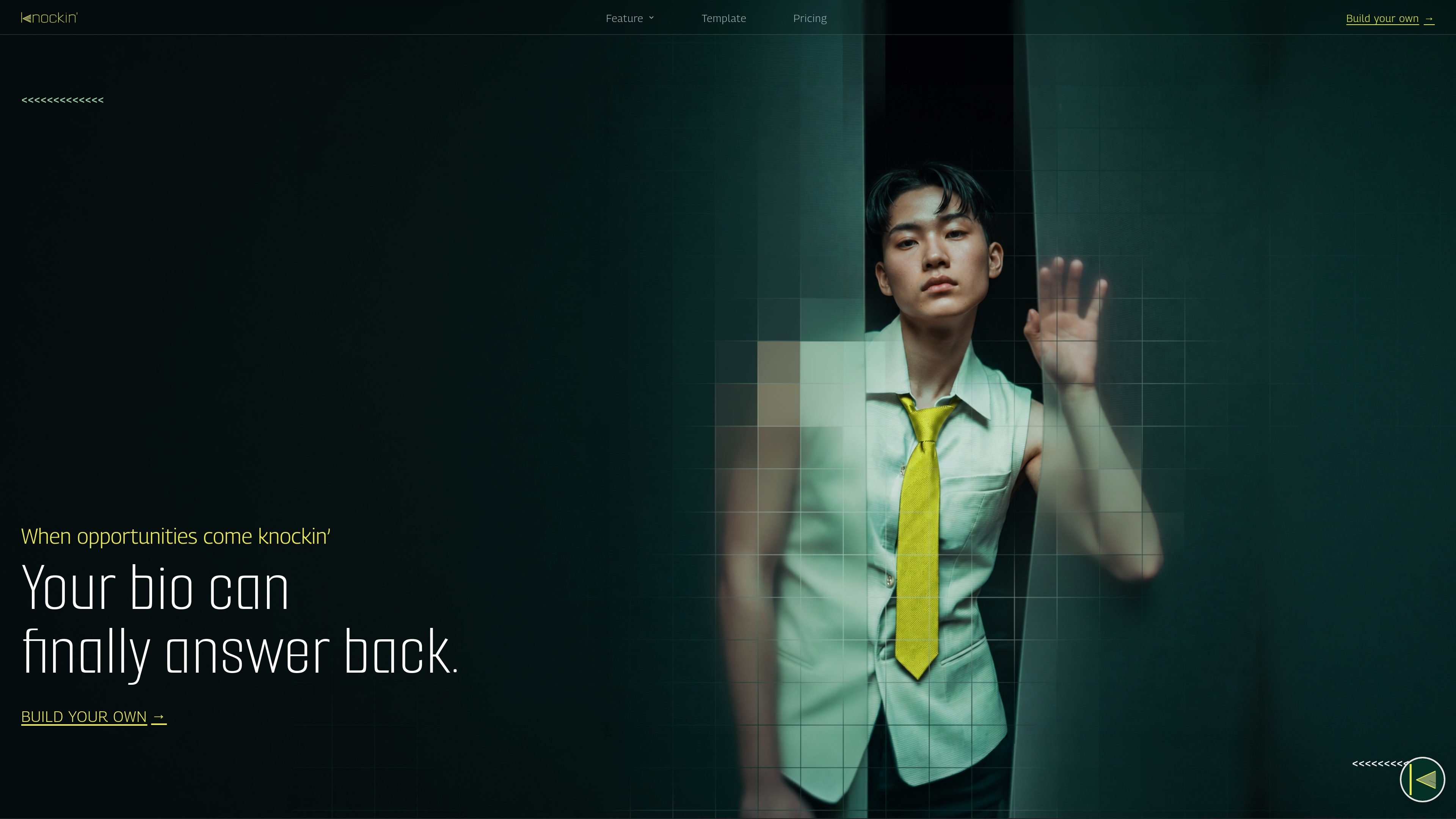
Knockin is a personal AI introduction tool that turns information about your work, story, and availability into an interactive profile. Instead of presenting only a static bio, it gives visitors a way to ask questions and receive context in your voice.
The product follows a build, refine, and share workflow: choose a template, customize and test the card, improve its answers, then publish it as a link. Knockin can also connect to Google Calendar for meeting booking, allowing an interested visitor to find an open time and create an invitation without a scheduling exchange.
Choose a template and customize the card so it reflects your work, story, and availability.
Visitors can ask questions and receive information based on the knowledge you provide, rather than relying on a static bio.
Test the card and improve its answers before publishing it, using a refine step in the product workflow.
Publish the finished card as one link that can be shared through a QR scan or a tap.
Connect Google Calendar so visitors can find an open time, receive an invitation, and create a meeting directly.
The product is described as learning from information you already have and turning it into a conversational presence that can represent you when you are unavailable.
Create a bio that explains what the company does and answers common questions for people encountering the business for the first time.
Let prospective clients review your services, process, and availability before deciding whether to arrange an initial call.
Give prospects a single place to explore your expertise, approach, and past work during early-stage outreach or relationship building.
Make a portfolio or body of work interactive so visitors can ask about projects and share the introduction with others.
Allow an interested visitor to move from an introduction to a scheduled conversation by checking availability and booking through Google Calendar.
Knockin uses a build, refine, and share workflow. You choose a template, customize it, test the card, improve answers, and publish it as a shareable link. The site says setup takes minutes and does not require a credit card.
Knockin turns information you already know into a personal AI introduction. Visitors can ask questions, receive context in your voice, and explore your work or story through the published card.
Yes. Knockin can connect to Google Calendar to find an open time, invite the visitor, and create a meeting without back-and-forth scheduling.
The site presents Knockin for individuals such as founders, freelancers, sales and business development professionals, and creators. It does not provide detailed evidence about team administration or shared team usage.
The page describes sharing a Knockin card through channels including QR scans and taps, but does not specify a complete list of supported platforms or integrations beyond Google Calendar.

Ably Chat is a chat API platform for building custom realtime chat applications. It supports room-based messaging, typing indicators, presence, reactions, and message updates, with usage-based pricing options for different deployment stages.

Claude Overlay is a Windows desktop overlay for Claude Code that reads your screen so you can ask questions, inspect content, and request edits without leaving the current app. It runs on your existing Claude subscription through the Claude CLI, so no separate API key is required.

Grok — это бесплатный ИИ-помощник, разработанный xAI, который ставит во главу угла правдивость и объективность, предлагая расширенные возможности, такие как доступ к информации в реальном времени и генерация изображений.

Trigger.dev chat agent is a durable AI chat backend for developers building stateful conversations that can survive refreshes, crashes, and long-running turns. It connects with the AI SDK `useChat` flow and runs on managed infrastructure with no timeout on a turn.

IntellAgents is an AI voice and chat agent service for businesses handling customer calls, outbound calls, and messaging across WhatsApp, Instagram, Facebook, Telegram, and websites. It uses a shared knowledge base, provides conversation summaries, and can escalate interactions to human staff.

BookAI позволяет вам общаться с вашими книгами, просто предоставив название и автора.