
Content planning and composition
Create posts with platform-specific caption and media overrides, previews, version history, templates, categories, tags, and a Kanban idea board.

BrightBean Studio is an open-source, self-hostable social media management platform for creators, agencies, and SMBs. It combines content planning, scheduling, approvals, publishing, inbox management, and analytics across 10+ platforms in one dashboard.
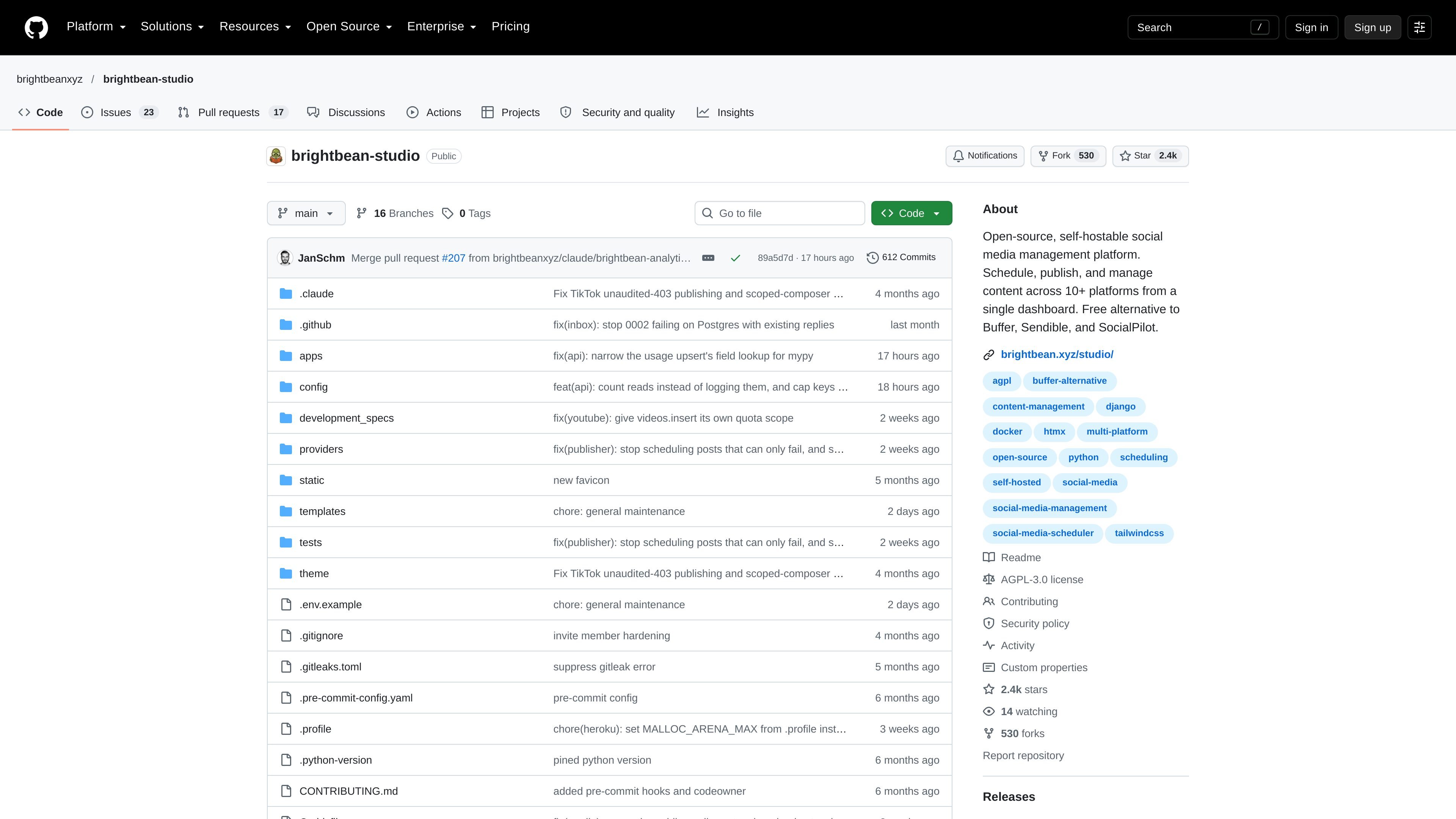
BrightBean Studio is an open-source, self-hostable social media platform for creators, agencies, and SMBs, with planning, scheduling, publishing, inbox, and analytics in one dashboard.
The application supports multiple organizations, workspaces, and members, making it suitable for managing several brands or client accounts in one installation. A free hosted version is available, while teams that want control over deployment can run the software through supported one-click hosting options, Docker on a VPS, or a local environment. Integrations use official platform APIs and the user's own developer credentials.
Create posts with platform-specific caption and media overrides, previews, version history, templates, categories, tags, and a Kanban idea board.
Use a visual calendar, recurring weekly posting slots, and named queues that assign posts to the next available slot for each account.
Publish through direct first-party APIs with automatic retries, per-account rate-limit tracking, and a 90-day publishing audit log.
Set approval stages from none to internal plus client review, with threaded comments, reminders, and an audit trail.
Bring comments, mentions, direct messages, and reviews into one inbox, with assignments, threaded replies, sentiment analysis, and historical backfill where supported.
View native-API performance at post and channel level through KPI cards, trend charts, and sortable tables covering metrics such as views, engagement, follower growth, reach, and watch time.
Organize multiple brands or customer accounts into separate workspaces, then use roles, invitations, approvals, and client access to keep review responsibilities clear.
Build a content pipeline from ideas to approved posts using the Kanban idea board, reusable templates, platform-specific edits, queues, and recurring calendar slots.
Let external clients review, approve, or reject scheduled content through passwordless magic-link access without creating a full account.
Combine comments, mentions, direct messages, and reviews from connected channels in one inbox, then assign conversations and reply in threads.
Use native platform metrics for post and channel reporting, including trend views and sortable performance tables for engagement, reach, follower growth, views, and watch time where available.
BrightBean Studio is available as a free hosted version at brightbean.xyz/studio, and the source code is open source. It can also be deployed on Heroku, Render, Railway, a VPS with Docker, or locally.
The platform connects to official first-party APIs using the user's own developer credentials. The documented integrations include Facebook, Instagram, LinkedIn, TikTok, YouTube, Pinterest, Threads, Bluesky, Google Business Profile, Mastodon, and DEV.to.
Yes. The platform supports organizations, workspaces, members, invitations, granular role-based access control, custom roles, and a separate Client role for external collaborators.
The hosted and self-hosted deployment documentation requires configuration such as the public application URL, allowed hosts, a secret key, encryption settings, and a PostgreSQL database connection. Storage configuration may also be needed for persistent uploaded media on platforms with ephemeral filesystems.

Topple.lol is a public pay-to-rank leaderboard where listings start at $1 and their bid balance decays over time and with clicks. It helps makers and marketers buy short-term visibility for product sites or X profiles while tracking live board stats.

Radar is a self-hostable media intelligence and social listening app for monitoring public sources, analyzing mentions, and generating briefs or content outputs with optional Claude AI. It is aimed at individuals and small teams that want an enterprise-style workflow without a cloud account.

Frames помогает быстро создавать лендинг-постеры и графику для соцсетей с премиальными рамками и шаблонами для Instagram, Twitter и Product Hunt. Бесплатно.

SocialEcho is an all-in-one social media AI workspace for publishing, engagement, listening, analytics, and automation across major networks. It is built for creators, brand teams, agencies, and businesses that want to manage multiple accounts from one system.

PostGod is a LinkedIn ghostwriting tool that helps professionals draft posts in their own voice. The site says you can generate free posts, then continue with a paid subscription for ongoing post creation.
SocialKaptan is a desktop app for AI-assisted LinkedIn and Instagram growth that runs locally on your computer with your own accounts. It helps users automate engagement, warm outreach, and post publishing without relying on shared cloud logins.