
AI agent execution
Chaterm’s Agent can understand a task, plan the steps, and carry out problem analysis and root-cause localization across multiple hosts, with operations described as auditable and traceable.

Chaterm is an open source AI terminal for cloud and infrastructure management. It helps engineers deploy, troubleshoot, automate, and work with databases using natural language and agent-based workflows.
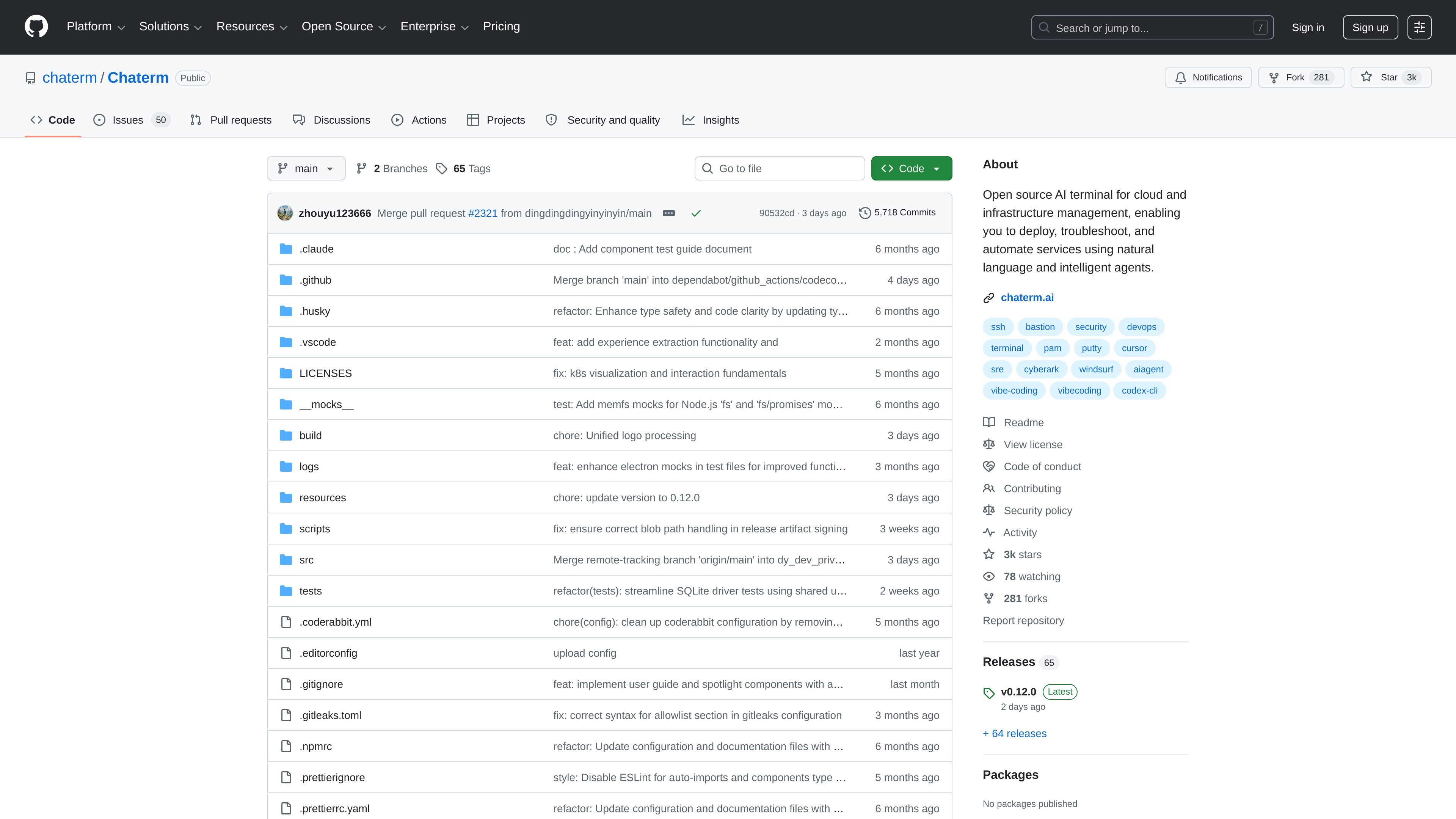
Chaterm is an open source AI terminal for infrastructure and cloud resource management. It is designed to let engineers describe operational goals in natural language and have the terminal plan and execute tasks such as deploying services, troubleshooting issues, and handling rollback-oriented workflows.
The repository positions Chaterm as an AI native terminal that learns from long-term memory and team knowledge bases. Its stated aim is to reduce command memorization and help engineers work across servers, Kubernetes, and multi-cluster environments with reusable agent skills and controlled execution.
Chaterm’s Agent can understand a task, plan the steps, and carry out problem analysis and root-cause localization across multiple hosts, with operations described as auditable and traceable.
The terminal combines user habits, local memory, and current server context to recommend commands and improve terminal input efficiency, including optional local echo for high-latency SSH sessions.
Users can import manuals, internal documents, scripts, and white papers to build a personal maintenance knowledge system that the terminal can reference during work.
Complex maintenance procedures can be packaged into reusable AI skills so teams can turn recurring operational know-how into structured automation.
The plugin system supports unified authentication, dynamic authorization, and secure encrypted connections for public cloud servers and Kubernetes.
A database workspace lets users connect to MySQL, PostgreSQL, SQLite, and Oracle to browse schemas, query data, inspect DDL, edit rows, and use database-aware AI assistance.
Describe an operational goal in natural language, then let Chaterm plan and execute the steps across the target environment instead of manually assembling commands.
Use the terminal to troubleshoot production or staging issues by analyzing context, localizing root causes across hosts, and coordinating follow-up actions.
Turn recurring maintenance procedures into reusable skills so a team can standardize how deployment, rollback, and other repeat operations are carried out.
Work with server, Kubernetes, and multi-cluster environments from one terminal while using plugins for authentication and secure connections.
Open a database workspace to inspect schemas, query data, review DDL, and edit rows with database-aware assistance.
Chaterm is presented as an AI native terminal for infrastructure and cloud resource management. The README emphasizes natural-language operation, agent-based execution, and support for tasks such as deployment, troubleshooting, and rollback.
The README describes Chaterm as handling servers, Kubernetes, and multi-cluster workflows, and it also includes a database workspace for MySQL, PostgreSQL, SQLite, and Oracle.
Chaterm’s README highlights auditable and traceable operations, smart completion, a knowledge base, reusable agent skills, a plugin system, and a database workspace. The source does not provide a full external integration list beyond the platforms and databases mentioned there.
The repository includes development and build instructions for Electron-based installation and platform builds for Windows, macOS, and Linux. The source does not state a separate commercial pricing model for Chaterm itself.
The repository includes GitHub releases and source code, but the provided pages do not establish a paid plan, free tier, or trial for Chaterm itself. The pricing page only describes GitHub’s own plans and should not be treated as Chaterm pricing.

AakarDev AI helps teams manage AI provider access, project-level setups, logs, and analytics from one dashboard. It supports BYOK workflows and lists providers including OpenAI, Google Gemini, Anthropic, Groq, Mistral AI, and Perplexity AI.

Skills Janitor is a GitHub-hosted set of slash commands for auditing, tracking, and managing Claude Code and OpenAI Codex skills. It helps users find duplicates, broken links, and unused skills, then clean them up with self-contained commands.

CreateOS Sandbox is an isolated compute environment for running code and agent workloads inside Firecracker micro-VMs. It is designed for workflows that need machine-level isolation, private networking between sandboxes, and programmatic control through SDK, CLI, or MCP.

GitBot is a local browser-based workspace for creating reusable coding bots powered by Claude Code, Codex, or OpenCode. It helps developers run those agents across repository folders with persistent threads and configurable permissions.

Codex Plugins bundle reusable skills, app integrations, and MCP servers into workflows you can install in the Codex app or use from Codex CLI. They help extend Codex with connected-service tasks, reusable instructions, and shared team workflows.

Grok 4.7 is an xAI model for software development and knowledge work, including extended coding tasks and professional analysis. It is available through Grok Build, Cursor, the Grok API, and other developer platforms, with token pricing starting at $2 per million input tokens and $6 per million output tokens.