
Reference-based color matching
Upload a reference photo or video and your own photo or video still. CinemaLut measures the reference grade, including tonal curve, shadow, midtone, highlight tint, and saturation behavior, then previews the result.

CinemaLut is a browser-based tool that matches the color treatment of a reference photo or video frame to a user’s own image and generates LUTs or Lightroom profiles. It is intended for filmmakers, photographers, and editors working with standard or supported log footage.
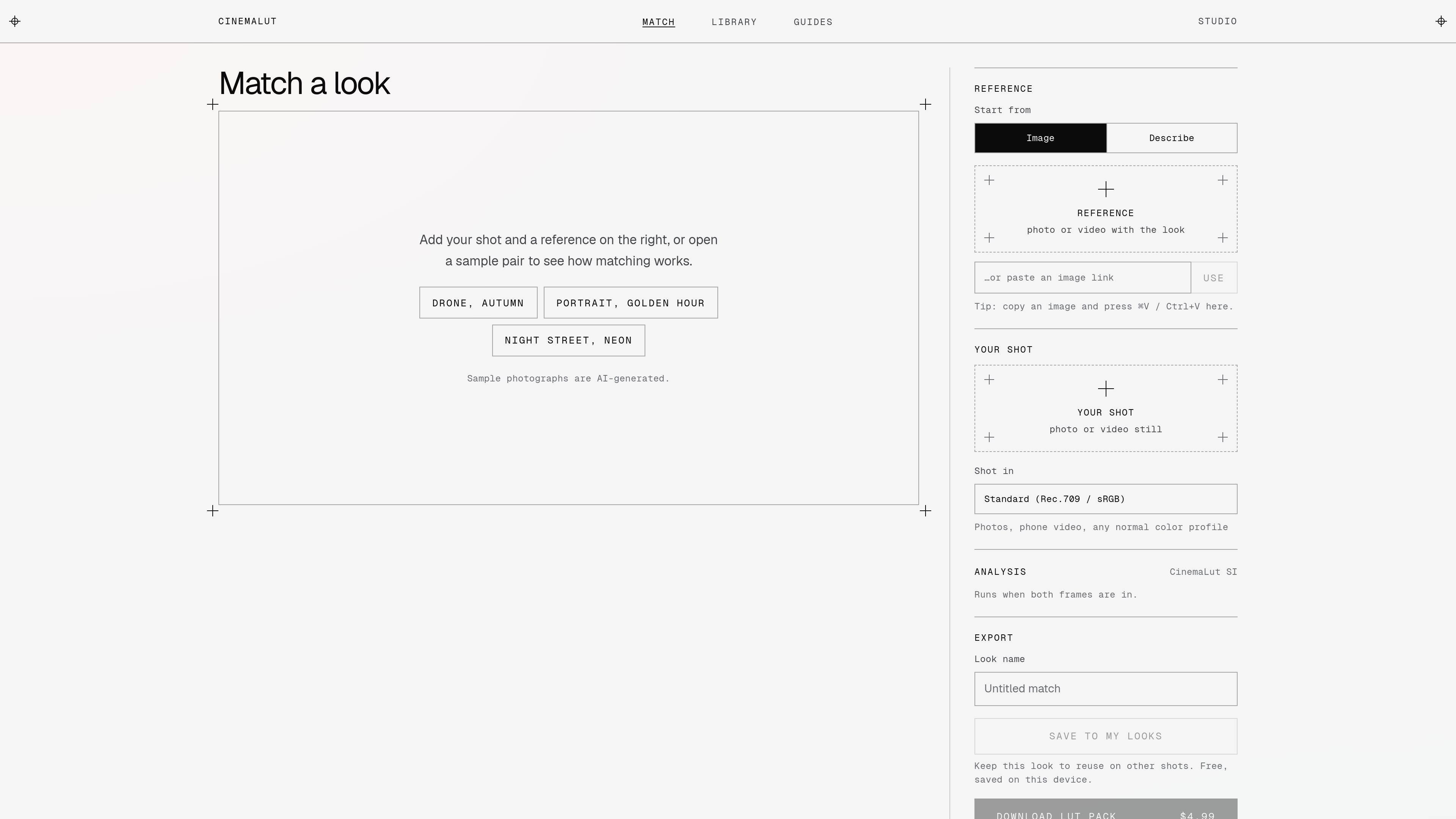
CinemaLut is a browser-based color-matching tool for filmmakers, photographers, and editors. It compares a reference photo or video frame with the user's own photo or still, analyzes the reference grade, and generates a LUT that can be used in common editing applications.
The workflow supports standard Rec.709 or sRGB material as well as a broad set of camera log profiles. Users can preview matches and browse CinemaLut's own library of 60 looks before downloading a LUT pack, Lightroom profile, or full-resolution graded photo. Matching and web-size photo output are available without paying; downloads such as LUT packs and HD photos use the site's paid options.
title broader than product brand? no issue
Upload a reference photo or video and your own photo or video still. CinemaLut measures the reference grade, including tonal curve, shadow, midtone, highlight tint, and saturation behavior, then previews the result.
Select a camera profile or use the flat/log auto option. Supported profiles cover major DJI, Sony, Canon, Panasonic, Fujifilm, Nikon, Apple, ARRI, RED, and Blackmagic workflows.
Export a LUT pack with 33-point and 65-point .cube files, plus a Lightroom profile. Log workflows also receive a look-only Rec.709 version.
Use the generated files in DaVinci Resolve, Premiere Pro, Final Cut Pro, Photoshop, CapCut desktop, LumaFusion, and VN; Lightroom and Camera Raw use the included XMP profile.
Browse 60 original looks across categories including cinematic, film-inspired, moody, wedding and soft, travel, drone and aerial, creator, monochrome, and genre and era, then try them on a photo.
Keep a matched look in the device-local My looks collection for reuse on other shots, according to the Studio interface.
Use a film still, photograph, or clip as a visual target, then generate a reusable LUT instead of manually recreating the reference grade from scratch.
Choose the matching camera log profile before processing footage from cameras such as DJI, Sony, Canon, Panasonic, Fujifilm, Nikon, ARRI, RED, or Blackmagic, helping the LUT workflow account for flat source material.
Start with a categorized CinemaLut look, test it on a personal photo, and download the result when a preset direction is more useful than sourcing a separate reference image.
Generate a Lightroom profile for still-photo editing or use the .cube files in a video editor, so a selected look can move between photo and video workflows.
Preview several looks or reference matches in the browser before paying for a LUT pack or full-resolution export.
Add a reference photo or video and your photo or video still, then choose the footage profile if needed. CinemaLut analyzes both frames in the browser and provides a preview before download.
The studio accepts standard Rec.709 or sRGB footage and a range of log profiles, including DJI D-Log and D-Log M, Sony S-Log2 and S-Log3, Canon C-Log variants, Panasonic V-Log, Fujifilm F-Log variants, Nikon N-Log, Apple Log, ARRI LogC3 and LogC4, RED Log3G10, and Blackmagic profiles.
Downloads include a 33-point and 65-point .cube LUT, a Lightroom profile, and install notes. Log-footage downloads also include a look-only Rec.709 version.
The LUT files can be used in DaVinci Resolve, Premiere Pro, Final Cut Pro, Photoshop, CapCut desktop, LumaFusion, and VN. Lightroom and Camera Raw use the included XMP profile instead of a .cube file.

Pixelcut is an AI photo editor for creating and editing product images, social content, and video assets. It offers free and paid plans, plus mobile app and browser access for individual users and teams.

Petalica Paint is a web service for automatically coloring line art and tracing line drawings from photographed images. The home page says it can be used under the stated terms for commercial and noncommercial work, but it is scheduled to end on 2025-07-31 at 16:00 JST.

Wearvue AI generates personalized outfit previews from a photo, lets users refine the style for an occasion, and surfaces similar real products to shop. It is aimed at people who want to preview outfit ideas before buying and compare them with shoppable alternatives.

Upscale.media is an AI image upscaling and enhancement tool from Pixelbin that enlarges low-resolution or pixelated images and improves clarity in the browser. It offers free individual image use, paid credit plans, and team-oriented workflows such as bulk processing and API integration.

PhotoAid’s AI Image Enlarger is a free browser-based tool for upscaling images without a standard blur-heavy resize. It supports JPEG, WEBP, and PNG uploads and is described as working best for photos with faces.

Magic Eraser — это инструмент на основе ИИ, который позволяет пользователям быстро удалять нежелательные объекты, людей, текст и дефекты с фотографий с легкостью.