
Keyboard-driven event creation
Create timed events and all-day events from the keyboard, then move drafts around with arrow keys and modifier shortcuts.

Compass Calendar is a hosted, keyboard-first calendar for weekly planning and event management. It helps busy professionals organize schedules quickly while still allowing mouse use when needed.
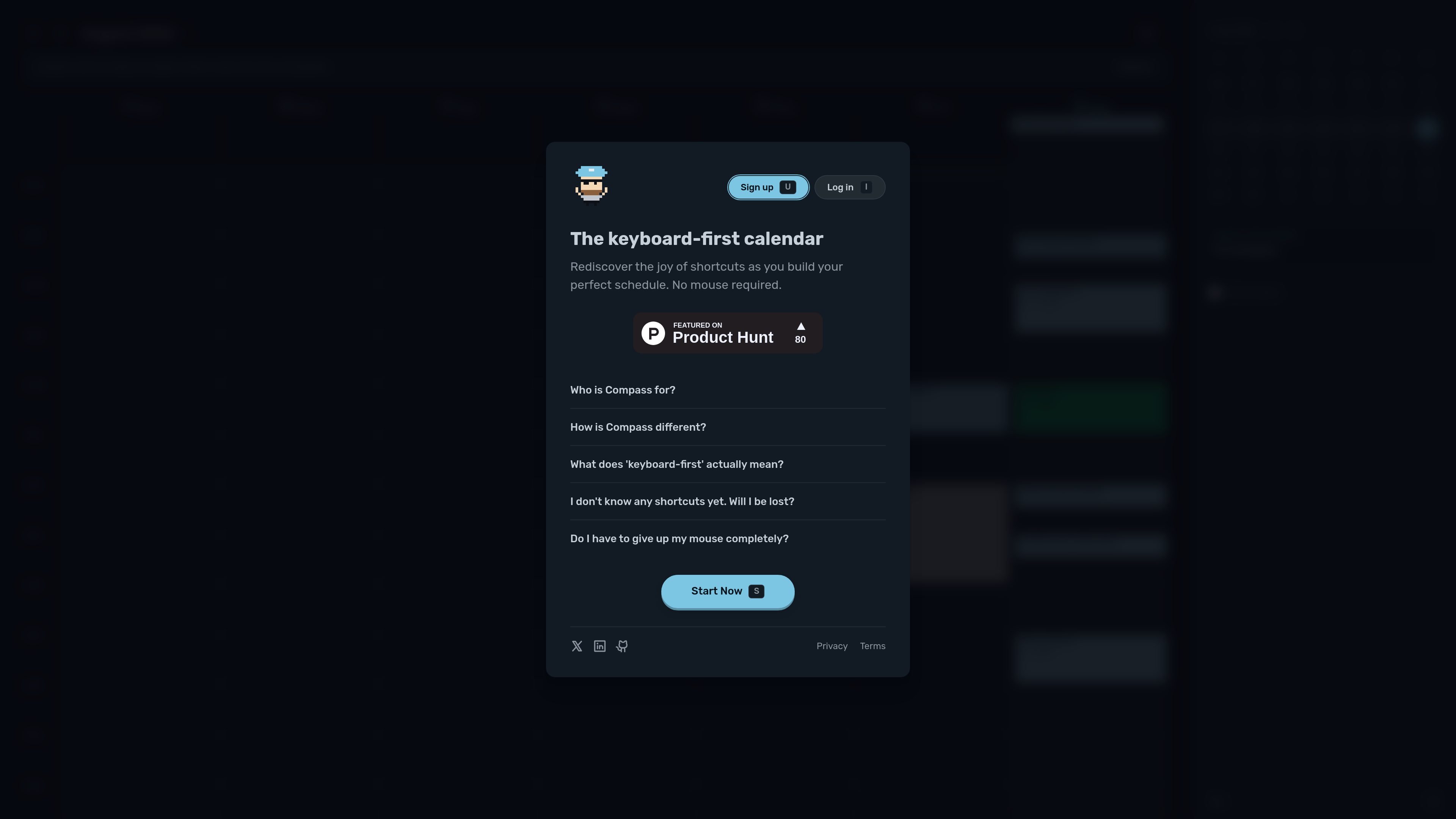
Compass Calendar is a hosted calendar and weekly planning app built around keyboard-first interaction. Its homepage positions the product as a simple way for busy professionals to organize their week around what matters, with a command palette, shortcut-driven navigation, and a calendar layout that is meant to be used quickly.
The product focuses on reducing friction in planning and editing calendar entries. Users can create events, move around the calendar, switch views, and access common actions through shortcuts, while still keeping mouse use available for people who want a gradual transition.
Create timed events and all-day events from the keyboard, then move drafts around with arrow keys and modifier shortcuts.
Use the command palette and shortcut sequences to reach actions quickly, including settings, undo, redo, and view changes.
Switch between week, day, and life views, and jump to the current time or nearby events without relying on the mouse.
The app surfaces shortcuts when they are useful, instead of requiring users to memorize the full list up front.
Hardcore Mode can block mouse clicks so users can lean fully into keyboard workflows when they want stricter habit building.
Users can mix mouse and keyboard input, since every shortcut has a mouse equivalent.
Plan a workweek from the keyboard, moving quickly between events and adjusting the schedule without reaching for the mouse.
Build a daily agenda, add timed or all-day events, and edit event details directly from shortcut actions.
Learn keyboard shortcuts gradually with contextual prompts, then use Hardcore Mode when you want to rely on shortcuts more consistently.
Keep the mouse available for mixed workflows while still benefiting from shortcut-based navigation for the actions you use most.
Review the week in different views to move from detailed scheduling to broader planning without changing tools.
Compass Calendar is a hosted calendar app, and the homepage describes it as keyboard-first planning for busy professionals. The site also notes that Compass FOSS has separate terms for self-hosting, but the public product pages focus on the hosted service.
The homepage says you can use the mouse, but every shortcut also has a mouse equivalent. It is designed for keyboard-first use, with a command palette and shortcut-driven navigation.
Yes. The terms say you can export your data anytime through your account settings or by contacting support, and the privacy policy says you have the right to export, delete, and control your data.
The pricing page says Compass Calendar is currently free. It also says a 7-day trial is planned and that price is TBD.
The homepage describes it as built for busy professionals who live at their keyboard, and it emphasizes planning around what matters rather than broad team scheduling features.

Goldfish is an AI memory app for macOS that helps you reply, write, summarize, and continue using the context already on your Mac. It stores memory locally and writes in your tone.

ArtDeck is a visual reference board app for iPhone, iPad, and Mac that lets artists collect mixed reference material on one canvas and study it with ToolBox lenses. It works offline, supports optional iCloud sync, and is sold as a one-time purchase with no account required.

Biji - это универсальная платформа, разработанная для повышения продуктивности с помощью инновационных инструментов и функций.

Malyatko is a baby tracker for logging feeding, sleep, growth, teething, and milestones in one app. It works on iPhone, Apple Watch, and widgets, with no sign-up, offline use, and family sharing through iCloud.

Liam is an AI copilot for managing inboxes, writing replies, prioritizing email, and scheduling meetings. It is offered free for individuals, with custom pricing for teams and enterprise.

Gemma AI is a phone call reminder app that calls you with scheduled reminders instead of push notifications. It helps people who want a more direct way to stay on schedule, with Google Calendar sync and conversational call interactions.