
Automatic Black-and-White Photo Colorization
After uploading a black-and-white or faded photo, the system automatically adds color to the image instead of relying on manual color adjustment or traditional filters.

Cutout.Pro 的在线照片上色工具,可为黑白、褪色或旧照片自动添加颜色。它适合修复家庭照片、历史影像和其他常见的黑白图像场景。
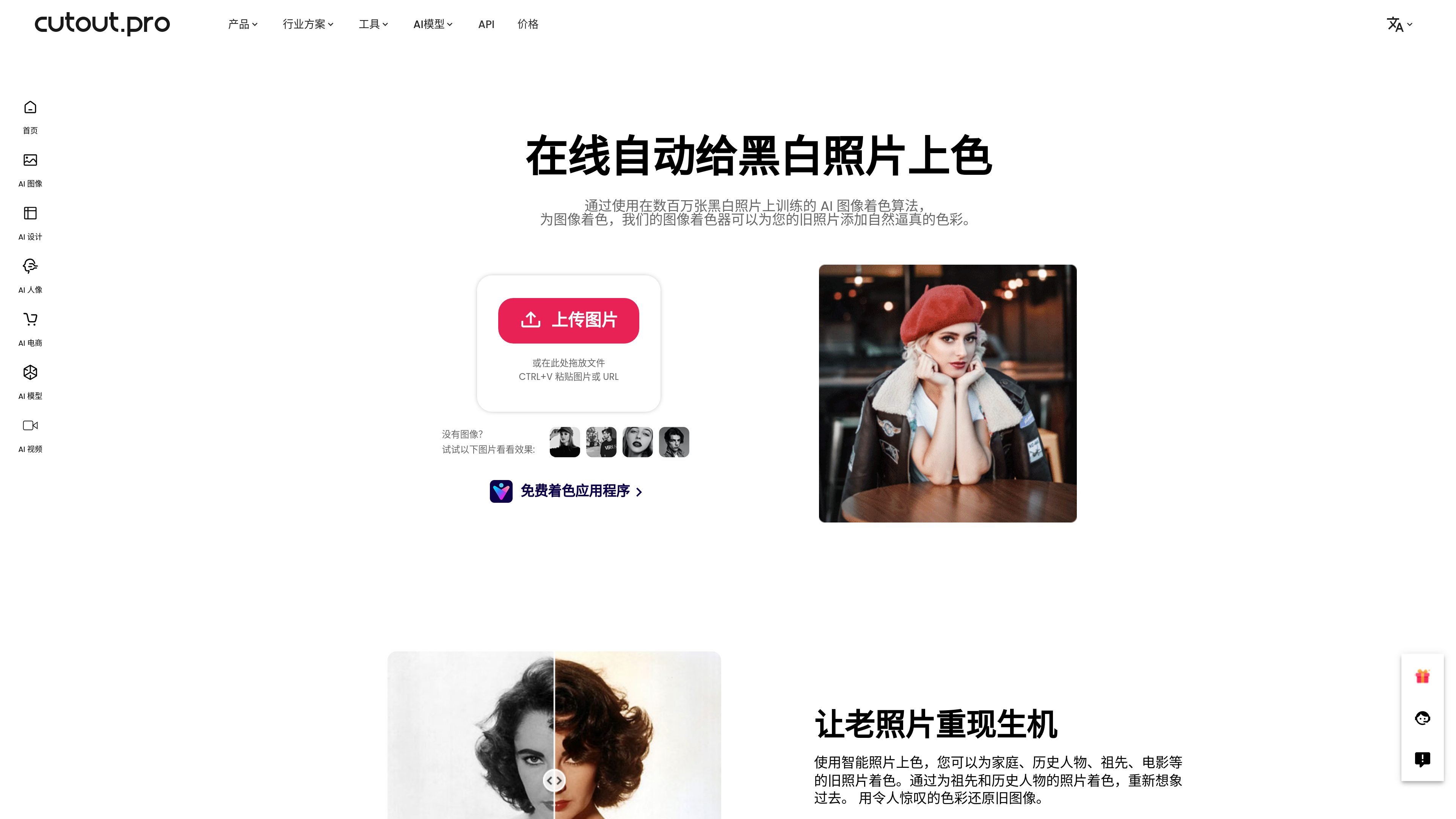
Cutout.Pro’s photo colorizer is an online AI tool that automatically adds color to black-and-white, faded, or old photos. The page highlights that it is designed for common restoration needs such as old family photos, ancestor photos, historical figure photos, classic movie stills, and black-and-white landscapes.
The core process is straightforward: upload an image, drag and drop a file, or paste an image or URL, and the system generates a color result based on its trained AI image colorization algorithm. Cutout.Pro also provides API, mobile apps, and image pricing information on the site, indicating that it is part of a larger image-processing product suite.
After uploading a black-and-white or faded photo, the system automatically adds color to the image instead of relying on manual color adjustment or traditional filters.
The page states that the colorization algorithm is based on models trained on millions of black-and-white photos, with the goal of producing more natural and consistent colors.
It supports drag-and-drop uploads, and you can also paste an image or URL to start processing, reducing extra steps before upload.
The tool is suitable for common old-photo scenarios such as family photos, ancestor photos, historical figure photos, movie stills, and landscape photos.
The same brand offers an API that can connect image and video processing capabilities to apps, websites, software, or workflows.
Cutout.Pro also provides iOS and Android mobile apps, showing that these capabilities are not limited to the web.
Turn long-stored family group photos, portraits, or wedding photos from black-and-white into color for preservation, sharing, or gifts.
Restore color to ancestor, historical figure, or archival photos to help readers view historical images more clearly.
Convert black-and-white movie stills, publicity photos, or promotional images into color for personal collections, displays, or content creation.
Process black-and-white or faded landscape photos so travel shots, city images, or nature photos look closer to color photography.
For teams that need automated image processing, first validate the results on the web, then consider integrating the Cutout.Pro API into your own product or workflow.
It is an online upload-based tool: after you upload a black-and-white, faded, or old photo, AI automatically adds color to the image. The page also provides drag-and-drop, paste image, and URL entry options so you can start processing directly.
Based on the page description, it can be used for old family photos, ancestor and historical figure photos, classic movie stills, and black-and-white landscape photos. Its goal is to turn old images into more natural-looking color versions.
The page describes it as an online tool and notes that it can be used on the web, with iOS and Android mobile apps also available.
The source page does not provide separate pricing details for this specific product; the site’s image pricing page indicates that Cutout.Pro uses a credit system with free preview credits, subscription plans, and pay-as-you-go options.
If you need to connect image processing capabilities to your own product, Cutout.Pro also offers an API; the API page says it can be used for integration into apps, websites, software, or company workflows.

Upscale.media is an AI image upscaling and enhancement tool from Pixelbin that enlarges low-resolution or pixelated images and improves clarity in the browser. It offers free individual image use, paid credit plans, and team-oriented workflows such as bulk processing and API integration.

Pixelcut is an AI photo editor for creating and editing product images, social content, and video assets. It offers free and paid plans, plus mobile app and browser access for individual users and teams.

Petalica Paint is a web service for automatically coloring line art and tracing line drawings from photographed images. The home page says it can be used under the stated terms for commercial and noncommercial work, but it is scheduled to end on 2025-07-31 at 16:00 JST.

Wearvue AI generates personalized outfit previews from a photo, lets users refine the style for an occasion, and surfaces similar real products to shop. It is aimed at people who want to preview outfit ideas before buying and compare them with shoppable alternatives.

PhotoAid’s AI Image Enlarger is a free browser-based tool for upscaling images without a standard blur-heavy resize. It supports JPEG, WEBP, and PNG uploads and is described as working best for photos with faces.

Magic Eraser — это инструмент на основе ИИ, который позволяет пользователям быстро удалять нежелательные объекты, людей, текст и дефекты с фотографий с легкостью.