
AI Analyst for natural-language answers
Ask questions about performance in plain language and get answers from live data. The AI Analyst page says it explains what changed, why it changed, and what to do next.

Databox AI Agents & Automations is a web-based analytics and reporting product that combines AI Analyst, reusable Skills, scheduled Routines, and MCP connections to work from governed business data. It is aimed at teams that want to ask questions, automate recurring analysis, and standardize reporting across multiple data sources.
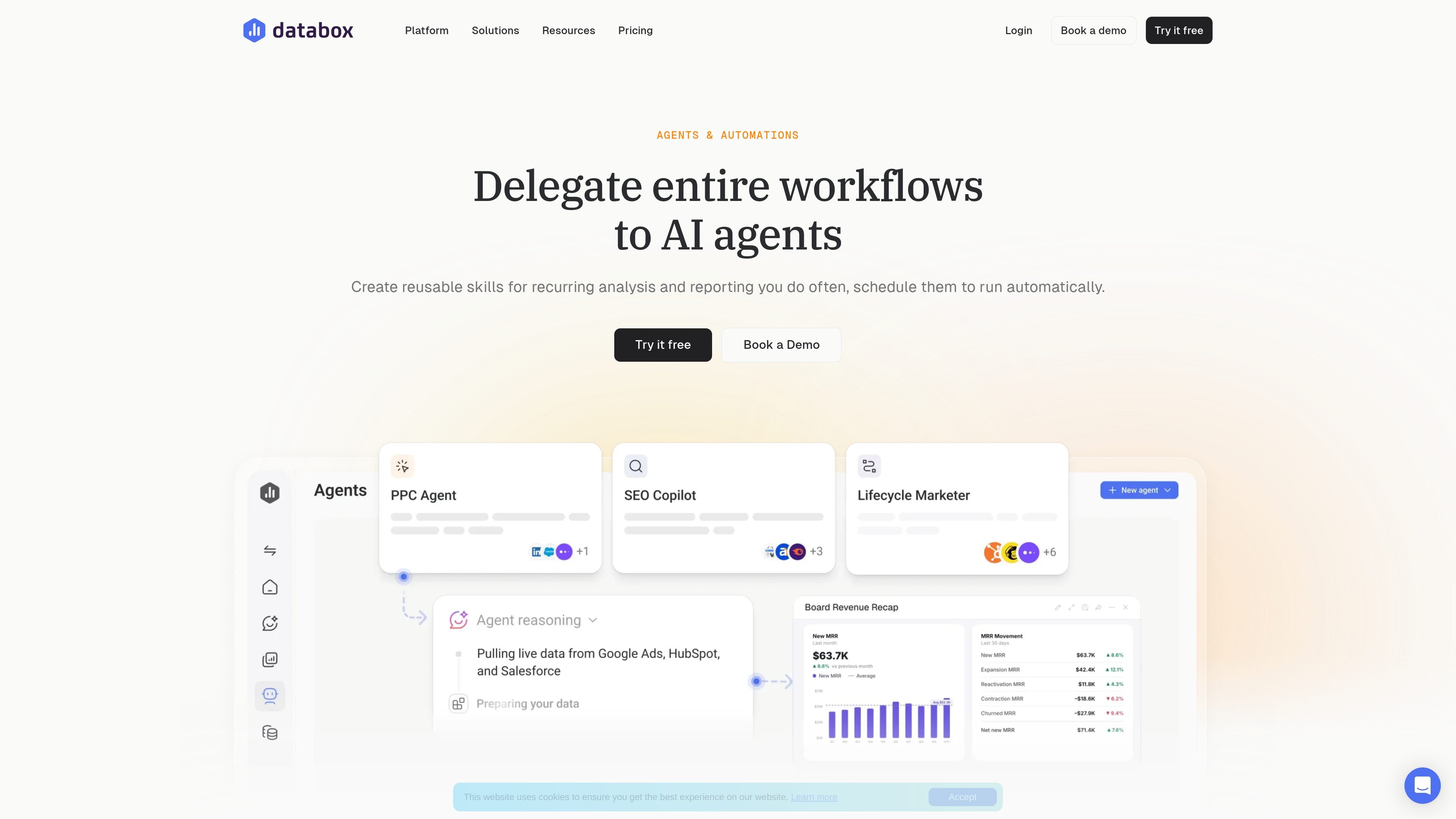
Databox AI Agents & Automations is an analytics and reporting product built around AI-assisted analysis, reusable workflows, and connected business data. On the page, Databox describes three main automation layers: Skills for capturing repeatable analysis, Routines for scheduling that analysis, and AI agents for delegating end-to-end workflows under oversight.
The product sits inside a broader platform that also includes AI Analyst, MCP connections, integrations, semantic data modeling, dashboards and reports, and goals and OKRs. Databox frames the system as a way to combine governed metrics, business context, and AI so teams can ask questions, automate recurring work, and keep performance reporting consistent across the organization.
Ask questions about performance in plain language and get answers from live data. The AI Analyst page says it explains what changed, why it changed, and what to do next.
Package recurring analysis into reusable Skills so the same steps, context, and standards can be run by different people on the team.
Schedule Skills as Routines to run daily, weekly, monthly, or on a custom cadence, then receive results by email, Slack, or in-app.
Use Databox’s connected data layer to work from 130+ tools, spreadsheets, databases, and APIs, with shared metric definitions and governed access.
Connect AI tools such as ChatGPT or Claude through MCP so they can access trusted metrics and trigger actions from Databox.
Track performance with dashboards, reports, goals, OKRs, anomaly detection, pre-built metrics, and custom metrics in one platform.
Agencies can monitor multiple client accounts, save recurring analysis as skills, and schedule routine reporting so account changes are surfaced before a monthly review.
Growing businesses can ask the AI Analyst questions about performance and get plain-language explanations of what changed, why it changed, and what to do next.
AI implementers can connect Databox to external AI tools through MCP, using governed metrics and business context as a foundation for AI-driven workflows.
Teams with repeated reporting tasks can turn a known process into a Skill, run it from slash commands, and deliver the output by email, Slack, or in-app.
Organizations tracking goals can combine dashboards, reports, and OKRs with automated data collection to monitor progress against measurable targets.
Databox positions this as part of its analytics platform, combining AI Analyst, automations, connected data sources, a semantic layer, and data governance. The site also shows support for dashboards, reports, goals and OKRs, and MCP connections to AI tools.
The page says you can turn recurring analysis into reusable Skills, schedule those Skills as Routines, and delegate entire workflows to AI agents. It also says results can be delivered by email, Slack, or in-app.
Databox says it connects more than 130 tools, spreadsheets, databases, and APIs. The pricing page specifically mentions cloud integrations, spreadsheets, databases, custom integrations, the Databox API, and MCP server access on paid plans.
The pricing page shows a Free plan and paid plans, and says users can start on a 14-day free trial of the Growth plan before choosing a plan. The page also shows AI credit allowances tied to the account.
The source material shows the product is designed for agencies, growing businesses, AI implementers, and Databox partners. The AI agents section is marked as coming soon, so some automation capabilities may not yet be generally available.

PromptScout tracks how ChatGPT, Gemini, Google AI Overviews, and Perplexity mention your brand or competitors, then pairs those results with source analysis and website audits. It helps teams decide what to fix in content, positioning, or site readiness next.

Lasso is an ecommerce product data platform for enriching catalog records, processing supplier files, generating product content, and monitoring competitors. It combines a web app with a REST API, SDK, and MCP server for teams and developers.

SaveMRR is a Stripe retention tool for SaaS teams that scans billing data for churn and MRR leaks, then automates recovery through dunning, cancel-save offers, win-back emails, and onboarding nudges. It is built for founders and bootstrapped teams using Stripe.

Hype is a web tool for finding trending YouTube topics by category, time range, and scoring mode. It helps creators spot emerging ideas, inspect source videos, and decide what to cover next.

Liam is an AI copilot for managing inboxes, writing replies, prioritizing email, and scheduling meetings. It is offered free for individuals, with custom pricing for teams and enterprise.

Sleek Analytics is a privacy-friendly web analytics tool with real-time visitor tracking, Core Web Vitals, and revenue attribution. It helps site owners understand traffic and conversions without cookie banners or a heavy setup.