
Data import and open datasets
Start with a CSV or browse the Open Data Catalog, then edit and tidy the data table before charting.

Datastory is a no-code data storytelling platform for creating interactive charts, maps, websites, and reports from CSV files or open datasets. It helps journalists, researchers, analysts, and teams explore data, use AI-assisted visualization workflows, and publish results through links or embeds.
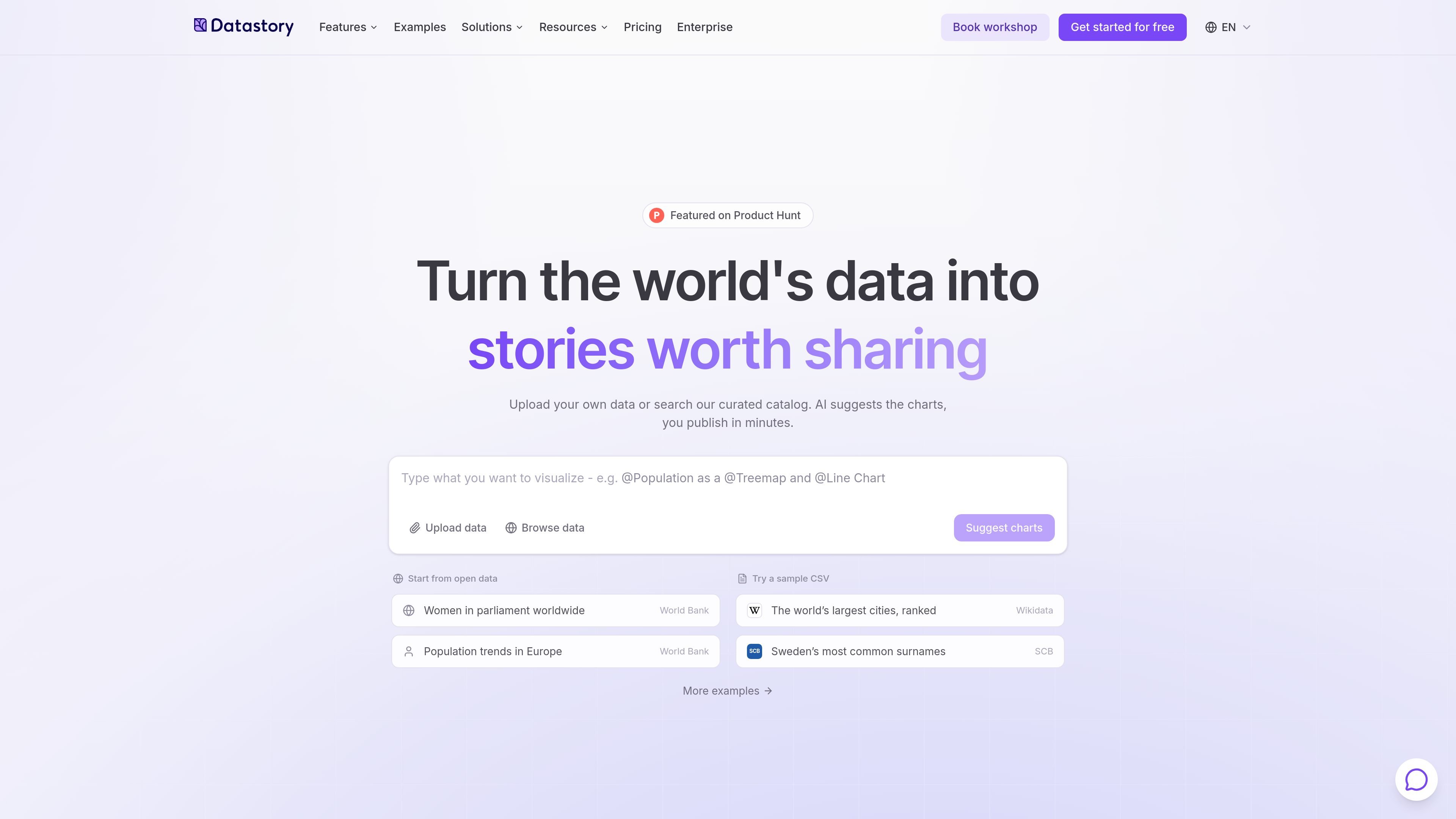
Datastory is a no-code data storytelling platform for turning datasets into interactive charts, maps, websites, and reports. It is designed for journalists, researchers, analysts, and teams that need to explain data rather than only display it.
A typical workflow starts with a CSV or the Open Data Catalog. Users can clean or edit the data, create a visualization through manual controls or prompts, refine its appearance, and publish it through a link or embed. The platform also offers AI-assisted chart suggestions and an Enterprise linked-data feature for connecting datasets and maintaining consistent metric definitions across a workspace.
Start with a CSV or browse the Open Data Catalog, then edit and tidy the data table before charting.
Build charts from manual settings or describe the desired visualization in plain language. AI can suggest charts suited to a dataset and help identify insights.
Customize chart type, colors, and layout, including interactive charts and map applications.
Publish a result as a shareable link or embed it on a website. The platform is also positioned for creating websites and reports.
Connect datasets through a knowledge graph, define reusable metrics with sources and methodology, and use semantic types for validation, relationships, filtering, and rendering.
Use the Open Data Catalog to search by keyword, source, or topic and explore statistics from multiple data sources.
Import research data or use public datasets, then turn findings into charts, maps, or reports that can be shared with a wider audience through a link or embed.
Use open statistics and prompt-assisted chart creation to explore a question, refine the visual explanation, and publish data-driven coverage.
Create internal dashboards, presentations, or reports that keep definitions and sources visible while helping teams communicate organizational data.
Combine internal information with Open Data, define shared metrics, and connect related datasets for dashboards, stories, and other workspace outputs.
Datastory can be started with a CSV or with data from its Open Data Catalog. Users can edit and tidy the data table, choose chart settings manually or describe the desired result in a prompt, then publish a link or embed the result.
No. The documentation describes a workflow that can be completed through manual settings, prompts, or a combination of both, without requiring coding skills.
Datastory supports interactive charts and map-based visualizations, and its documentation includes publishing by link or embedding on another website. The homepage also describes websites and reports as supported outputs.
The Starter plan is free and includes 10 data visualizations, collaboration with up to three team members, access to the open data catalog, and 100 AI credits per month. Professional and Enterprise plans add capabilities such as unlimited visualizations, expanded collaboration, branding options, and higher or custom AI allowances.
Yes. The pricing page lists collaboration on all plans, with up to three team members on Starter and unlimited collaborators on Professional and Enterprise. Professional includes priority support, while Enterprise includes a dedicated account manager.

Make Real is a Next.js app that turns hand-drawn wireframes into working HTML prototypes using the tldraw SDK and AI models. It helps users sketch on a canvas, generate code, and review the result in an embedded preview.

Mindcase is a web data API and console for extracting structured data from websites and major online platforms. It helps users retrieve clean rows of data through prompt or API access, with prepaid per-record billing.

Speculos is a deployment tool for Claude Code that publishes what you built to a shareable URL. It supports private, org-wide, or public apps and adds team controls for company domains, data connections, and customer-cloud deployments.

Awish is an AI-powered no-code automation platform that turns natural-language requests into automated workflows across connected apps. It serves individuals and teams that want to automate repetitive tasks, chat-based assistants, and workflow updates without manual configuration.

Napkin AI превращает текст в редактируемые визуалы для презентаций, документов и публикаций. Генерация из текста, совместная работа, экспорт в PPT, PNG, SVG или PDF.

FigPrompt is an AI tool for creating production-ready Figma plugins from a written description. It helps Figma users move from idea to plugin logic without writing code.