
Long-form recording
Start recording from the app without setup, with sessions of up to 120 minutes. Live Activities keep the recording status visible, including while the iPhone is locked.

Dictantor is a local-first voice notebook for recording, transcribing, searching, summarizing, and sharing spoken notes on Apple devices. It is suited to people who want searchable recordings without sending audio or transcripts to the cloud.
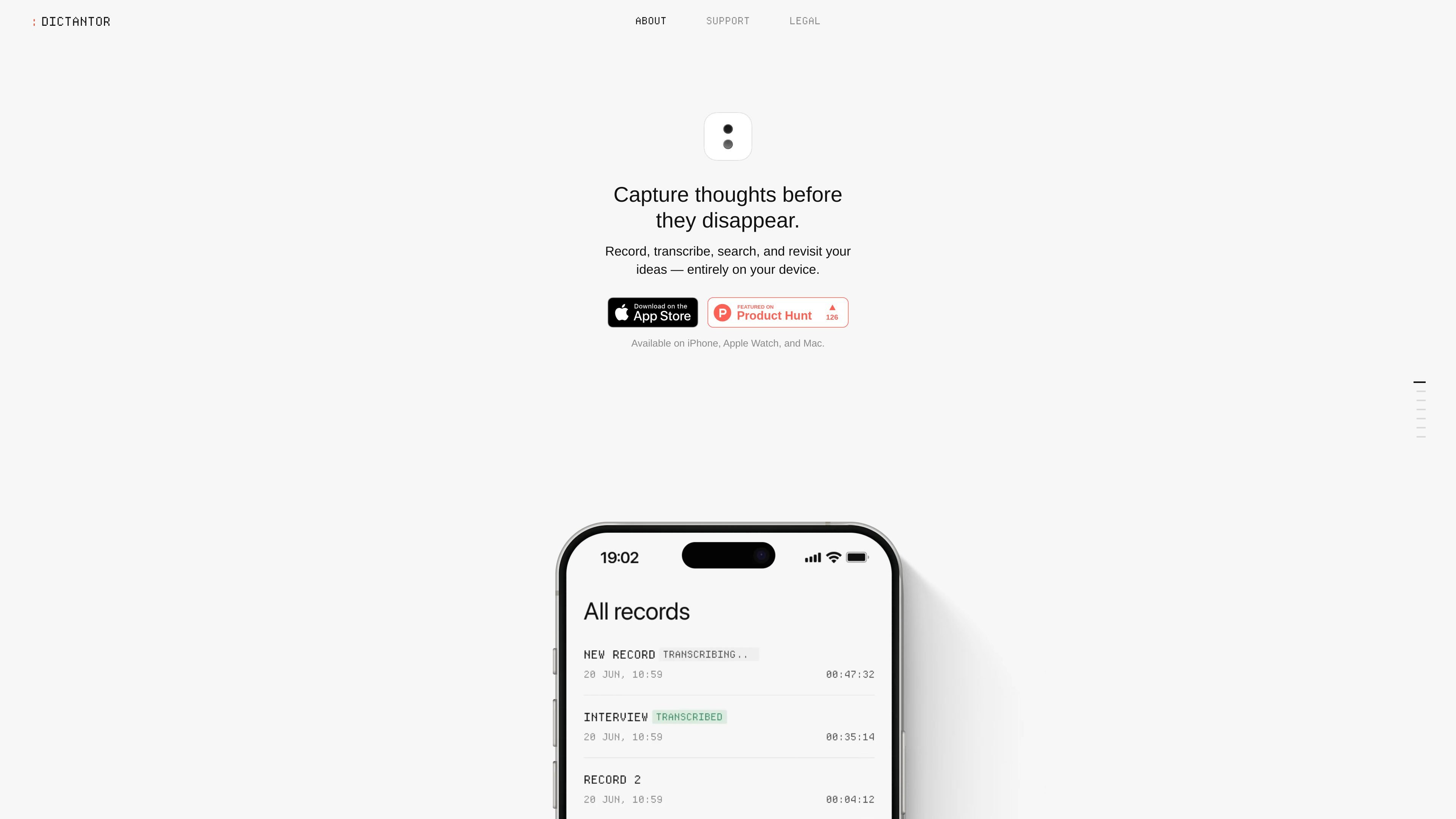
Dictantor is a voice-notebook app for capturing, transcribing, organizing, and revisiting spoken notes. Its workflow turns a recording into searchable text, connects transcript passages to their positions in the audio, and provides summaries for longer recordings when the required Apple Intelligence support is available.
The product is designed around local use on Apple devices. The site describes Dictantor as available on iPhone, Apple Watch, and Mac, while emphasizing recording, transcription, and summaries without cloud processing or an account. Notes can be exported or shared as audio, text, timestamped transcripts, or plain-text summaries.
Start recording from the app without setup, with sessions of up to 120 minutes. Live Activities keep the recording status visible, including while the iPhone is locked.
Turn speech into text directly on the device. Dictantor supports 25 European languages and does not require an internet connection for transcription.
Search across all transcripts, then move from a matching passage to the related point in the audio instead of replaying the entire recording.
Generate automatic summaries for longer recordings such as meetings, lectures, interviews, and brainstorming sessions. Summaries are produced on the device when Apple Intelligence is available on a supported device.
Send recordings and written notes into the next step of a workflow by exporting audio, exporting transcripts as text, copying transcripts with timestamps, or sharing summaries as plain text.
Use the product without an account or cloud storage for recordings and transcripts. The site also says it does not track users and that audio stays on the iPhone.
Record a meeting or interview, then use the transcript to scan the discussion and jump to the exact audio moment behind an important statement. A summary can provide a shorter review when Apple Intelligence is supported.
Capture a lecture or presentation as a longer recording and search the resulting transcript later for a term or passage, avoiding a full replay of the audio.
Keep an idea notebook for spontaneous thoughts. Start recording quickly, including from the Action Button or shortcuts, and revisit the text later from the same searchable collection.
Record on the go and keep the recording visible through Live Activities, including when the iPhone is locked. The site also describes capturing thoughts on Apple Watch and organizing them on iPhone.
Move a note into another workflow by exporting its audio, sending a transcript as text, copying timestamps, or sharing a summary as plain text.
Open Dictantor, tap record, and continue recording without setup. The site says recordings can last up to 120 minutes, and Live Activities keep recording visible while you move through the day or use a locked iPhone.
Transcripts appear beside recordings. You can search across transcripts, select a matching phrase, and jump to the corresponding point in the audio using timestamp-based navigation.
Dictantor supports 25 European languages and performs transcription on the device. The site says an internet connection is not required and that audio does not leave the iPhone.
Automatic summaries are generated on the device, but the site states that insights require Apple Intelligence and are available only on supported devices.
The site describes the product as available on iPhone, Apple Watch, and Mac. It also identifies no account, no tracking, no cloud storage for recordings or transcripts, and offline operation as part of its local-use approach.

QuickQuill is a macOS dictation and transcription app that runs locally on the device. It helps users record meetings, transcribe audio, generate summaries, and export notes without using a cloud service.

Flunkey is a voice-first productivity layer for Windows that converts speech into text, AI-assisted outputs, and remembered context. It is built for users who want to capture ideas and actions without leaving the app they are working in.

SpeakoFlow is a free, open-source desktop voice-to-text app for Windows, macOS, and Linux. It supports dictation into any app, voice-driven writing with Flow, cleanup, translation, and a screen-aware assistant.

Notewarp is an AI note-taking tool that turns voice notes, uploads, or pasted text into cleaner notes, transcripts, summaries, and action items. It helps people capture rough ideas quickly and then edit, export, or share the result.

Zen Whisper is a local-first dictation and transcription app for Apple Silicon Macs running macOS 14 or later. It lets users dictate into most Mac text fields, transcribe media or supported public links, and work across 110 spoken language options.

Speech to Text Converter is a browser-based transcription tool for live dictation and uploaded audio or video files. It offers a free tier for short tasks and a Pro plan for unlimited transcription, AI summaries, translation, speaker identification, and advanced exports.