UStackUStack
MonoDuty icon

MonoDuty

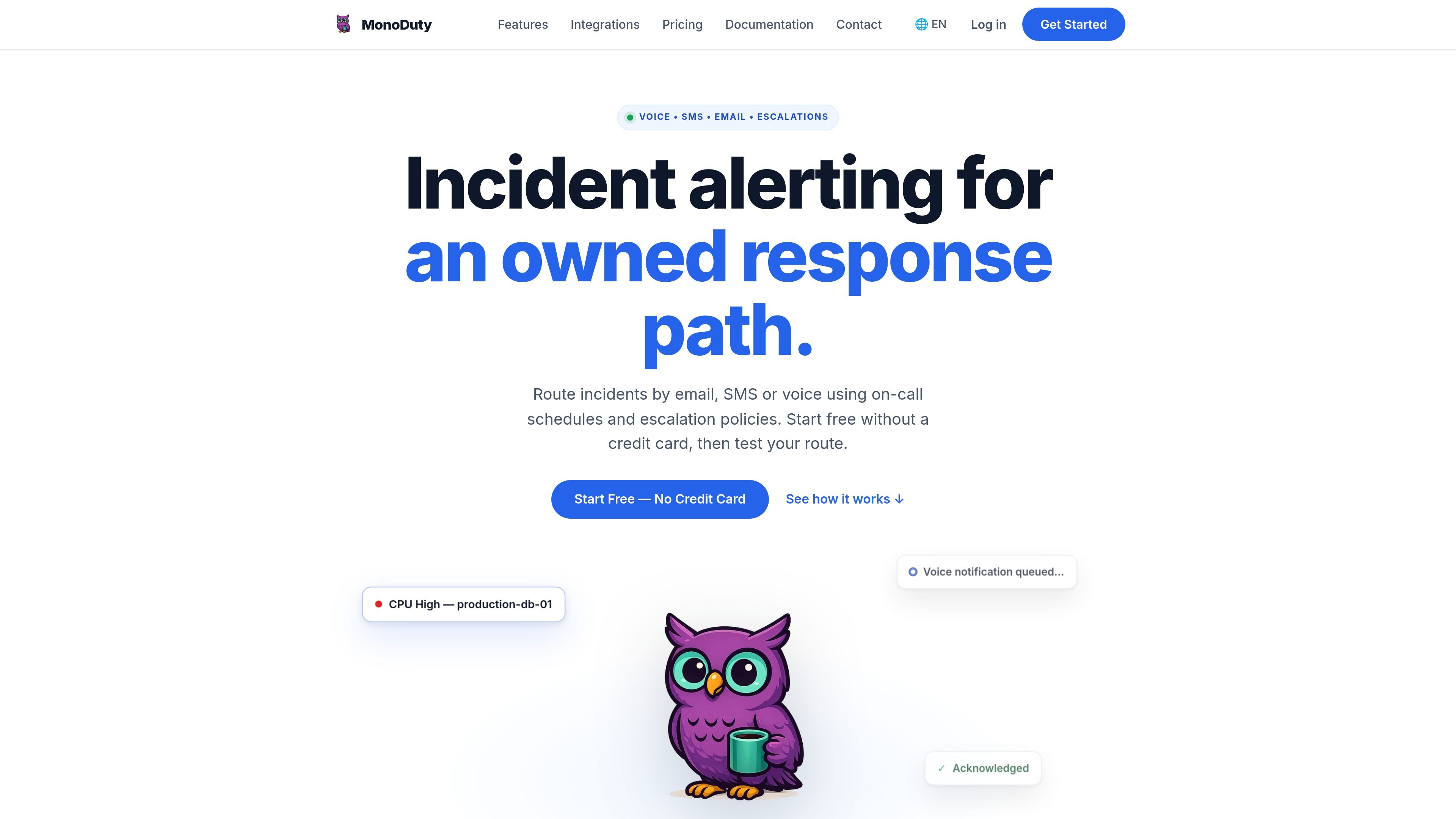
MonoDuty routes operational incidents to on-call responders through schedules, escalation policies, and email, SMS, or voice alerts. It accepts transformed alerts over a universal HTTPS Webhook and supports HTTP/HTTPS monitors, heartbeats, and team-channel updates.

MonoDuty

Incident alerting with an owned response path

MonoDuty is an incident alerting and on-call management service for routing operational incidents to the responsible responder. It accepts alerts through a documented Universal HTTP Webhook, assigns ownership through on-call schedules, and queues email, SMS, or voice notifications according to the account’s plan.

The service is designed to let teams test the complete route before production use: an incoming signal can open an incident, an escalation policy can evaluate an unacknowledged alert, and MonoDuty records responder acknowledgement. It also supports HTTP/HTTPS availability monitors, heartbeat checks, and outbound incident lifecycle updates to Slack, Discord, and Microsoft Teams.

Incident response capabilities

Universal HTTP Webhooks

Receive incident signals through a source-specific HTTPS endpoint using MonoDuty’s documented JSON contract. Requests require a title or message and can include severity, description, source, metadata, and a deduplication key.

On-call scheduling

Create rotation schedules and overrides so responsibility is assigned to the appropriate responder rather than handled through an unowned notification list.

Multi-channel alert delivery

Send alerts through email, SMS, or voice according to the channels available on the selected plan. Email is available on Free; paid plans add SMS and voice allowances.

Escalation policies

Define what happens when an incident remains unacknowledged. Pro and Business include custom escalation policies that move responsibility to a subsequent step.

HTTP and HTTPS monitors

Run HTTP or HTTPS availability checks from the Helsinki worker and route failed checks into the incident workflow.

Heartbeats

Detect a missed check-in after a configured interval and grace period, supporting workflows such as checking whether a recurring backup completed.

Practical response workflows

  • Route website and API outages

    Post an availability result or transformed monitoring event to a service-specific Webhook URL. MonoDuty evaluates the configured route and notifies the assigned responder when an HTTP or HTTPS check fails.

  • Detect missed scheduled jobs

    Use a heartbeat with an interval and grace period to detect a missing check-in from a recurring process, such as a nightly backup, then send the resulting incident through the on-call route.

  • Coordinate a rotating on-call team

    Set a rotation and overrides for a team that shares incident responsibility across time windows. The schedule identifies the initial owner for incoming incidents.

  • Handle unacknowledged incidents

    Define a fallback for incidents that remain unacknowledged, then test the sequence from the first on-call owner through subsequent escalation steps and delivery channels.

  • Keep a team channel informed

    Forward incident lifecycle updates to a Slack, Discord, or Microsoft Teams channel while keeping email, SMS, or voice as the channels intended to reach the responder on call.

Pros and Cons

Pros

  • A tool-neutral HTTP Webhook can connect monitoring systems or scripts that can send HTTPS requests.
  • On-call schedules, overrides, and escalation policies make incident responsibility explicit.
  • Email, SMS, and voice provide multiple notification routes, with controlled testing of the end-to-end workflow.
  • Webhook retries support idempotency handling, including detection of duplicate replays and conflicting payloads.
  • A Free plan is available, and new accounts receive a 14-day Pro trial without a credit card.

Cons

  • Named native adapters are not implied; senders must transform their payloads into MonoDuty’s documented JSON shape.
  • SMS and voice allowances, escalation policies, API access, and longer retention are plan-dependent.
  • The documented Slack, Discord, and Microsoft Teams connections deliver lifecycle updates outward; acknowledging or resolving from inside those chat clients is not part of the stated contract.

FAQ

Does the Free plan expire?

No. Free is a €0 plan for one user with five webhooks, up to 50 incidents per month, email alerts, on-call scheduling, and seven-day retention.

Can I try Pro without entering payment details?

No. New accounts receive a 14-day Pro trial without a credit card.

How do I connect a monitoring tool or script?

An HTTP-capable sender must POST the documented MonoDuty JSON payload to a source-specific HTTPS Webhook URL. The sender must map its native payload to fields such as title or message, with optional severity, description, source, metadata, and deduplication key.

What integrations are supported?

The documented inbound integration is the Universal HTTP Webhook. Outbound incident lifecycle updates can be delivered to Slack, Discord, or Microsoft Teams; acknowledging or resolving incidents from inside those chat clients is not part of the documented contract.

Which plans include escalation policies and phone alerts?

All plans include on-call scheduling. Published Pro and Business plans add custom escalation policies, along with email, SMS, and voice channels. Free lists email alerts but does not list escalation policies.

Quick Facts

Category
Incident alerting and on-call management
Inbound connection
Universal HTTP Webhook over HTTPS
Outbound connections
Slack, Discord, and Microsoft Teams lifecycle updates
Alert channels
Email, SMS, and voice, depending on plan
Monitoring
HTTP/HTTPS monitors and heartbeat checks
Free evaluation
Free plan plus a 14-day Pro trial without a credit card