
Table-first storage analysis
Scans disks and folders on macOS and presents the results in a dense tree view with directory sizes, allocated space, parent percentages, file and folder counts, and file-type totals.

DuckDisk is a macOS disk usage analyzer that scans local disks, folders, OneDrive, Google Drive, and SSH paths, then shows size and file-count details in a dense tree view. It is distributed through the Mac App Store and signed GitHub Releases.
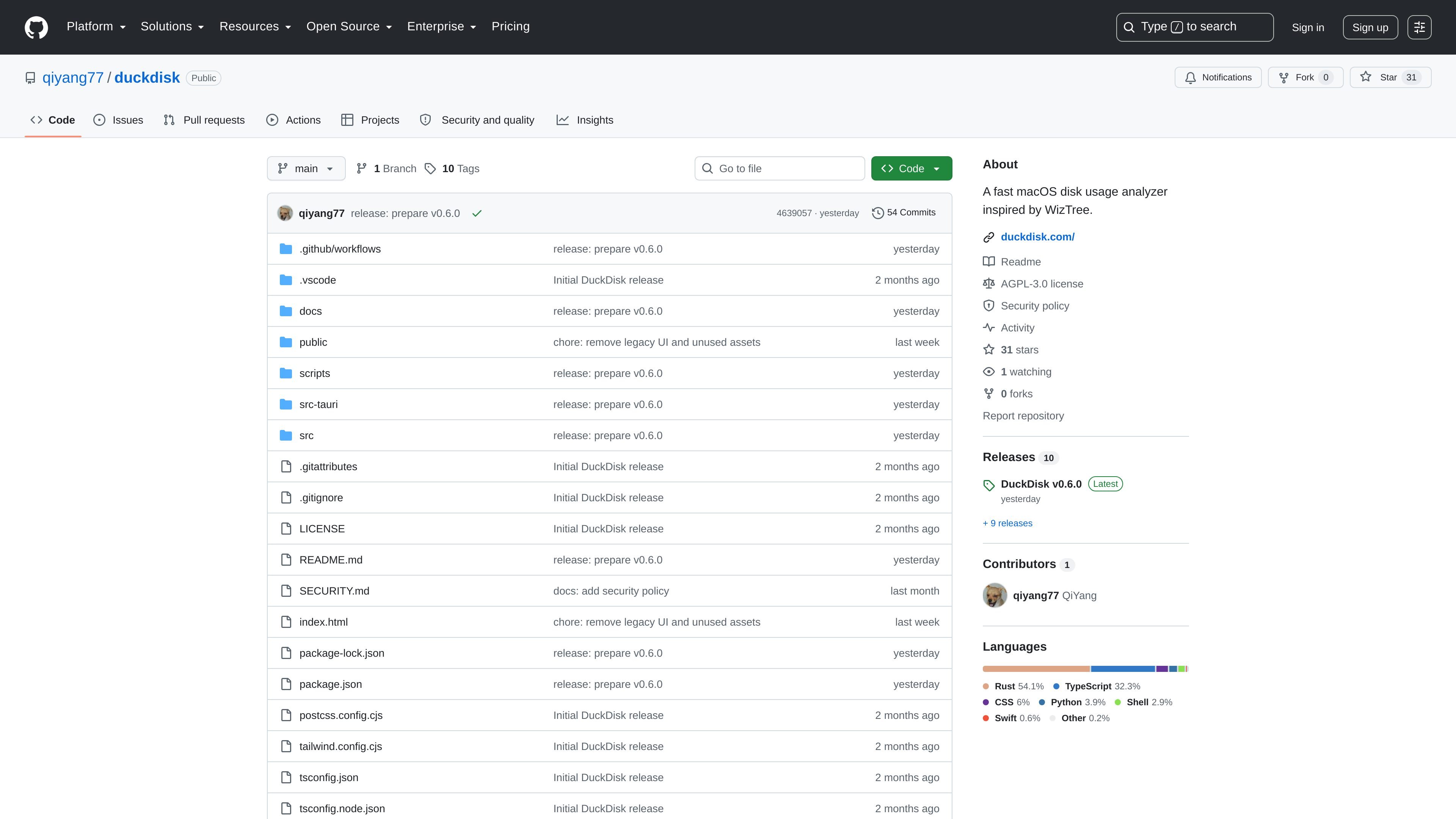
DuckDisk is a macOS storage analyzer built around a table-first workflow. It is inspired by WizTree-style disk usage tools, and its README says it scans disks, folders, OneDrive, Google Drive, and SSH paths while keeping size and file-count information visible in a dense tree view.
The project is built with Tauri, Rust, React, and the pdu scanner. The repository also points to a direct-download website and GitHub releases, and notes that the Mac App Store version uses App Sandbox while the direct-download release is signed and notarized for macOS.
Scans disks and folders on macOS and presents the results in a dense tree view with directory sizes, allocated space, parent percentages, file and folder counts, and file-type totals.
Supports OneDrive analysis using metadata only, so the app can inspect cloud storage without downloading file contents.
Supports Google Drive scans with OAuth, incremental change tracking, and cleanup actions that move selected items to Trash.
Uses the system ssh command to scan remote paths through existing SSH keys, ~/.ssh/config, or a password stored in macOS Keychain.
Keeps large local and remote result tables responsive with virtualization and offers drag-to-delete cleanup for local and supported cloud results.
Includes Finder integration for revealing files and folders from scan results.
Review which folders or volumes are using space on a Mac, then drill into directory sizes, counts, and file-type totals in a single table-first view.
Inspect OneDrive or Google Drive storage without downloading file contents, then move selected items to the provider trash when cleanup is needed.
Check remote SSH paths using the system ssh command and existing keys or Keychain-stored credentials, which is useful for servers or other remote machines you already access.
Open scan results in Finder to inspect files or folders directly after identifying large items or suspicious storage growth.
Use incremental refreshes and virtualization to keep repeated cloud scans and large result sets responsive as storage changes over time.
DuckDisk can scan local disks, folders, OneDrive, Google Drive, and SSH paths. The README also notes that macOS Full Disk Access is required for accurate full-disk scans.
Direct-download releases are distributed as a signed and notarized .dmg from GitHub Releases. The Mac App Store edition is also available, and the README says the app can be built with npm and Tauri for development.
The README states that OneDrive scans use file metadata only and do not download file contents. Google Drive scans also read metadata and support move-to-Trash cleanup, while SSH scans use the system ssh command with existing keys, ~/.ssh/config, or a password stored in macOS Keychain.
The app can reveal files and folders in Finder, and it shows directory sizes, allocated space, parent percentages, file and folder counts, and file-type totals in a dense tree view.
The README lists support for local scans, OneDrive, Google Drive, and SSH paths. It does not document broader third-party integrations beyond those scan targets and macOS services such as Keychain and Finder.

ArtDeck is a visual reference board app for iPhone, iPad, and Mac that lets artists collect mixed reference material on one canvas and study it with ToolBox lenses. It works offline, supports optional iCloud sync, and is sold as a one-time purchase with no account required.

Codex Plugins bundle reusable skills, app integrations, and MCP servers into workflows you can install in the Codex app or use from Codex CLI. They help extend Codex with connected-service tasks, reusable instructions, and shared team workflows.

Snapmark is a VS Code extension that lets you annotate clipboard screenshots before pasting them into AI chats. It supports blur redaction, numbered callouts, and automatic resizing for large images.

PDFTools is a browser-based suite of free and premium PDF utilities for editing, conversion, and document handling. It helps users work on PDFs locally in the browser without uploading files to a server.

Open Computer Use is an open-source Computer Use service wrapped as MCP for macOS, Linux, and Windows. It helps AI agents and MCP clients run desktop automation workflows through client setup commands or manual MCP configuration.

CloudFuze provides a guided workflow for migrating Claude conversation history and context into Gemini for organizations moving their AI assistant. It helps IT teams preserve user continuity by moving exported conversations into Google Drive and making them accessible in Gemini Gems.